How to Reuse Videos Across Different Projects
This article explains how to reuse a video that you have already uploaded to one project to generate new content in a different project. This feature saves you time by eliminating the need to re-upload the same video file and does not use extra video minutes from your plan. You will need access to the project where you want to add the new content and the project where the video was originally uploaded.
-
From your main dashboard, navigate to the project where you want to generate new content.
-
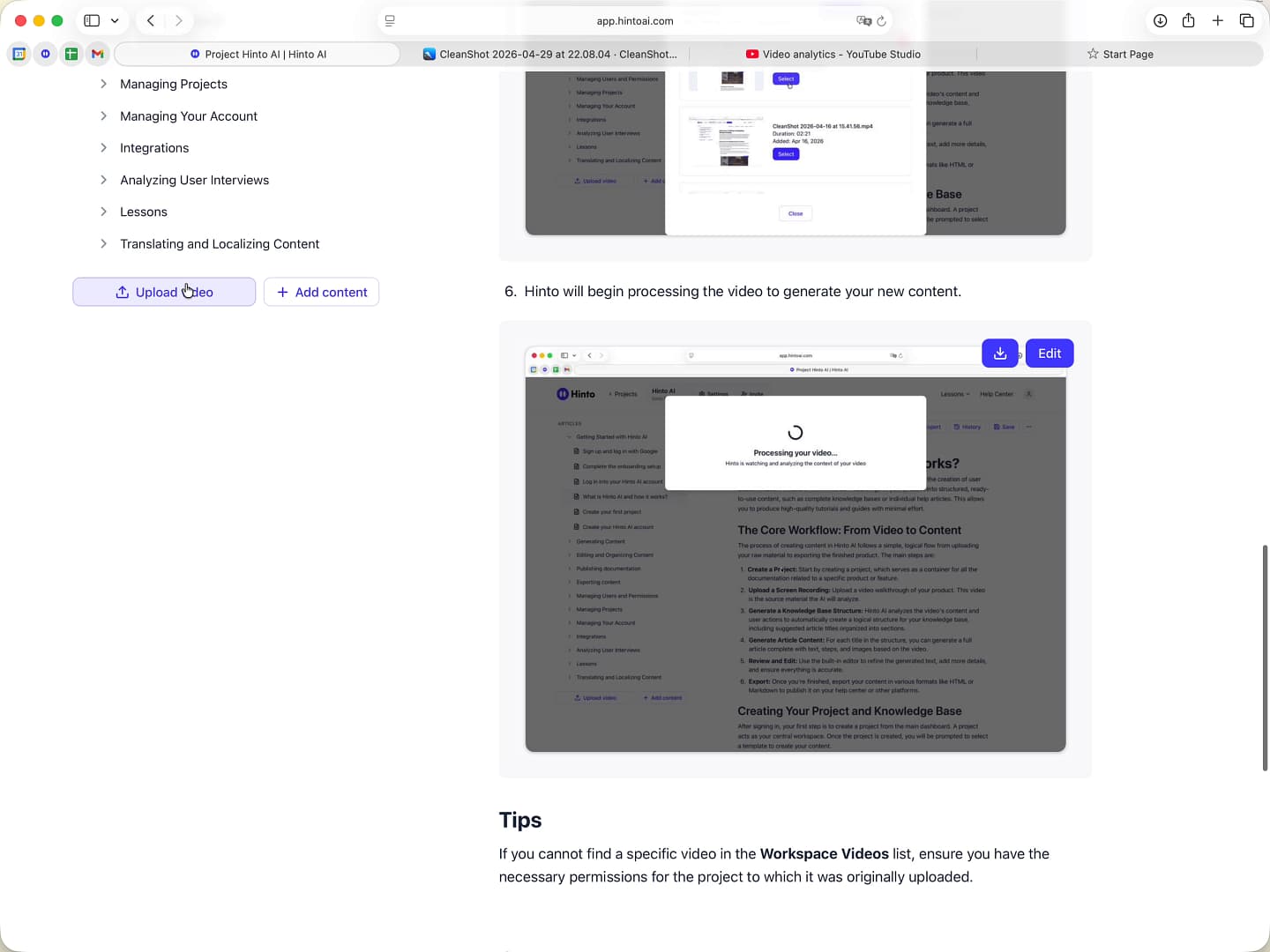
Click the Upload video button located at the bottom of the left-hand navigation panel.
-
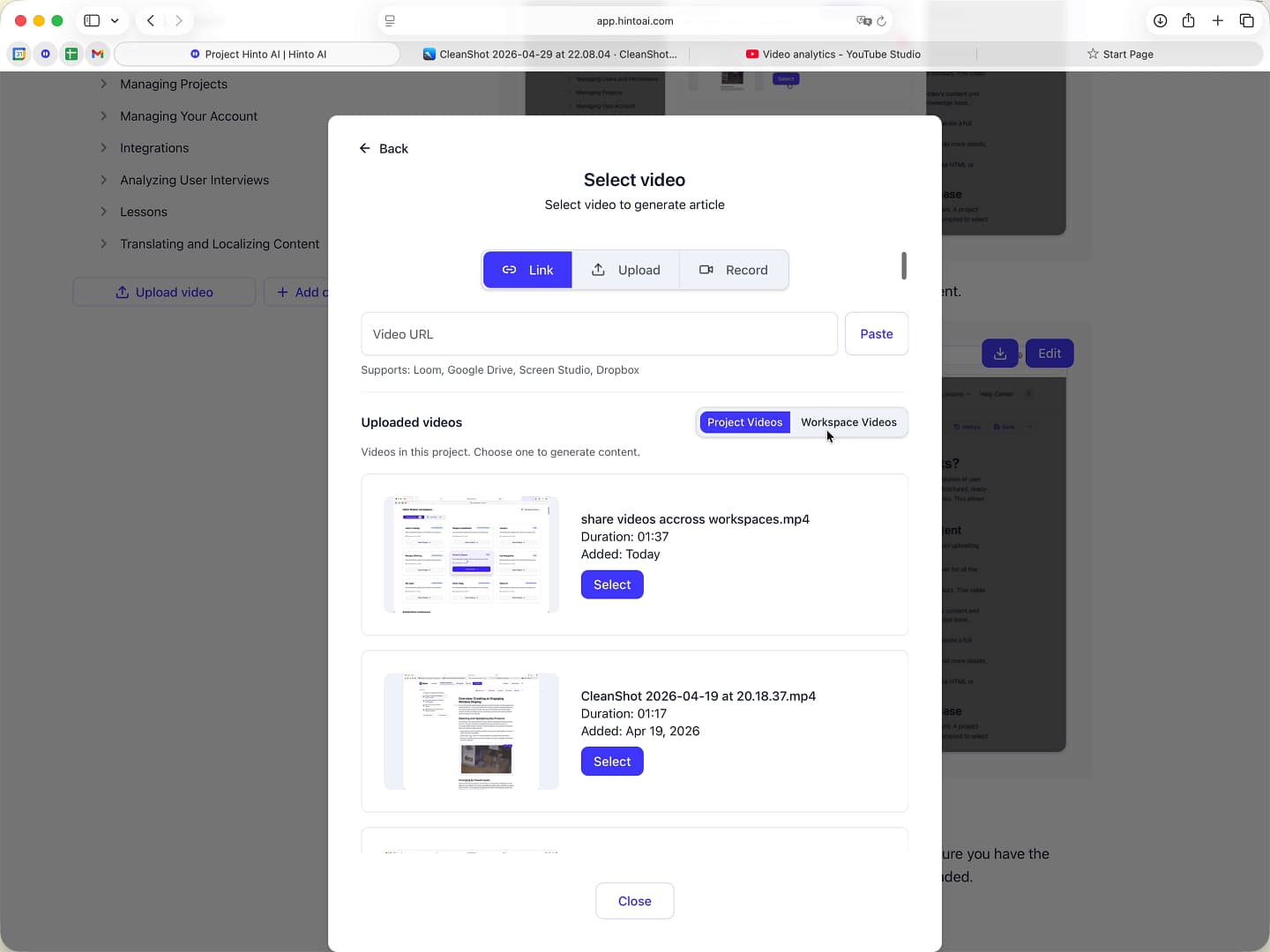
In the 'Select video' window, click the Workspace Videos tab. This tab shows all videos from other projects in your workspace that you have access to.
-
Scroll through the list to find the video you wish to reuse.
-
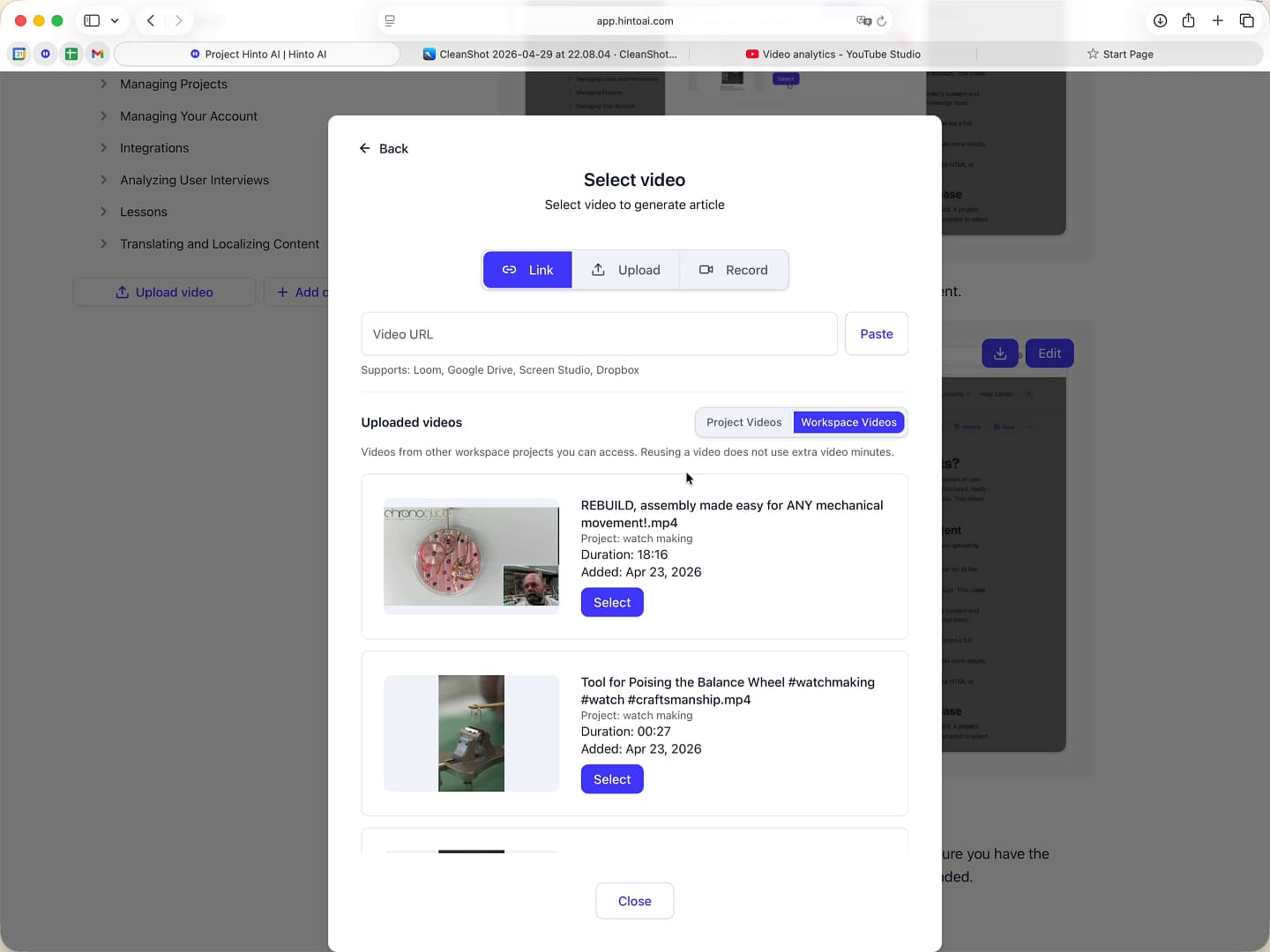
Click the Select button next to your chosen video.
-
Hinto will begin processing the video to generate your new content.
Renaming uploaded videos****
You can now rename uploaded videos from the video list, so it is easier for you and your team to understand what each video is for. This also makes it easier to reuse the same video in another project, like turning a product demo into a guide, SOP, or PDF.
-
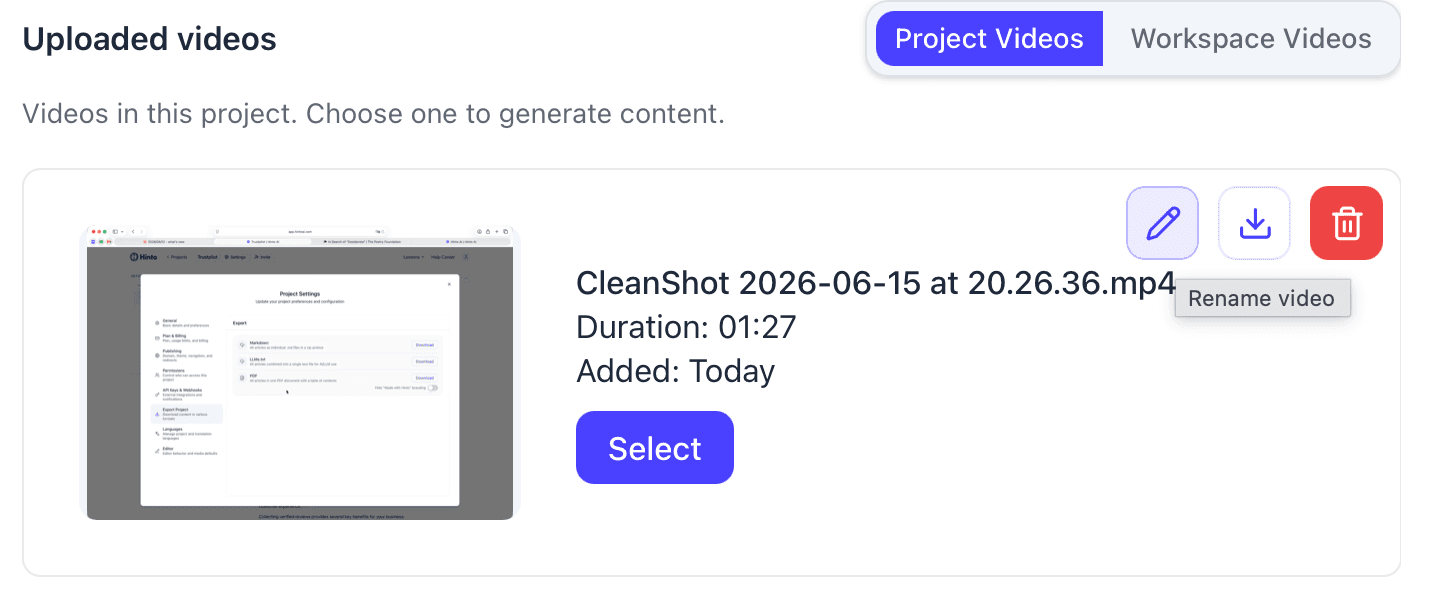
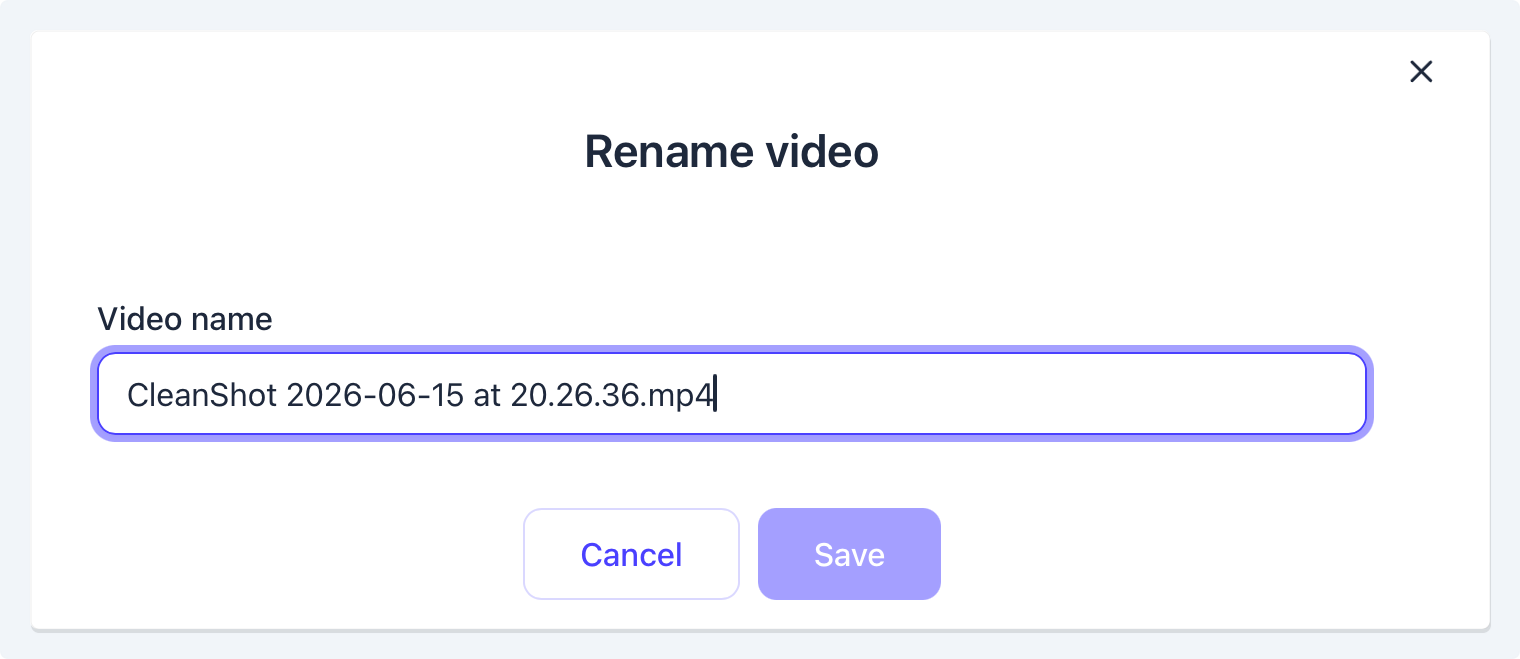
Hover over a video and select the pencil icon, to rename the video.
-
Rename the video and tap save to confirm the new title.
Tips
If you cannot find a specific video in the Workspace Videos list, ensure you have the necessary permissions for the project to which it was originally uploaded.
Summary
This article outlines how to reuse a single video across multiple projects within your Hinto AI workspace. By accessing the Workspace Videos library, you can select any previously uploaded video to generate new articles, SOPs, or other documentation without needing to upload the file again. This functionality streamlines your workflow and helps you maximize the value of each video recording.