Your knowledge base in 41 languages, kept in sync
Record once and Hinto writes the article in your main language, then translates it into every language on the project. It works the same for a help center, an SOP or a training guide. Edit the main language and the translations follow. Fix a translation by hand and it keeps your wording.
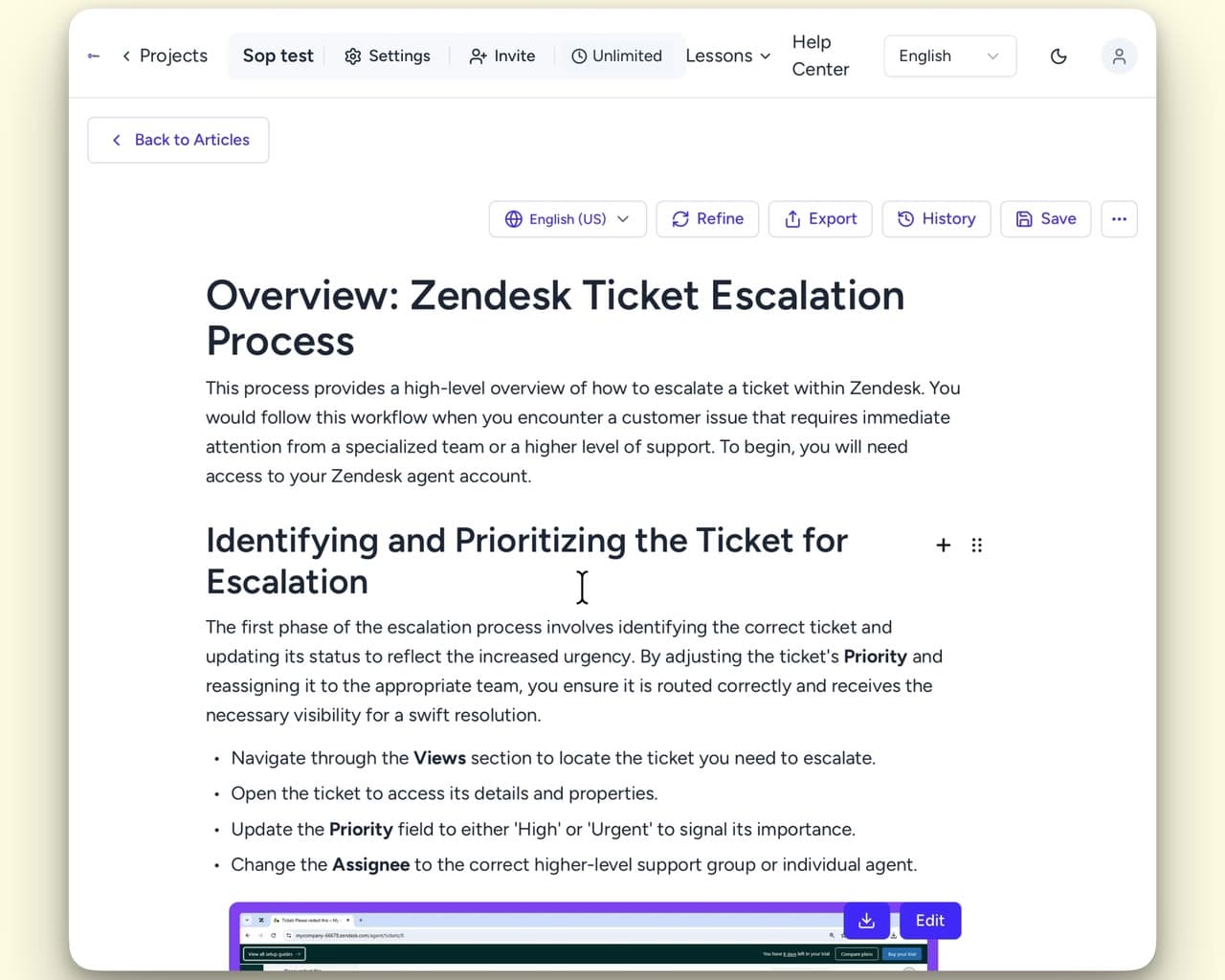
41 languages, each a page of its own
Add a language and every article in the project is translated into it, whether it holds a help center or an internal SOP, each with its own address, description and keywords.
- English (US)
- English (UK)
- Spanish
- French
- German
- Mandarin Chinese
- Japanese
- Korean
- Russian
- Portuguese
- Hindi
- Arabic
- Italian
- Dutch
- Swedish
- Turkish
- Polish
- Vietnamese
- Indonesian
- Thai
- Greek
- Hebrew
- Norwegian
- Danish
- Finnish
- Czech
- Hungarian
- Romanian
- Slovak
- Ukrainian
- Bulgarian
- Bengali
- Tamil
- Telugu
- Kannada
- Malayalam
- Marathi
- Punjabi
- Gujarati
- Urdu
- Kazakh
Pick from 41 languages
Each translation ranks on its own terms
Translations that stay in sync with the source
They follow your main language, keep what your team wrote by hand, and carry your own terms into every run.
Edit the main language, every translation follows
Translations you edited by hand stay as written
Your terms go with every translation
The app speaks your team's language too
The content Hinto writes isn't the only thing that's localized. The interface is too.
13 interface languages
What gets translated
Help centre articles
Answer the questions customers keep asking, in articles they can search.
Onboarding and training guides
Write up the sessions you already run, so a new hire reads them instead of booking time with you.
SOPs and process guides
Turn a recorded walkthrough into a step-by-step SOP, with screenshots at the steps that need one.
App manuals
Record the app once and publish the manual your users search.
Other features
Questions about translating your knowledge base
Articles can be translated into 41 languages, from English (US and UK) to Kazakh, including Spanish, French, German, Mandarin Chinese, Japanese, Korean, Portuguese, Italian, Dutch, Hindi and Russian. Every language on a project comes from the same recording.
Ready to Build a Better
Knowledge Base, Faster?
Get Started Free & Create Your First Article in Minutes