Turn a video into documentation you control
Record or upload a video up to 100 minutes, and Hinto writes help articles, SOPs, training guides, meeting recaps or blog posts from it, with screenshots at the steps. You set the template and the tone of voice before it writes and describe the change you want afterwards, so a draft that misses is a request, not a rewrite.
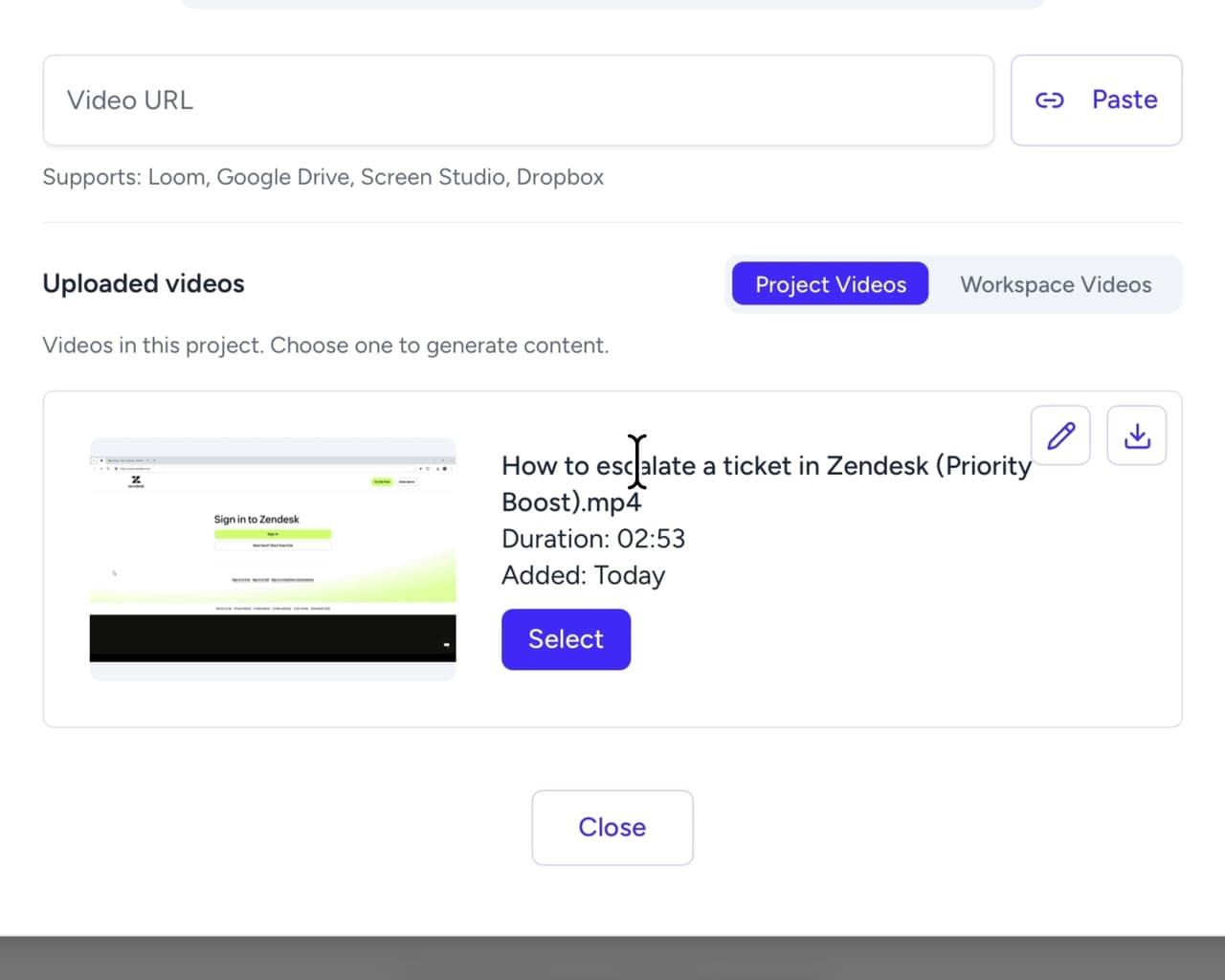
Four ways to get your video in
Record it here, upload a file, paste a link from a tool you already use, or bring across a document you wrote before Hinto.
Record your screen without leaving the app
Upload a file up to 2 GB
Paste a link to a recording you already made
Bring an article you already wrote
One video, many kinds of article
Every project type writes its own kinds of article, and a later run can be pointed at a different template. Here is one example from each type. Where a template is told to place a still from the recording, the example shows one, and in the editor any still becomes a trimmed clip that comes with the original sound.
Detailed how-to guide
Step-by-step instructions to complete a task
SOP Feature Overview
Overview article that introduces and explains a complete process or workflow.
Bug fixes
List of bugs fixed with user-friendly descriptions
Video Screenshots Article
Extracts key moments from video as screenshots with descriptive names and timestamps.
Meeting Topic
Topic article with 4 sections: Context & Motivation, Detailed Walkthrough, Q&A, Key Takeaways.
Topic Analysis
Detailed analysis of a specific topic discussed during the interview, including current practices, pain points, suggestions, positive feedback, and reactions.
Tell it what to change, in your own words
When a draft misses, describe the fix the way you would to a colleague. The model is told to return the whole article with only that change made, and Hinto refuses to save a result that comes back missing most of it.
Cut the intro, it repeats the title. Add a troubleshooting section at the end.
- IntroductionRemoved
- 1. Open the export dialog
- Screenshot at 00:12.0
- 2. Choose a format
- TroubleshootingAdded
Refining runs on the main language
Refining works on the article in your project's main language, and the change lands there. Switch to that language first if you are reading a different one.
How this worksA short result is refused
One request, one edit. A result that has lost most of the article is refused rather than written over yours.
Queued, and saved as a version
The rewrite is queued work, the same as the first generation, so you can carry on elsewhere while it runs. Each run is saved as a version you can preview and restore, next to the request that produced it.
Three ways to steer what it writes
Scope for one article, tone of voice for every article in the project, and the video or template a run is built from.
Say what an article should cover, before it is written
Set the voice once, for the whole project
Describe the writing style, vocabulary, and brand voice for AI-generated content. This is applied to all articles in this project.
Friendly and conversational. Use "you" and "your" throughout. Avoid jargon and passive voice.Point a run at a different video, or a different template
Describe a change, or swap the video or template
onboarding-walkthrough.mp4ChangeDetailed how-to guideChangeChoose the shape of the output
A project type is picked when the project is made, and it decides the structure step and the writing prompts a recording runs through. Where a type ships more than one structure, the structure choice decides whether one video becomes a set of articles with a table of contents or a single stand-alone article, and where it ships one that step is skipped. A blank article can be added to a project on its own at any time.
Knowledge Base
Help articles for your support center, grouped by feature area into a table of contents.
Internal Workflows
SOPs for teams and AI agents. Get an overview with a how-to guide for each sub-process, or one guide for a short process.
Meeting Recaps
Call summaries with visual walkthroughs. Get a summary with an article per topic, or one article for a short meeting.
Customer Interviews
Each interview is split into topic articles. Add research context and Hinto also checks your hypotheses and writes a summary across interviews.
Blog
Blog posts from one video. Get a single post, several posts by topic, or release notes with an overview and a section per feature.
Video Screenshots
One article per video that collects its key moments as screenshots.
What a recording becomes
SOPs and process guides
Turn a recorded walkthrough into a step-by-step SOP, with screenshots at the steps that need one.
Onboarding and training guides
Write up the sessions you already run, so a new hire reads them instead of booking time with you.
Help centre articles
Answer the questions customers keep asking, in articles they can search.
Blog posts and release notes
Get a post, or a set of release notes, out of a demo you already recorded.
Other features
Questions about generating documentation from video
No. A recording you already have works, whether you upload the file or paste a share link.
Try it on a video you already have
Upload a file or paste a link, then tell it what to change in the draft. Free to start.