 Hinto extracts
Cyber Essentials certified
Independent certification of baseline security controls.
Upload a meeting, a training, or a walkthrough, up to 100 minutes. Hinto reads the screen, the clicks, and the audio, and writes workflow maps, SOPs, help articles, and agent context in 41 languages.
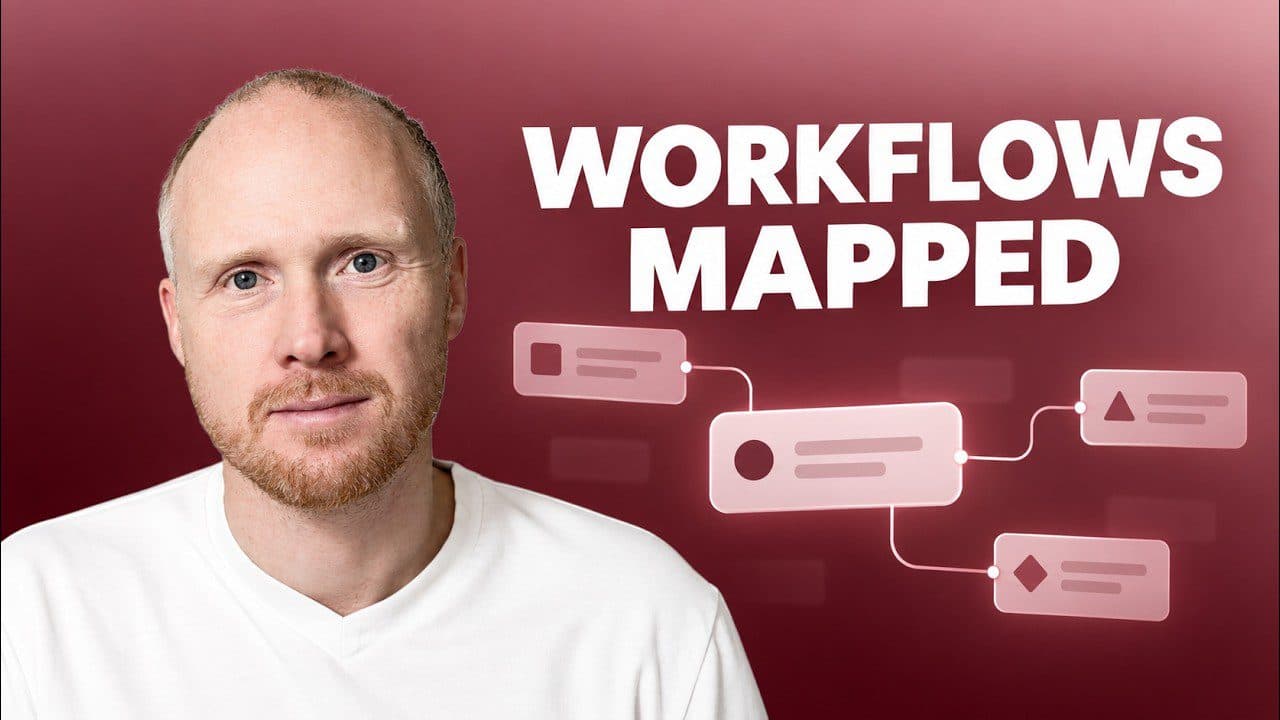
Hinto maps each layer and removes the parts that do not matter.
Take the training call or screen share you already recorded and get back SOPs and a how-to article for each task it covers. The process stops living in one person's head.
A help centre article for everything your walkthrough covers, each with its own steps and screenshots. Customers find their own answer, and the question you answer twice a week stops arriving.
When you add an article, an optional field asks what it should cover. Write a line like "Only the approval steps, not the setup", and Hinto hands that scope to the model on the first run.
Project settings hold a tone of voice and style field. Hinto gives every article in that project the same text, so the writing sounds like you.
When a draft misses, open Refine and type what should change. Hinto runs the article in edit mode with your request, so it works on the text that is already there.
You choose where the finished articles go. Hinto can host them, your tools can import them or code can fetch them.
Record
Hinto extracts
25,309Pageviews on articles Hinto wrote, over half of them from search and AI.
I introduced Hinto to our virtual assistants during AI training and they love how efficient it is. It builds a living document any newbie can follow, capturing screenshots that other tools miss.
I uploaded a 10-second clip with no voiceover and Hinto still gave me a solid step-by-step guide. Dropping in little clips like that to generate guide paragraphs saves me from rewriting everything by hand.
Users kept asking for a manual or videos of how the app works. We were impressed by how Hinto pulled everything together. The publishing feature is exactly what I needed to keep our support materials current.
Turn a recorded walkthrough into a step-by-step SOP, with screenshots at the steps that need one.
Write up the sessions you already run, so a new hire reads them instead of booking time with you.
Answer the questions customers keep asking, in articles they can search.
Record the app once and publish the manual your users search.
Each of these has its own page with the detail.
A block editor, projects shared by email, and a numbered version for every save that you can preview and restore. On a paid plan you invite the people who know, so the knowledge base grows without one person owning it.
Learn more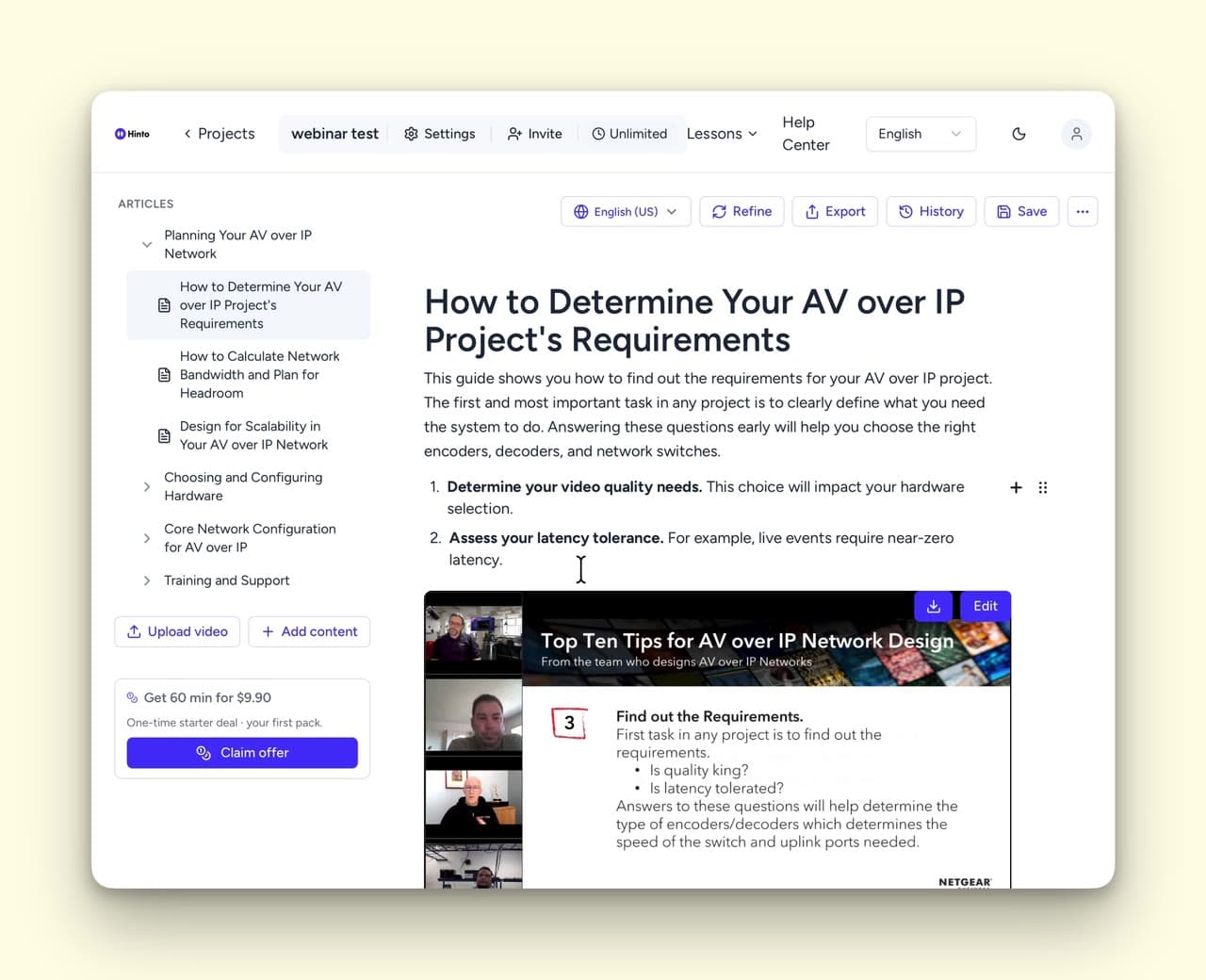
Record in your native language and generate professional articles in 41 languages automatically.
Learn more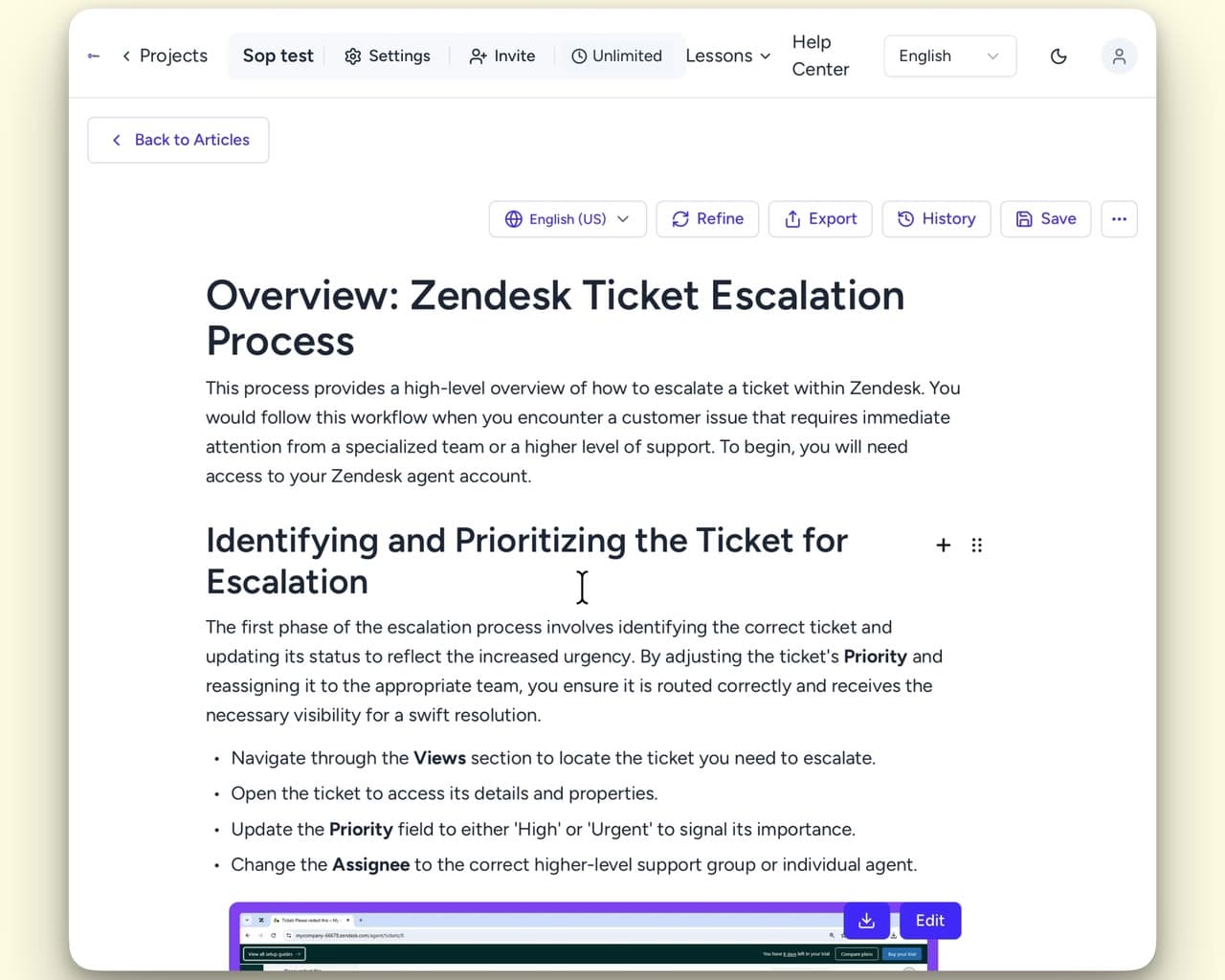
When the product changes, record the change and Hinto rewrites the page, so the knowledge base stays true without anyone editing it by hand.
You ship every few weeks and nobody owns the documentation. You write it at night, or it does not get written.
You look after a product people use, your customers or your own staff. The same questions keep coming, and the answers sit in your head.
You map how a client system works, then hand it over. The write-up is the deliverable.
Hinto reads the whole recording and writes all the docs for you.
| Hinto | Recorders and editorsLoomScreen StudioOBSCamtasiaVEED | Transcription and meeting notes | Click captureScribe | Wikis and doc toolsConfluence | |
|---|---|---|---|---|---|
| Reads the screen, the clicks and the audio | Yes | No | No | No | No |
| Writes a finished article | Yes | No | No | Yes | No |
| Screenshots at each step | Yes | No | No | Yes | No |
| Your team edits and versions it | Yes | No | No | Yes | Yes |
| Translates into other languages | Yes | No | Yes | No | No |
Independent certification of baseline security controls.
ICO registered, EU representative appointed.
We never train AI on your recordings or documents.
Stored videos and documents are encrypted with AES-256.
A file up to 2 GB and 100 minutes, as .mp4, .webm, .mov, .avi or .m4a. You can also paste a link from Loom, Google Drive, Screen Studio or Dropbox. YouTube links are refused, so download the file first and upload that.
Upload a recording and get your first article free.