
Best Scribe Alternatives 2026: Free & Video-First Tools
The best alternatives to Scribe depend on whether your team needs browser capture, video documentation, or offline desktop workflows.
Scribe's pricing jumped, and teams noticed. On Reddit, a team of 16 found that paying for three creator seats plus viewer access for the rest priced them out entirely. Others hit the ceiling faster: no desktop capture on free, no PDF export, Chrome-only for any browser workflow. Searches for scribe alternatives, scribehow alternatives, and a reliable scribe replacement have grown as more teams run into the same walls.
"Used Scribe for 6 months. Honest take: Worth it for: Quick internal SOPs, client onboarding docs, repeatable processes. Annoying: Gets expensive with multiple licenses, Chrome-only, exports look generic." r/msp, reddit.com
The tools below cover the main exit ramps: click-capture alternatives with better UX, video-based documentation that extracts a complete SOP from recordings with no manual writing, one-time-purchase offline tools, and a flat-rate option that does not scale with headcount. Hinto AI, Tango, Loom, Guidde, Folge, and Supademo are all reviewed in detail with pricing, free tier limits, and a tradeoff for each.
Teams who need a complete SOP extracted from a recording or call: Hinto AI builds one SOP or a master-detail process (parent + auto-extracted child SOPs) from any recording or call, exports PDF, and publishes a team project URL.
For interactive in-app walkthroughs or CRM guides: Tango (browser-based capture with overlay guidance and deep CRM integrations)
For a one-time payment, offline-first tool: Folge (desktop app, 9 export formats, $89 one-time purchase, nothing sent to the cloud)
Which ScribeHow Alternative Is Right for You?
Answer the questions below to find your match. Download as PDF to keep it handy.
Scribe Alternatives at a Glance
These are the tools like Scribe most teams evaluate when leaving ScribeHow. Teams looking for software like Scribe usually compare Tango, Guidde, Folge, and Hinto AI first. The table lists each tool with its capture method, free tier reality, starting price, and output type. Prices verified June 2026.
| Tool | Capture Method | Free Tier | Starting Price | Best For | Output Type |
|---|---|---|---|---|---|
| Scribe | Browser extension (live click-capture) | Yes, 3 scribes/mo | $23/mo per seat | Quick click-by-click guides from browser workflows | Single guide (PDF, link) |
| Hinto AI | Video upload / built-in recorder | Yes, 20 generations | $15/mo (flat-rate) | Teams who need complete SOPs from recordings | Complete SOP or master-detail process |
| Tango | Browser extension (live click-capture) | Yes, unlimited guides | $20/mo per seat | Click-annotated guides with tooltips | Guide + in-app walkthrough |
| Loom | Screen + camera recorder | Yes, 25 videos | $12.50/mo per seat | Async video explanations | Video with chapters |
| Guidde | Screen recorder + AI voiceover | Yes, 25 videos | $23/mo per seat | Customer-facing AI video guides | AI video guide |
| Folge | Desktop screen capture | 5 guides (no watermark) | $89 one-time | IT/offline documentation | Guide (Word, PDF, HTML, Confluence) |
| Supademo | Screen capture (demo flow) | Yes, 5 demos | $27/mo (flat-rate) | Interactive sales demos | Interactive demo / HTML embed |
Prices as of June 2026. Check each tool's pricing page for current rates.
Best Scribe Alternative by Use Case
Several tools outperform Scribe for specific use cases. The best scribe alternatives depend on your team's workflow: click-capture, video-based, or offline-first.
| Need | Best Pick | Why |
|---|---|---|
| Best free alternative to Scribe | Tango or Guidde | Tango gives 5 free workflows for browser guides; Guidde gives 25 free AI videos (watermarked) |
| Better app than Scribe overall | Depends on use case | Tango for guide polish and in-app walkthroughs; Hinto AI for richer multi-article output from video |
| Video-based documentation | Hinto AI | extracts a complete SOP: steps, context, and structure included |
| Team SOPs with flat-rate pricing | Hinto AI or Tango | Hinto AI is flat-rate so cost does not grow with headcount; Tango offers per-seat team tiers and in-app guidance |
| Better output customization | Folge or Tango | Folge has 20+ annotation tools and 9 export formats; Tango Pro adds branded exports and custom fonts |
| Process documentation for browser workflows | Tango | Click-capture with in-app walkthrough overlay; for video-to-docs use Hinto AI; for offline/IT use Folge |
What Drives Teams to Switch from Scribe
Teams evaluating Scribe competitors most often cite Scribe pricing and cost as the main friction points. Scribe cost becomes a problem when creator and viewer seats are billed across the whole team. Scribe is a good tool with five hard limits that push teams toward alternatives:
- Free plan is browser-only: Desktop app capture is a paid Pro or Enterprise feature. The free plan works only inside a browser via the Chrome extension.
- Free plan blocks most exports: PDF, HTML, and Markdown export all require a paid plan. Free users get shareable guide links only.
- Per-seat pricing punishes mixed teams: Pro Team starts at $13/seat/month with a 5-seat minimum, meaning a $65/month floor. A team of 16 with 3 creators and 13 viewers still pays full seat pricing for every member.
- Enterprise features are budget-breakers: SCIM provisioning, SSO, and IP whitelisting require the Enterprise tier. Users on Reddit described this as "not really enterprise without the upgraded plan that allows SCIM, which prices it out of our budget."
- Version history on Pro Team is one week: Teams who need longer audit trails must upgrade to Enterprise.
The alternatives below address each of these gaps. Hinto AI covers all five: flat-rate pricing, PDF export at any scope (article, group, or full project), desktop and call capture, and a published team project URL with no per-seat fees.
Turn your existing recordings into a full knowledge base
Hinto AI works from any video you already have. No re-recording, no per-seat fees.
Hinto AI vs Scribe: Where Each Wins
Scribe captures mouse clicks through a browser extension as they happen. Hinto AI processes a video of the process, capturing narration, context, and reasoning alongside the UI steps. The capture method shapes which tool fits a given workflow.
| Category | Scribe wins when... | Hinto AI wins when... |
|---|---|---|
| Input flexibility | You need to capture a process live, in real time, as you do it in a browser | You have an existing video (Zoom, Loom, YouTube) or prefer to record first and document after |
| Output type | You need a single click-through guide link in under two minutes | You need a structured SOP, a master-detail process with auto-extracted child SOPs, PDF export at any scope, or a published team project URL |
| Documentation depth | The process needs only annotated screenshots of each click | The process needs a complete SOP with context and structure extracted from a recording or call, or a master-detail hierarchy of linked SOPs |
| Team pricing | You have a small team of 1-4 creators on Pro Personal | You have a larger team, flat-rate pricing means cost does not grow with headcount |
| AI readiness | Your only output is a shareable guide link for a single process | You distribute to humans via PDF, Confluence sync, or a published team URL, and to AI agents via llms.txt |
| Capture scope | Your workflow happens entirely inside a browser | Your workflow spans desktop apps, video calls, or any context outside the browser |
Scribe fits fast, browser-based, one-off documentation. Hinto AI fits teams who want richer output from any video source at flat-rate pricing.
How We Evaluated These Scribe Alternatives
Tools in this category separate on capture mechanism more than on price. The scribe software category spans Chrome extensions, video-to-docs engines, and everything between, so the evaluation criteria below reflect that range.
We evaluated tools on:
- Capture method: Click-capture via live browser extension, video-based (upload or record-then-document), or manual screenshot. This is the primary decision dimension for most teams.
- Output quality and depth: Single guide link vs. multi-article knowledge base; plain click annotations vs. a complete SOP with steps, context, and structure.
- Free tier reality: The actual limits on what you can ship without paying. Free plan caps, watermarks, and export restrictions all affect whether a tool is usable for free.
- Starting price and billing model: Per-seat vs. flat-rate vs. one-time purchase. Pricing at 1 user vs. pricing at 10 users can shift the decision entirely.
- Best-fit use case: Internal SOP, customer-facing help center, interactive product demo, or async video communication.
- Platform requirements: Browser extension only, desktop app, or web-based video upload.
Scribe Alternatives: Full Reviews
Each review covers the capture method, pricing, free tier limits, and a tradeoff note so you know when each tool is the right pick.
Not sure which fits your team? Download the role matrix (PDF), matched by team role.
Hinto AI: The Video-to-Documentation Engine
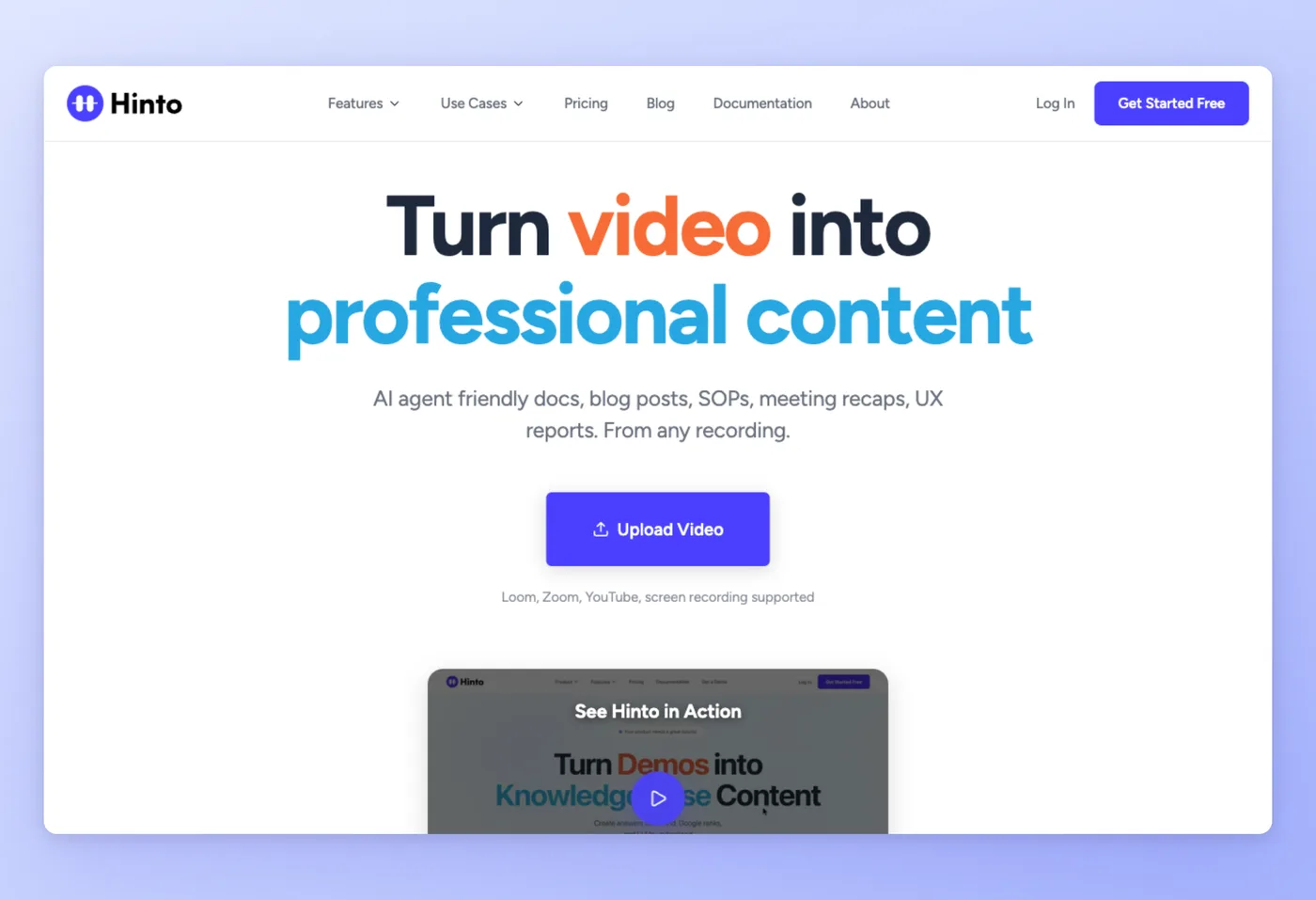
Hinto AI accepts any video (Loom, Zoom, YouTube, local upload, or its own built-in recorder) and converts it into a full multi-article knowledge base. It extracts a complete SOP from the recording: steps, context, and structure, with no manual writing required.
Key Features
- Video-first input: Accepts MP4, MOV, WebM, and any video link. You can document a process from a recording made months ago on Zoom or found on YouTube.
- Knowledge base generation: A single video becomes a table of contents with multiple organized articles, each independently navigable.
- AI-ready output: Automatically generates
llms.txtandllms-full.txtfiles, making your documentation queryable by AI agents like Intercom Fin and ChatGPT. - Multi-language generation: Generate documentation in 50+ languages (available on All-Inclusive plan).
- Built-in screen recorder: Chrome extension and web app recorder for teams who prefer to capture fresh walkthroughs rather than upload existing videos.
- SOP and master-detail structure: One recording produces a single SOP or a parent process with auto-extracted child SOPs, one linked document per sub-process.
- Call-to-SOP extraction: Processes Zoom calls and meetings, strips off-topic discussion automatically, and extracts a complete SOP: steps, context, and structure.
- PDF export and team publishing: Export any article, a group of articles, or the full project as PDF. Publish the whole project to a public URL for team access.
Strengths
- Extracts a complete SOP from any recording: steps, context, and structure already written
- Accepts existing recordings retroactively, so teams can document processes from videos made months ago
Limitations
- Generation quota model: free plan caps at 20 total generations lifetime, paid plans cap monthly
- Multi-language AI generation is only available on All-Inclusive ($499/mo)
- No annual billing option available
Pricing
- Free tier: Yes, 20 total generations, 1 project, 20-minute video upload limit, 50 hosted articles
- Paid plans: From $15/mo flat-rate (Small Team: 30 generations/mo, custom domain, unlimited team members); Growth at $99/mo (80 generations/mo, 3 projects, API access); All-Inclusive at $499/mo (600 generations/mo, 10 projects, multi-language)
Not yet on G2 (new product).
Works Best For
Customer Success, Operations, and product teams who need documentation richer than click-through guides, from existing recordings, Zoom calls, or fresh walkthroughs. Teams that need PDF export, published team project URLs, or master-detail SOP hierarchies with linked child processes also fit here.
How it Compares to Scribe
Scribe records one click-through guide per browser session: annotated screenshots of each mouse click, formatted into a shareable link or PDF.
Hinto AI creates one SOP or a master-detail process from a single video or call. The output includes each action, the context behind it, and the full process structure, with no manual writing. The tool strips off-topic discussion from calls automatically. Export as PDF at any scope (article, group, or full project), or publish the whole project to a public team URL.
Scribe captures where you clicked. Hinto extracts a complete SOP: steps, context, and structure already written.
Upload any video and get a full knowledge base in minutes. 20 free generations, no credit card required.
Get started freeTango takes a different approach: browser extension capture with an in-app walkthrough layer built on top.
Tango: Browser Capture with In-App Walkthrough Overlay
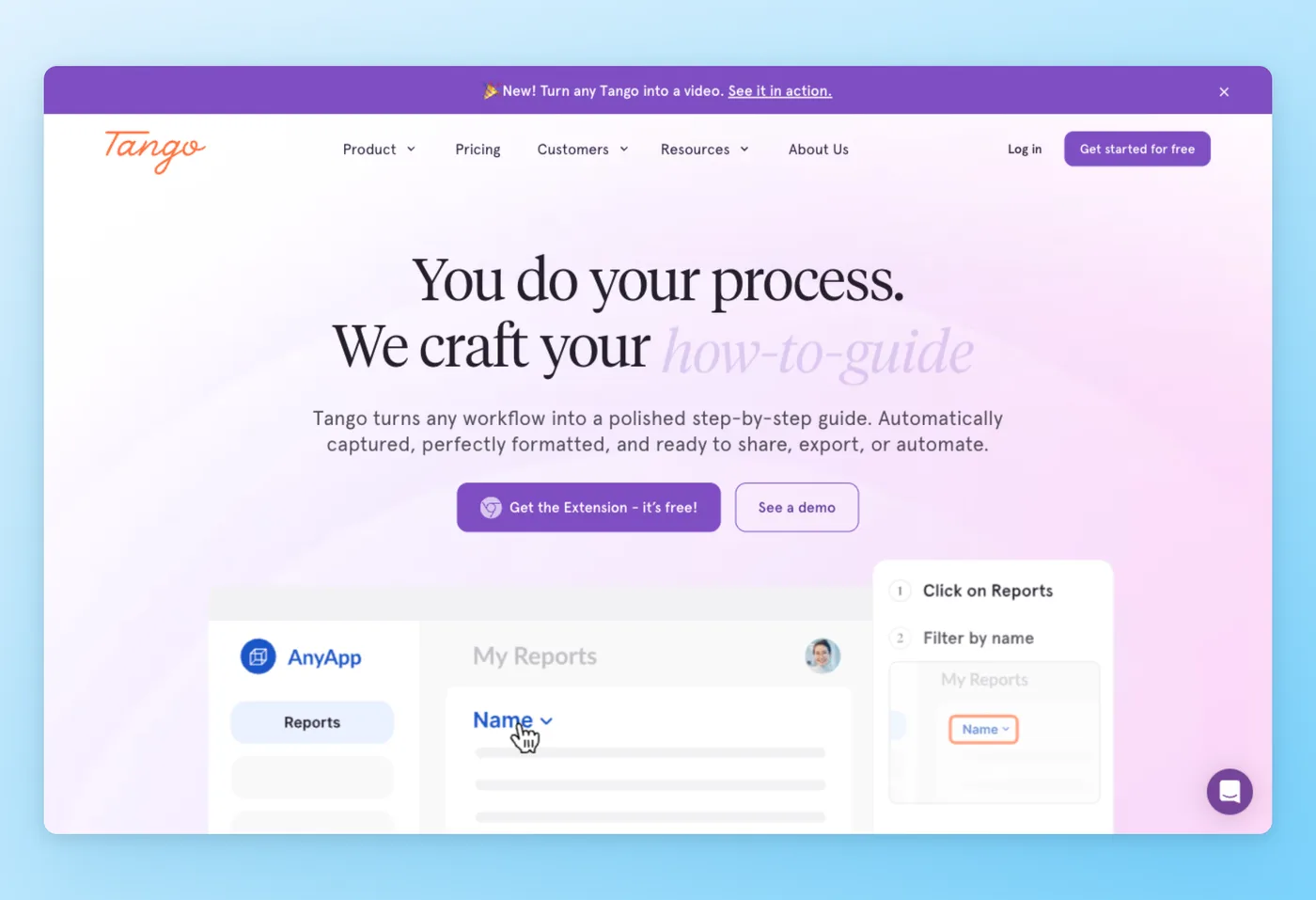
Tango records browser sessions and auto-generates polished how-to guides in seconds. It also adds a contextual "Guide Me" overlay layer that surfaces step-by-step instructions inside the live application. Native CRM and ERP integrations with Salesforce, HubSpot, NetSuite, and Workday make it a strong fit for revenue and operations teams.
Key Features
- Auto-guide generation: One recording session produces a shareable, embeddable guide document in seconds without manual editing.
- In-app walkthrough overlay: The "Guide Me" layer shows contextual guidance inside the actual application.
- CRM and ERP integrations: Native support for Salesforce, HubSpot, NetSuite, and Workday, making Tango the strongest choice for revenue-ops and enterprise enablement teams.
- Voice transcription: Available on Pro and above, adds spoken context to auto-generated guides.
Strengths
- Fast guide creation: one recording session auto-generates a polished shareable document in seconds
- Low learning curve: enterprise and SMB teams adopt it with no training required
"Tango guides are both easier to create and easier to consume, it looks more modern, AI options are stronger, and it's clear that they invest in improving design much more than Scribe." r/Entrepreneur, reddit.com
Limitations
- Free tier caps at 5 workflows, which fills up fast for teams building a knowledge base
- Limited photo and step editing with no undo button, saving is frustrating
- Tango is pivoting toward sales automation at $12,500/year, and users worry the company will pull R&D investment away from core documentation features
Pricing
- Free tier: Yes, up to 5 shared workflows, up to 10 users per workspace, browser capture and link/embed; no branded exports
- Paid plans: From $15/user/mo (Pro Team, annual, 3+ users) or $16/user/mo (Pro Personal, annual); Enterprise at custom pricing with a platform fee
Rated 4.7/5 on G2 (500 reviews) · 4.5/5 on Product Hunt (14 reviews) · 5.0/5 on Software Advice (1 review)
Works Best For
Teams on browser-based workflows (CRM, ERP, onboarding flows) who want a Scribe-like guide creation experience plus in-app contextual guidance. A community thread on r/msp put it directly: "We were in the same situation. Ended up moving to Tango AI and it's been solid so far."
Tango vs. Scribe
For teams comparing tango vs scribe, Tango is the closest like-for-like replacement because both tools focus on browser-based click capture. The in-app walkthrough layer delivers contextual guidance inside the live application. The free tier caps at 5 workflows against Scribe's 3-scribes-per-month free tier (web-guide shares are unlimited), and the per-seat pricing model is similar. Teams who need desktop app capture or video-based output will still need a different tool.
Loom targets async video communication, not structured guide creation, so it covers a different use case entirely.
Loom: Async Video Messaging for Teams
Loom records your screen and camera, generates an instant shareable link, and lets viewers watch without logging in. Owned by Atlassian with deep Jira and Confluence integration, it serves over 400,000 companies. Loom produces video files rather than step-by-step click-capture guides. One Hacker News commenter with 212 upvotes put it plainly: "Screen recording before Loom was a pain. You had to open up some program, start it, save the file, upload. With Loom it's all one click and it's ready to share the instant you hit the Stop button." Another commenter noted the tradeoff: "Loom captures anything but the output is just a video."
Key Features
- One-click record and share: Hit stop and the link is live immediately, no uploading or file management.
- Async-first communication: Replaces stand-up meetings, feedback emails, and onboarding calls with shareable video.
- Broad platform reach: Chrome extension, desktop app, iOS, and Android. Viewers need no login.
- AI chapters and SOP writing: Business + AI plan adds automatic chapter markers, SOP writing from video, and Jira AI suggestions.
Strengths
- One-click recording and an instant share link eliminate the traditional "save, upload, send" workflow
- Async-first communication model replaces synchronous meetings across time zones
Limitations
- Pricing increased significantly after the Atlassian acquisition, hitting solo founders and small teams with higher per-seat costs
- Persistent reliability issues: buggy Chrome extension, random camera drop-outs, frame-skip on playback
- Free tier caps recordings at 5 minutes per video, and in-app editing covers basic trimming only
Pricing
- Free tier: Yes, 25 videos per person, 5-minute max per recording, 50 workspace members, 720p
- Paid plans: From $18/user/mo (Business, annual); Business + AI at $24/user/mo adds SOP writing, bug report writing, and Jira AI suggestions
Rated 4.7/5 on G2 (2,408 reviews) · 4.6/5 on Capterra (522 reviews) · 4.8/5 on Product Hunt (159 reviews) · 4.6/5 on GetApp (522 reviews) · 4.6/5 on Software Advice (522 reviews) · 1.4/5 on Trustpilot (235 reviews) · 4.9/5 on SourceForge (11 reviews)
"Loom has great resolution and it is extremely easy to use. It just works whenever you need to make client videos. Simpler than OBS studio to use and send to clients. The 5 minute max video recording limit on the free plan makes it much harder to tell others to use it. It has also now gone up for the free plan from $8 to $18 which really is almost unaffordable for just a quick 10 minute video." Capterra
Works Best For
Teams who communicate via video rather than text documentation. Loom fits async walkthroughs, feedback videos, and onboarding calls. It is the wrong tool for SOPs or annotated click-capture guides.
Loom vs. Scribe
For teams comparing scribe vs loom, the choice depends on output format: Scribe creates structured guides, while Loom creates async videos. The Loom vs Scribe decision comes down to whether your team wants motion video or step-by-step text. Processes that need voice narration and motion belong in Loom. Structured, searchable step-by-step documentation belongs in Scribe.
Guidde sits between these two: it records like Loom but outputs AI-generated video guides with voiceover, making it a stronger choice for customer-facing documentation.
Guidde: AI Video Guides with Voiceover
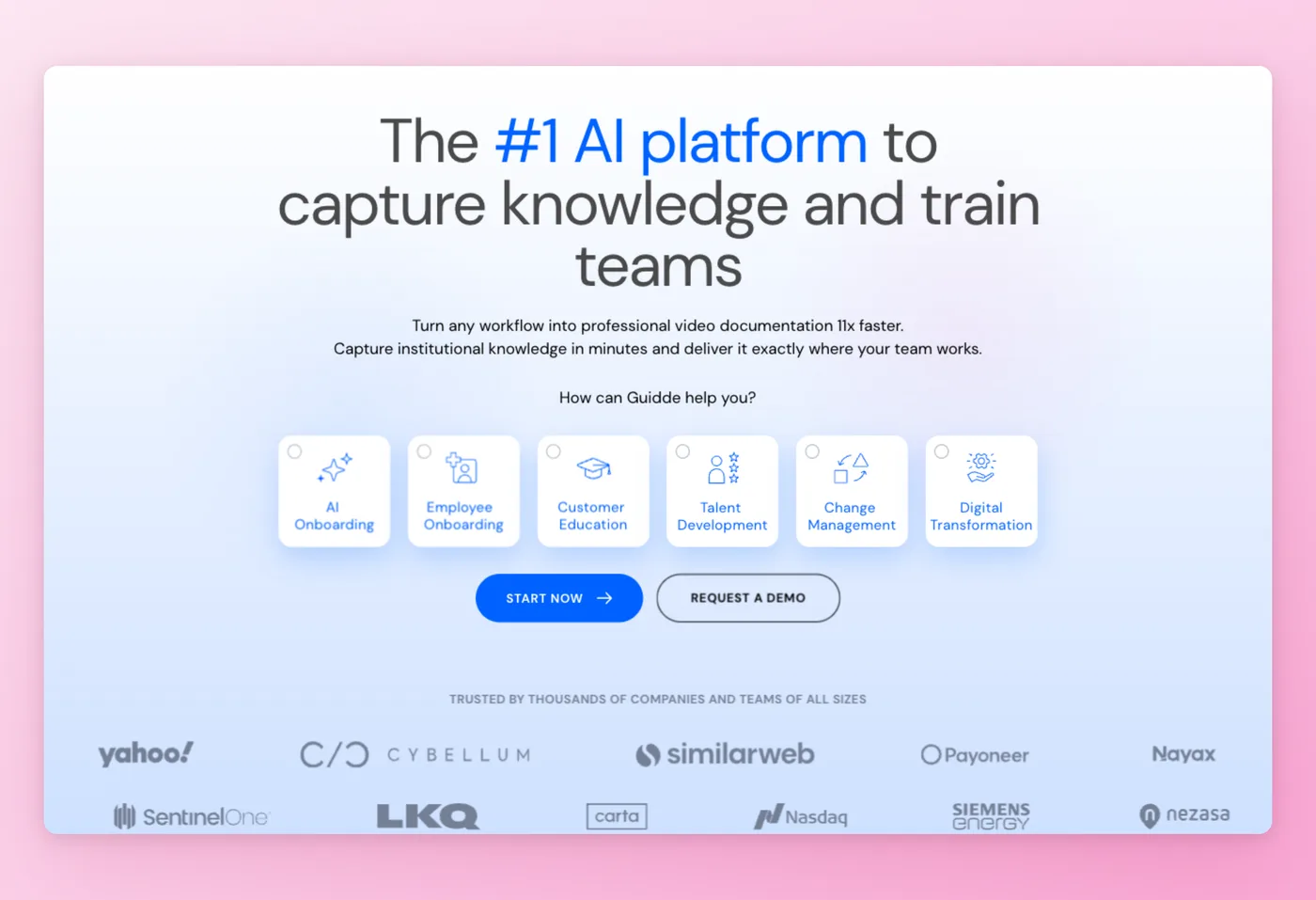
Guidde records browser workflows and generates AI video guides with Magic Mic voiceover. It functions as a Digital Adoption Platform (DAP) with an in-app SDK that embeds video guidance contextually inside other applications. The $50M Series B raised in February 2026 signals significant trajectory. One caveat from the community (r/Entrepreneur): "Scribe/Tango/Guidde are click capture only, so they break the moment work leaves the browser." Guidde captures live browser workflows, not arbitrary video.
Key Features
- AI voiceover (Magic Mic): Generates natural-sounding narration from your recorded workflow.
- Multilingual voiceovers: 40+ languages available, eliminating separate translation workflows for global teams.
- DAP SDK: Embeds video guidance contextually inside applications rather than linking out to an external help page.
- Accepts Zoom/Teams/LMS recordings as input: You can upload existing meeting recordings in addition to live capture.
Strengths
- Exceptional time savings: Guidde generates video guides in seconds, compared to hours of manual scripting and recording
- Non-technical users produce polished customer-facing documentation without scripting or editing
"I watched a YouTube video by The Digital Merchant where she QUICKLY bullet points about 8-9 Scribe alternatives. I have them all loaded in different tabs and am testing them. But Guidde knocked it out of the park almost immediately." r/msp, reddit.com
Limitations
- AI voiceovers can sound robotic and fall short of natural speech quality for customer-facing content
- Per-creator pricing scales expensively: a 10-person Business team costs $550/month
- Content organization is poor at scale, with clunky folder-based access control
Pricing
- Free tier: Yes: 25 videos (watermarked), web app only, shareable links, AI voiceover recording
- Paid plans: Pro at $19/creator/mo (annual) for unlimited videos and watermark removal; Business at $39/creator/mo (annual) adds desktop app, unlimited text-to-voice, analytics; Enterprise at custom with multi-language translation and PII redaction
Rated 4.8/5 on G2 (82 reviews) · 4.8/5 on Product Hunt (109 reviews)
Works Best For
Customer-facing documentation teams who need AI-generated video guides with voiceover at scale and have the budget for Business tier. A community member on r/productivity put it clearly: "if you need the AI element, I've been using Guidde recently. Similar to Scribe but supports video outputs integrated, whereas Scribe only does the written documentation piece."
Guidde vs. Scribe
Guidde and Scribe both use live browser capture. Guidde adds AI voiceover and video output where Scribe produces static screenshot guides. Guidde's video format serves customer-facing content better than Scribe's static screenshots. Teams producing internal SOPs with text and screenshots will find Scribe or Tango faster.
Folge works differently: offline desktop capture with no cloud dependency and a one-time purchase price.
Folge: Desktop-First Documentation with a One-Time License
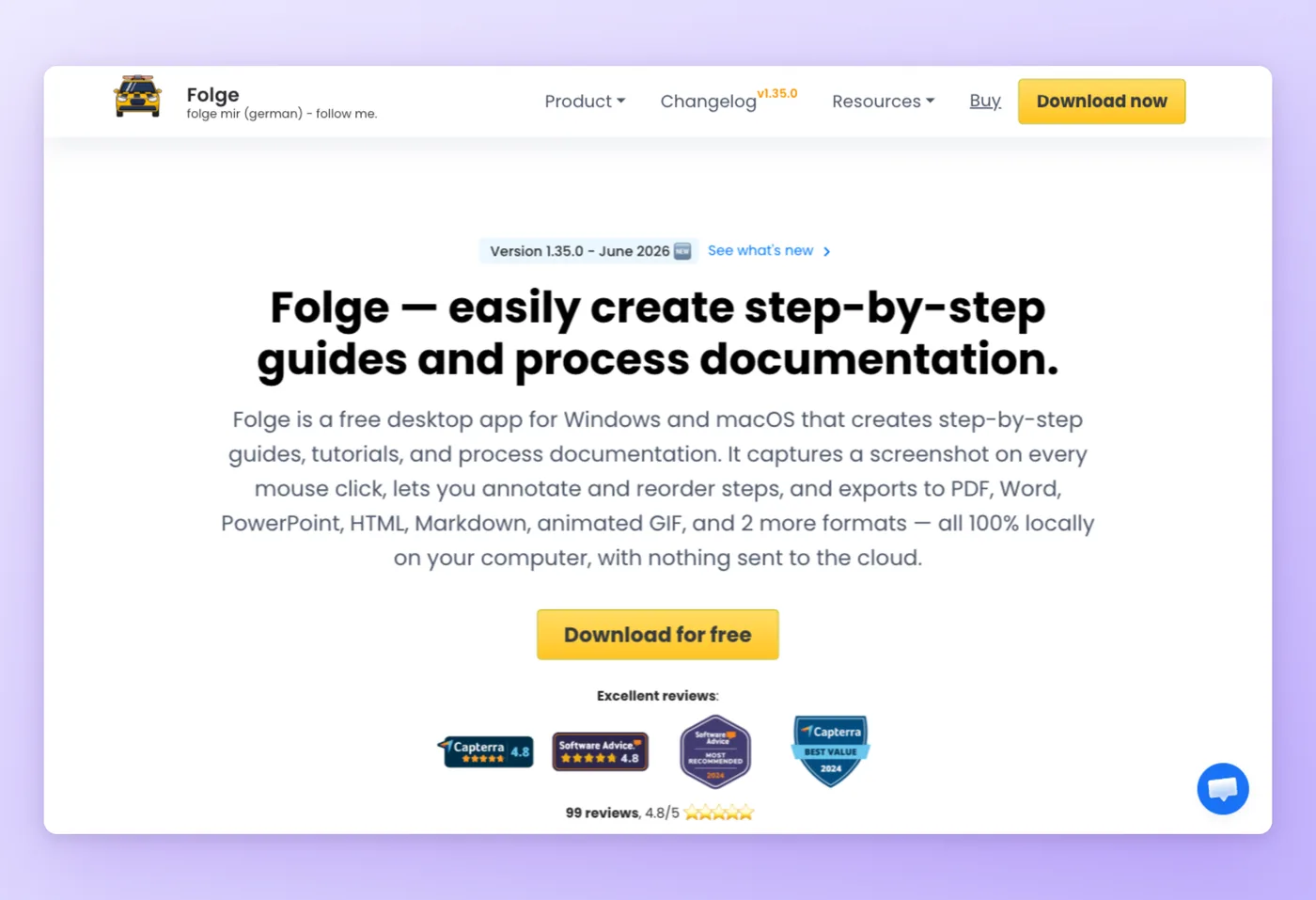
Folge captures screenshots from any desktop application as you click through a workflow, then generates polished guides in your choice of format. Folge sends nothing to the cloud. You pay once. Version 1.35.0 added team collaboration via shared .flgg files, making it viable for small teams, not just individuals. Folge does not auto-generate written step descriptions. Text annotations require manual entry.
One r/msp commenter described it accurately: "Folge will automatically capture screenshots as you click through, but doesn't autogenerate any written steps and doesn't appear to be as professional or fleshed out as ScribeHow or Tango." Teams that require auto-generated step text should choose a different tool. Teams that need offline control and rich export formats will find Folge the strongest available option.
Key Features
- 9 export formats: Word, PDF, PowerPoint, HTML, Confluence, Azure DevOps Markdown, and more.
- 20+ annotation tools: Arrows, callouts, blur, highlights, and custom shapes for detailed screenshot annotations.
- Offline-first: No account required for capture and export. No data leaves your machine.
- AI Helper (BYOK): Use your own OpenAI API key to generate step descriptions automatically on the free plan.
Strengths
- Reduces documentation time compared to manual screenshot editing
- One-time license with no cloud dependency, subscription-free forever after purchase
Limitations
- $89 one-time per-user cost feels steep compared to tools with free tiers, particularly for budget-constrained teams
- No auto-generated written step descriptions: text requires manual entry
- Users report bugs when pausing and resuming capture sessions
Pricing
- Free tier: Yes, up to 5 guides, 20 hosted online guides, 2 export templates, PDF export, unlimited steps, annotation tools, AI Helper (BYOK)
- Paid plans: Personal at $89 one-time per seat; Business at $130-155/seat one-time; 7-day money-back guarantee
Rated 4.8/5 on Capterra (~99 reviews) · 4.8/5 on GetApp (100 reviews) · 4.8/5 on Software Advice (100 reviews)
"Tons of value compared to monthly SaaS alternatives, and equally feature-packed. Huge time saver! The UI is a bit buggy sometimes but it's a young app and the developer takes feedback seriously. A bug I was having was fixed within 1 day of emailing." Software Advice
Works Best For
Individual IT professionals, MSPs, and privacy-conscious teams who want a one-time payment tool with no cloud dependency and rich annotation and export options.
Folge vs. Scribe
Folge offers greater export format depth (9 formats vs. Scribe's PDF and link) and full offline capability. Scribe auto-generates step text and processes browser workflows faster. Teams documenting desktop apps, system configurations, or sensitive internal processes are better served by Folge. Teams that need fast, shareable links from browser workflows should use Scribe or Tango.
Supademo rounds out the comparison by covering interactive product demos, a use case Scribe does not serve at all.
Supademo: Interactive Sales Demos
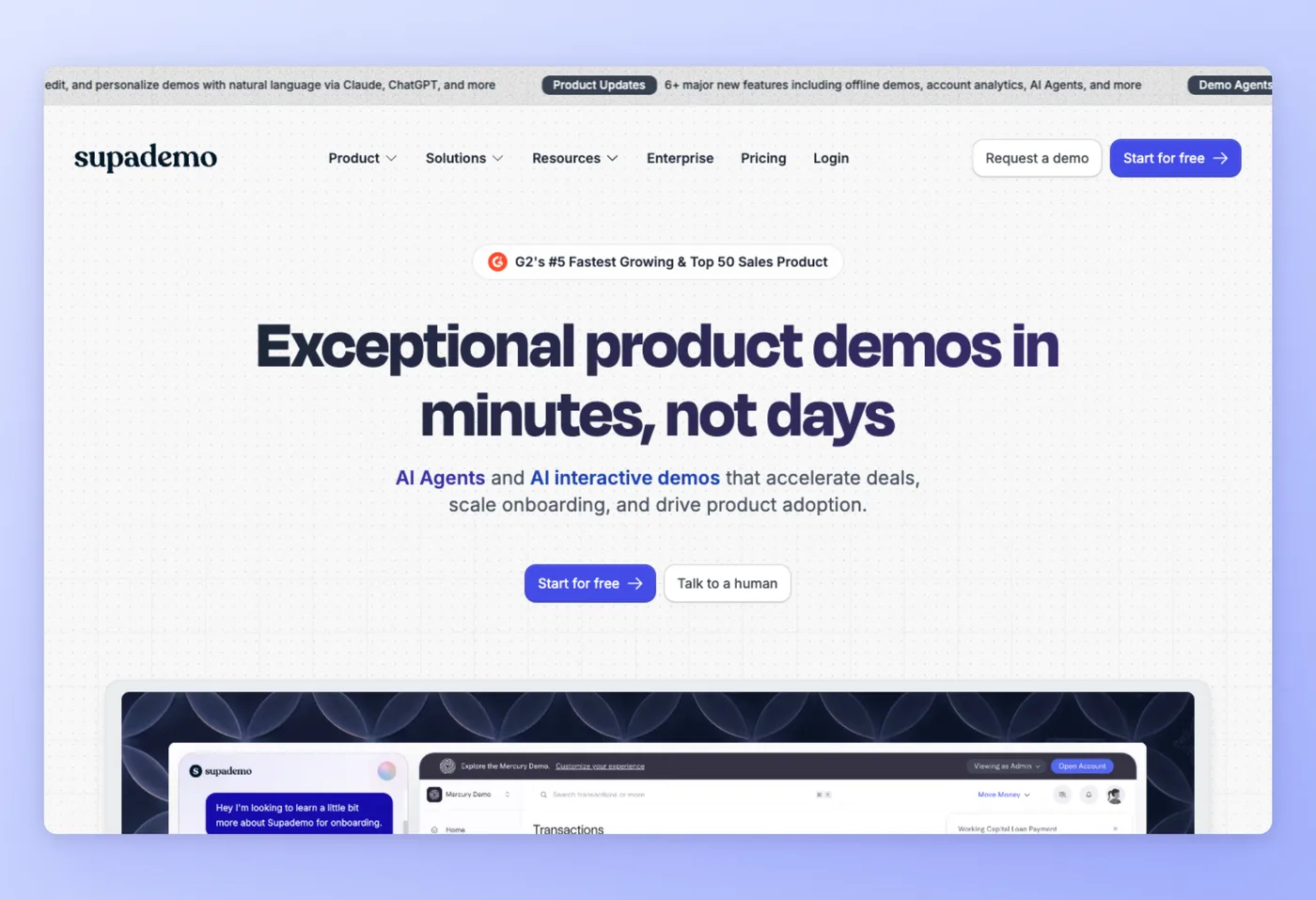
Supademo creates clickable HTML demos for sales, marketing, and customer success teams. Prospects click through a live-feeling product tour on their own schedule. AI voiceover and voice cloning, auto-translation in 15+ languages, and demo agents (AI-powered buyer discovery) make it a full sales enablement platform. The Supademo MCP enables natural language demo creation for teams using AI workflows.
One community member on r/msp described their switch: "We moved from Scribe to Supademo because it gives cleaner captures, easier editing, and better control over visuals. You can export workflows to PDF, embed them, or keep them interactive. It has been more flexible for both internal docs and client guides."
Key Features
- Clickable HTML demos: Prospects click through a product tour at their own pace.
- AI voiceover and voice cloning: Generate narrated demos without recording audio manually.
- Auto-translation: 15+ languages for international sales teams.
- Demo agents: AI-powered discovery flows that guide buyers through self-serve product tours.
Strengths
- Fast demo creation: product walkthroughs built in minutes without coding or design skills
- Strong value for sales enablement: embed, gate, and share demos without scheduling live calls
Limitations
- Editing controls lack polish: highlight styles and button indicators are confusing for power users
- Enterprise buyers flag privacy policy concerns
- Third-party review coverage is thin
Pricing
- Free tier: Yes, 5 guided demos, 50 video recordings (4K), 1 creator, MP4 export at 1080p with watermark; no branching, analytics, or custom branding
- Paid plans: Scale at $38/creator/mo (per-creator billing); Growth at $350/mo for 5 creators (annual); Enterprise at custom, minimum 10 creators
Rated 4.9/5 on Product Hunt (29 reviews) · 5.0/5 on GetApp (1 review)
Works Best For
Sales, marketing, and customer success teams focused on interactive product demos for prospects and onboarding rather than internal SOPs or process documentation.
Supademo vs. Scribe
Scribe targets internal process documentation and SOPs; Supademo targets external-facing interactive demos. Sales teams building customer-facing tours fit Supademo well. Teams documenting internal processes will find a better fit in Scribe, Tango, or Hinto AI.
What Scribe Users Ask
These concerns come up repeatedly in community discussions on Reddit and Hacker News.
| Concern | Why it matters | Best direction |
|---|---|---|
| Per-seat pricing with mixed creator/viewer teams | A team of 16 with 3 creators and 13 viewers pays full seat pricing for everyone. One community member quoted: "They did not have an option for free viewers... so the price quoted was too high." | Tango (free viewer access on all plans), Hinto AI (flat-rate, not per-seat), Folge (one-time license) |
| Browser-only capture blocks desktop workflows | IT, MSP, and desktop-heavy teams hit a wall immediately. "The only limitation is it only works in the browser not the desktop." Desktop capture requires a paid Pro or Enterprise plan. | Folge (desktop app, fully offline), Hinto AI (accepts any video of any workflow including desktop recordings) |
| Screenshots capture clicks but not context | Click-capture tools miss narration and reasoning. As one r/Entrepreneur commenter noted: "Scribe/Tango/Guidde are click capture only, so they break the moment work leaves the browser." | Hinto AI (extracts a complete SOP from recordings: steps, context, and structure), Loom (full video but unstructured output) |
| Pricing increases as a switching trigger | Per-seat pricing at scale and enterprise SCIM requirements push mid-size teams toward alternatives. "We've been using Scribe to create guides but the pricing jumped recently." r/SaaS | Tango (comparable price, better UX per community feedback), Folge (one-time payment), Hinto AI (flat-rate) |
The pricing concern and the context gap push teams furthest toward Hinto AI, which addresses both with flat-rate billing and video-based capture that extracts a complete SOP with no manual writing.
"Product is great. We have the enterprise version, but it's not really enterprise without the upgraded plan that allows SCIM which prices it out of our budget. For that sole reason I'm recommending we shop around alternatives." r/msp, reddit.com
Picking a Scribe Replacement: 3 Questions to Answer First
Three factors determine the right Scribe replacement: where you work (browser vs. desktop), what output you need (guide vs. video), and whether per-seat pricing is a constraint.
Your capture method is the primary decision: browser-only, desktop apps, or existing video recordings. That answer narrows the field before any other factor applies.
Decision Framework
- Teams building detailed SOPs or master-detail processes from recordings or calls: Hinto AI produces one SOP or a parent-child process hierarchy auto-extracted from a single video or call, with PDF export at any scope and a public team project URL. Flat-rate pricing keeps cost fixed regardless of headcount. Existing Zoom calls and Loom walkthroughs work as input.
- Browser-based workflows needing click-capture guides: Tango: the strongest like-for-like Scribe alternative, with an in-app walkthrough overlay layer and deep CRM integrations. r/msp users report the migration from Scribe to Tango is straightforward. (Teams that need video-based output on top of click-capture guides can use Hinto AI instead.)
"Both are super good for creating guides, but we didn't need a knowledge base (we already have one and no one used it), so Scribe's value kind of fell off for us. We tried Tango, specifically for their pinning feature." r/selfhosted, reddit.com
- Desktop app documentation, IT, or offline-first teams: Folge: one-time $89 purchase, 9 export formats, no cloud dependency, 20+ annotation tools. Best for MSPs, IT teams, and privacy-sensitive workflows.
- Customer-facing video guides with AI voiceover: Guidde: records browser workflows and generates AI-voiced video guides in 40+ languages. Strongest fit for support and success teams creating externally published documentation.
- Async video communication (not SOP creation): Loom: one-click recording and instant share link, deep Atlassian integration. Choose Loom when the team shares information through video messages, not step-by-step written guides.
- Interactive sales demos for prospects: Supademo: clickable HTML demos for sales and onboarding. It fits revenue teams well and serves internal process documentation poorly.
Scribe, Tango, and Guidde capture clicks only, breaking the moment work leaves the browser. That single question eliminates most tools before any feature comparison begins. Teams converting recordings into structured documentation can use Hinto AI for that step without re-recording anything.
Frequently Asked Questions
Which Scribe alternative costs nothing?
Tango and Guidde both have usable free tiers. Tango gives 5 shared workflows and up to 10 users per workspace, best for small teams documenting browser processes. Guidde gives 25 free AI video guides (watermarked), best for teams who want video output with AI voiceover. Hinto AI's free plan includes 20 total generations with a 20-minute video upload limit, useful for testing the video-to-docs workflow.
Does Scribe run on Windows?
Scribe runs as a Chrome extension on any OS. However, desktop app capture (Windows desktop applications, file explorer, non-browser tools) requires a paid Pro or Enterprise plan. On the free plan, Scribe only captures browser workflows via the extension.
Running Windows and need annotation-rich export formats: which tool fits?
Folge is the strongest match. A desktop-first app available on Windows, it captures any desktop workflow offline, includes 20+ annotation tools, and exports to 9 formats including Word, PowerPoint, Confluence, and Azure DevOps Markdown. It costs a one-time license of $89/seat and sends nothing to the cloud.
Does an open-source Scribe alternative exist?
No fully maintained open-source equivalent exists at the same production quality as Scribe or Tango. Folge's one-time license and BYOK AI Helper (bring your own OpenAI API key) is the closest alternative for teams who want to minimize ongoing vendor dependency.
Which Scribe alternative works best for teams that need shared workspaces?
Hinto AI suits teams who need flat-rate pricing without per-seat scaling. The $15/month Small Team plan includes unlimited team members. Tango Pro Team at $15/user/month includes collaborative workspaces and viewer access on free. Folge added team collaboration in v1.35.0 via shared .flgg files.
Can Hinto AI convert existing Scribe recordings?
Hinto AI accepts any video file (MP4, MOV, WebM) or video link. Screen recordings from Loom, Zoom, or other capture apps upload directly. Scribe's guide exports are static PDFs and links, not video, so there is no direct re-import path. Re-record your most important workflows as video, then upload to Hinto AI to generate richer knowledge base articles.
Which Scribe alternative is strongest for customer-facing help centers?
Hinto AI generates multi-article help centers from video with custom domain hosting and Intercom Fin integration. Guidde generates AI video guides with voiceover for 40+ languages, better for video-format customer documentation. Text-first help centers fit Hinto AI; video-first help centers fit Guidde.
Is Scribe free?
Scribe has a free plan that allows up to 3 scribes per month and unlimited web guide shares via link. However, the free plan is browser-only: desktop app capture, PDF export, and HTML export all require a paid plan. Teams needing desktop capture or export formats for free should look at Folge (limited free tier with PDF export) or Guidde (25 free watermarked AI video guides).
What are the best free scribe alternatives?
Tango offers 5 free shared workflows with no watermark, making it the cleanest free option for browser-based documentation. Guidde gives 25 free AI video guides (watermarked). Hinto AI gives 20 free generations with a 20-minute video limit. For offline desktop workflows, Folge's free plan supports up to 5 guides with PDF export.
What do Scribe reviews say about the tool's limitations?
Scribe reviews on Reddit, G2, and Capterra consistently cite three friction points: per-seat pricing that scales poorly for mixed creator/viewer teams, browser-only capture on the free plan, and export restrictions behind the paywall. Teams with more than 3-5 seats frequently mention Tango or Hinto AI as the switch destination in community threads.
Are there tools like ScribeHow that work on desktop apps?
The most popular scribehow alternatives that support desktop app capture are Folge (offline, one-time license, 9 export formats) and Hinto AI (accepts any video recording of desktop or browser workflows). Scribe's own desktop capture is a paid Pro or Enterprise feature only.
Are there software tools like Tango that include video output?
Guidde is the closest software like tango with video output, recording browser sessions and generating AI-voiced video guides with 40+ language voiceovers. Hinto AI differs by accepting pre-recorded video rather than requiring live capture, producing a multi-article knowledge base instead of a single guide.
How do apps like Scribe differ from each other?
Apps like Scribe differ mostly by capture method: browser click-capture, video recording, or desktop screenshot capture. Browser click-capture tools (Scribe, Tango) auto-generate step guides from clicks; video tools (Loom, Guidde, Hinto AI) work from recordings; desktop-first tools (Folge) capture any application offline.
Final Verdict
Scribe remains the fastest way to generate a shareable guide from a live browser workflow. For teams inside that specific use case, especially with Confluence integration or compliance requirements (SOC 2, HIPAA), it works well. The per-seat pricing model and browser-only capture are real constraints.
Outside that use case, the alternatives segment by workflow. Tango is the strongest like-for-like browser-capture replacement, with better UX and an in-app walkthrough layer. Guidde covers customer-facing video guides. Folge covers offline IT documentation with a one-time purchase. Supademo covers interactive sales demos. Loom covers async video communication. Teams seeking free scribe alternatives with no watermark can start with Tango's free tier.
Teams with existing video recordings (Zoom, Loom, any screen capture) that need a complete SOP extracted with no manual writing can start free at hintoai.com, no credit card required.

Founder of Hinto - passionate about making knowledge accessible and helping teams create better documentation.
Ready to Build a Better
Knowledge Base, Faster?
Get Started Free & Create Your First Article in Minutes