
OBS Alternatives 2026: 9 Tools Worth Switching To (Free & Paid)
Want streaming without the OBS fiddling: Streamlabs (free, built on the OBS engine) or StreamYard (runs in a browser, nothing to install)
Capturing on a modest Windows machine: Bandicam (low overhead, high frame rates) or Movavi (record plus light editing)
Converting a recording into a written guide or SOP: Hinto AI (screen footage becomes step-by-step docs with screenshots)
Nobody really argues with OBS Studio on the fundamentals. It costs nothing, the code is open, and for live broadcasts and crisp capture it remains tough to top. More than 1,375 plugins extend it, and the download counter has passed 41 million. So why do people go looking elsewhere? Two sticking points: configuring scenes and sources takes real time to learn, and the app drags on underpowered machines.
A third issue has nothing to do with how easy the tool is. OBS records and that is where it stops. Trimming the footage, drafting the walkthrough, assembling the documentation, all of that still lands on you. To make the choices easier, this guide groups every option into three lanes, streaming, recording, and documentation, so you can route yourself to what fits. Eight tools sit beside OBS here, Streamlabs, XSplit, StreamYard, Bandicam, Camtasia, Ecamm Live, Movavi, and Hinto AI, each with its pricing and supported platforms laid out. If a search for apps like OBS dropped you in front of a dozen near-identical options, the sections ahead organize them by the task you are actually trying to finish. Before comparing software like OBS, it helps to know that OBS cost is zero, so any paid pick has to earn its price through time saved or features OBS lacks.
When Setup Weight and the Learning Curve Push You Off OBS
For a lot of teams, OBS is still the smart choice. Capture comes through clean and unwatermarked at no cost, you steer every scene, source, and encoder yourself, and the same build runs across Windows, Mac, and Linux. Streaming with multiple scenes never costs a cent, and with 1,375-plus plugins behind it (41M-plus downloads), most missing features have a free workaround. Workflows that match this description rarely call for a switch.
That said, three genuine frustrations send people shopping around:
- Onboarding friction: wiring up scenes and sources takes patience to learn, and you will spot "easier than OBS" in almost every competitor's testimonials.
- Strain on modest hardware: the OBS Forums fill up with requests for slimmer tools and stutter-free options on weaker rigs. A purpose-built recorder such as Bandicam advertises a lighter footprint, though some report stutter when the system is taxed, so confirm it yourself before relying on it.
- The workflow ends at the file: there is no editor inside OBS, and you are left holding a raw clip.
Up next, a side-by-side layout of the no-cost options and the picks aimed at weaker machines, so you can weigh them together.
Turn a screen recording into a written guide automatically
Upload OBS footage you already captured and Hinto AI builds a step-by-step doc with screenshots, no manual writing.
Which OBS (Open Broadcaster Software) Alternative Is Right for You?
Answer the questions below to find your match. Download as PDF to keep it handy.
OBS Alternatives at a Glance
The table below lines up each option by free tier, entry price, platform, and what it's built for. If cost is your priority, the no-charge tiers on OBS itself, Streamlabs, and StreamYard are the ones to weigh. On macOS, Ecamm Live leads the pack, while Bandicam is the leanest pick for Windows recording. Full write-ups come after.
| Tool | Free Tier | Starting Price | Platform | Primary Use |
|---|---|---|---|---|
| OBS Studio | Fully free, no limits or watermark | Free (open source) | Windows, macOS, Linux | Streaming & recording |
| Hinto AI | 20 generations, 1 project, no watermark | $15/mo (Small Team) | Browser (web) | Recording → docs & content |
| Streamlabs | Free desktop app; branding on some widgets | $27/mo (Ultra), ~$15.75/mo annual | Windows, macOS | Streaming & recording |
| StreamYard | Logo on streams; 2 hrs/mo local recording | $35.99/mo (annual Core) | Browser (web) | Streaming & recording |
| XSplit | Broadcaster Free; watermark above 720p/30fps | ~$15/mo (Premium), ~$60/yr | Windows (some Mac) | Streaming & recording |
| Camtasia | 30-day free trial only | One-time license (annual options) | Windows, macOS | Recording & editing |
| Bandicam | 10-min recording limit, watermark | $33.26/yr or $53.90 perpetual (1-PC) | Windows (newer macOS) | Recording |
| Ecamm Live | None (14-day full trial) | $16/mo (Standard, billed annually) | macOS only | Streaming & recording |
| Movavi | 7-day trial, watermarked output | Subscription (annual); lifetime options | Windows, macOS | Recording & editing |
Prices as of June 2026. Check each tool's pricing page for current rates.
OBS Alternatives: Full Reviews
The eight tools below fall into two camps: a streaming group (Streamlabs, XSplit, StreamYard, Ecamm Live) and a recording group (Bandicam, Camtasia, Movavi, Hinto AI). Work out whether you need one for going live or one for capturing footage, then read on.
Not sure which fits your team? Download the role matrix (PDF). best tool by team role.
Streamlabs, the easiest step up from OBS for streaming
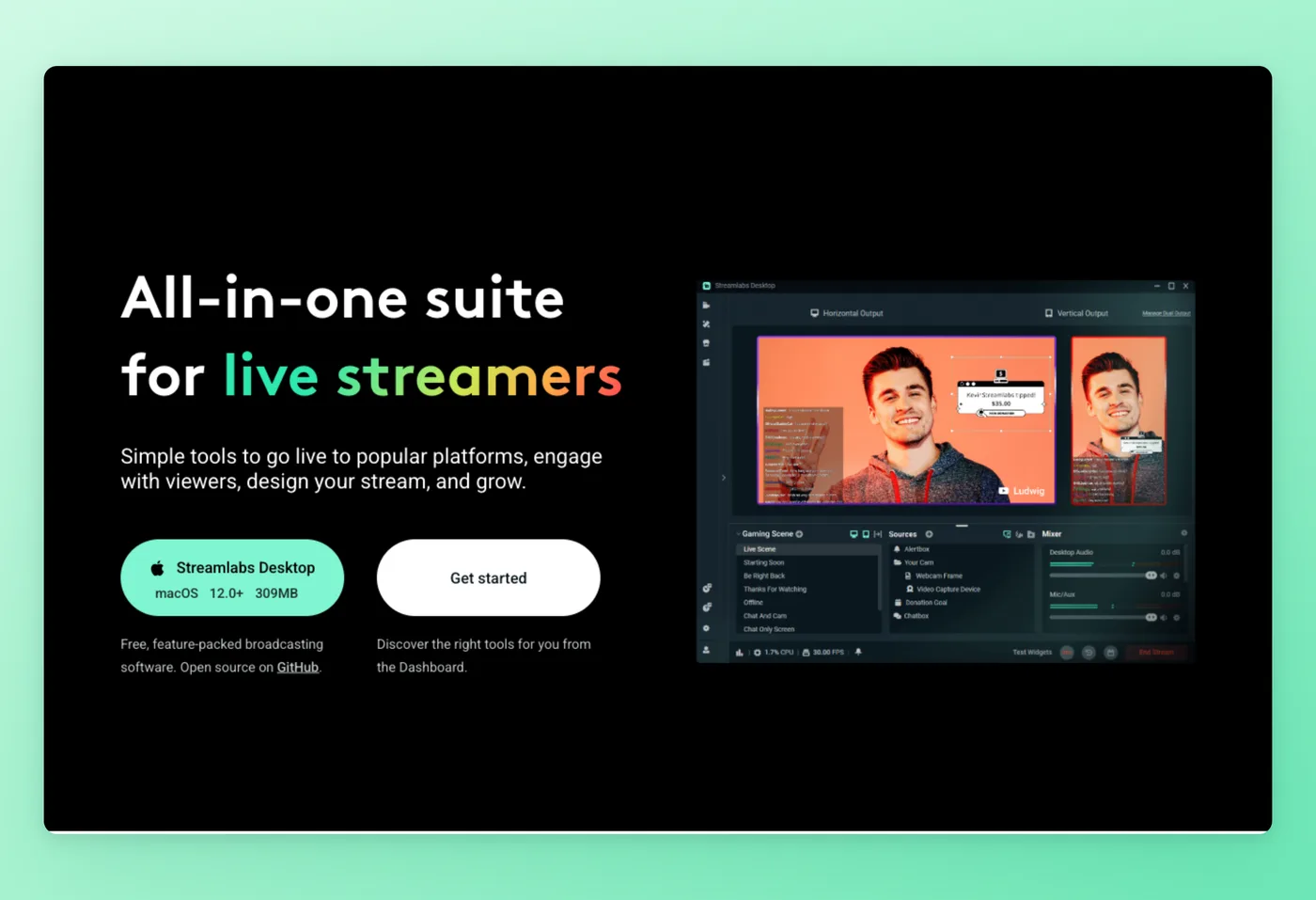
Streamlabs runs on the OBS engine, sits under Logitech's ownership, and packs alerts, more than 1,000 overlay themes, widgets, Cloudbot, and tipping into a single download. Newcomers land on a clean streaming rig without having to connect every piece manually.
Key Features
- Single-download bundle: alerts, overlays, themes, and chat arrive in one package, getting a first-time streamer on air quickly.
- Overlay and theme marketplace: an included catalog of 1,000-plus themes adds branding without reaching for outside tools.
- Cloudbot and widgets: moderation, tipping, and merch widgets come baked in.
- OBS-based engine: the underlying capture model mirrors OBS, so existing knowledge carries over.
Strengths
- Beginner-friendly setup that bundles the pieces vanilla OBS leaves separate.
- A more polished UI than stock OBS.
Limitations
- Streamlabs Prime billing draws heavy complaints: auto-subscribe on donation, hard-to-cancel terms, and surprise annual charges that many users call a scam.
- The Electron-based fork carries more performance overhead than OBS. Reviewers call it a heavier, "unoptimised" build.
- Windows 10+ and macOS 12+ only, no Linux.
Pricing
- Free tier: Yes, base tier with some Streamlabs branding.
- Paid plans: Ultra from $27/month or $189/year (about $15.75/month). No standalone free trial.
Rated 4.8/5 on Capterra (174 reviews) · 5.0/5 on Product Hunt (2 reviews) · 4.2/5 on Software Advice (53 reviews) · 4.0/5 on GetApp (53 reviews) · 1.6/5 on Trustpilot (~1,000 reviews)
"Streamlabs is the platform that I would recommend to anyone to stream content to one or several platforms, due to its versatility and how easy it is to stream live and let the platform adjust all the technical aspects with just one button." Capterra
Works Best For
New streamers who want alerts, overlays, and chat tools in one OBS-based installer without manual configuration.
Official website: streamlabs.com
How it compares to OBS
By rolling alerts, overlays, and themes into one setup, Streamlabs takes the friction out of going live compared to vanilla OBS. What you give up is resource headroom and billing peace of mind: this fork runs heavier, and the Prime subscription has a well-recorded history of trouble. After hitting those issues, a fair number of people circle back to stock OBS plus StreamElements. Reach for Streamlabs when the convenience of the bundle is worth the extra load; if you want the leanest free route with zero billing exposure, stay on plain OBS.
Prices verified June 2026.
XSplit takes the opposite tack, asking you to pay for a slicker studio with AI baked in.
XSplit Broadcaster: a polished, AI-equipped Windows streaming studio
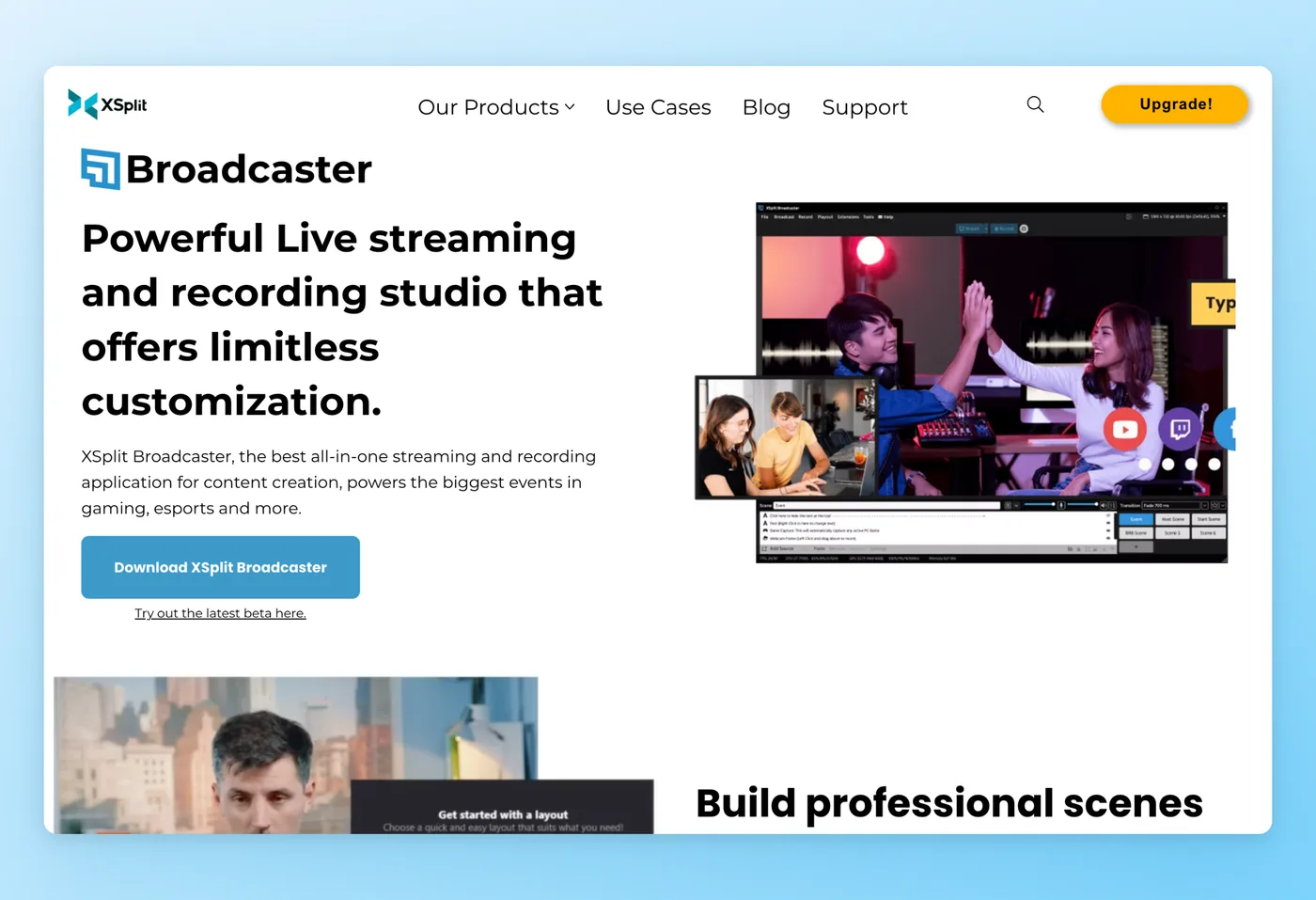
Built for Windows streamers after a polished, properly supported option, XSplit Broadcaster stacks AI background removal, AI Live Captions, AI Voice Clarity, and live subtitling over a capable scene system.
Key Features
- Native AI toolkit: background removal, live captions, voice clarity, and real-time subtitles work out of the box, no plugins needed.
- Strong scene and layout system: integrations cover Twitch, YouTube, Facebook, Elgato, and Restream.
- Polished production extras: whiteboard, 3D transforms, per-source borders, and lower-thirds that OBS lacks out of the box.
- Fast onboarding: reviewers report getting a pro broadcast running in under a day.
Strengths
- Beginner-friendly setup that reaches broadcast quality quickly.
- Polished extras and AI features OBS doesn't ship natively.
Limitations
- Reviewers repeatedly call it "too similar to OBS which is free," making the paid tier hard to justify.
- Some users see it stagnating and migrate to OBS, Streamlabs, or StreamElements.
- Subscription and licensing friction plus feature bloat.
Pricing
- Free tier: Yes, with a watermark above 720p/30fps and a 4-scene limit.
- Paid plans: Premium about $15/month (around $60/year, roughly $230 lifetime). A ~14-day trial is advertised but unverified. Windows-focused, with VCam adding Mac.
Rated 4.5/5 on Trustpilot (102 reviews) · 4.1/5 on GetApp (57 reviews) · 4.1/5 on Software Advice (57 reviews) · 3.9/5 on G2 (23 reviews)
"The broadcaster has all these tools, plugins, sources and outputs so you can have a clean, professional, high-performance streaming session. It integrates with Youtube, Twitch, Spotify, Facebook, Elgato, Restream, Livestream, Streamshark and many more." G2
Works Best For
Windows streamers who value built-in AI captions and background removal and don't mind paying for a more refined production setup than OBS offers.
Official website: xsplit.com
How it compares to OBS
Next to OBS, XSplit hands you a slicker production environment with AI captions and background removal already wired in. Where it stumbles is cost. One G2 reviewer, small-business CEO Rogelio A., summed it up: "The paid version looks too similar to OBS which is free." You're paying for capabilities OBS delivers for nothing, and a portion of users wonder whether XSplit's development has slowed. Go for it if the AI extras matter to you; otherwise OBS covers the same ground without the recurring fee.
Prices verified June 2026.
StreamYard avoids installing anything at all by living inside your browser.
StreamYard, go live from a browser tab, no download required
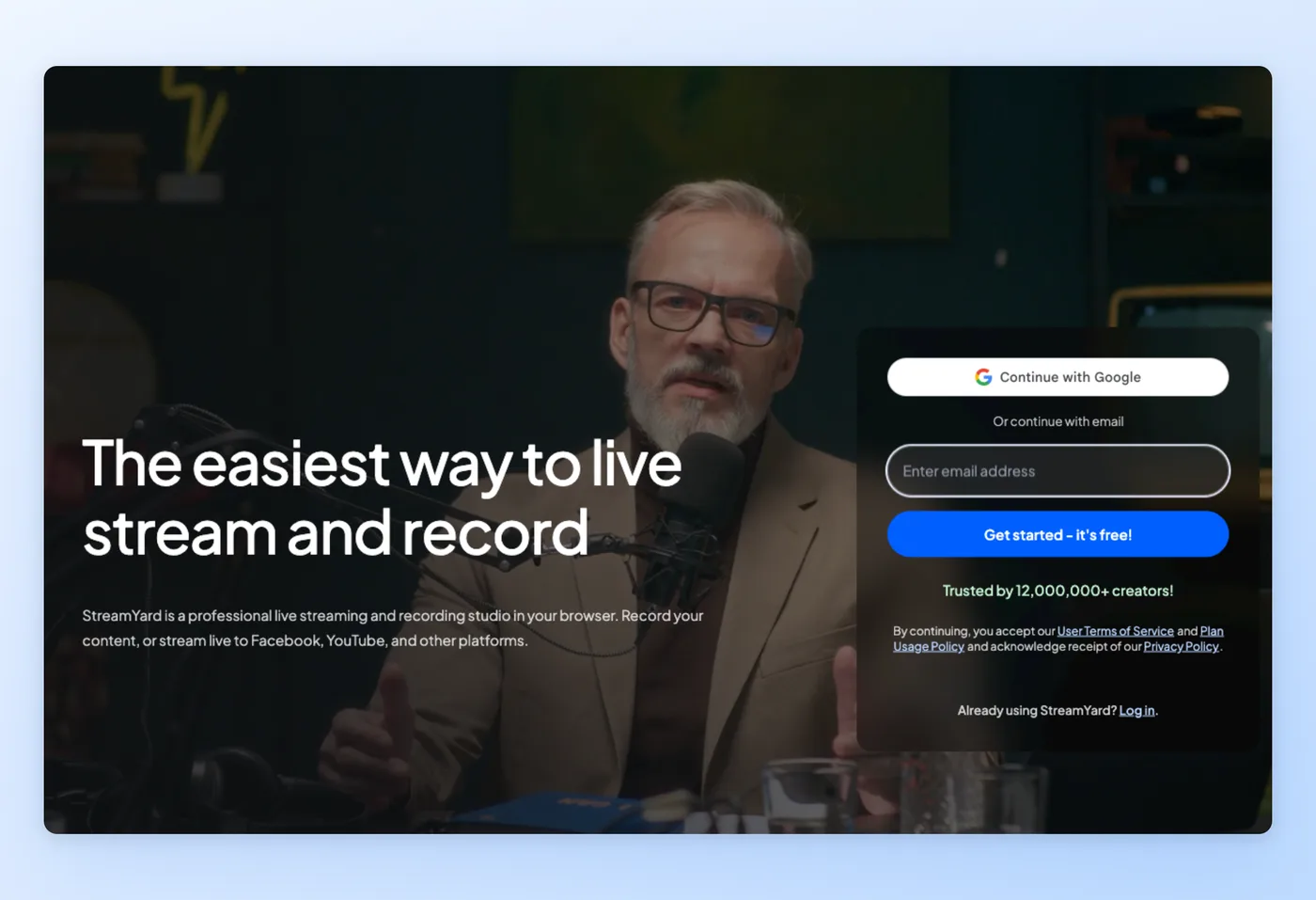
Everything happens inside a browser tab, which means zero downloads and nothing to configure. StreamYard pushes a single broadcast out to anywhere from 3 to 8 platforms at once and brings guests in through a link they just click, a sharp departure from the local rig OBS expects you to build.
Key Features
- Nothing to install: the full studio loads in a browser tab no matter which OS you're on.
- Simple simulcasting: broadcast simultaneously to YouTube, LinkedIn, and Facebook.
- Frictionless guest invites: as many as 6 on-camera guests join from a link, with no install on their side.
- Branding out of the box: overlays, logos, and comment highlighting work without setup.
Strengths
- The gentlest on-ramp to going live for people who aren't technical.
- Reliable multi-guest broadcasts and link-based invitations.
Limitations
- Intermittent video and webcam freezes in recordings, clustered in mid-2025 with no clear fix.
- Seen as expensive next to free OBS, plus browser crashes on screen share and audio quirks.
- Fewer layout options than OBS, plus lingering questions about direction since Bending Spoons bought it in 2024.
Pricing
- Free tier: Yes. It stamps a StreamYard logo, allows one seat, caps local recording at 2 hours each month, and tops out at 6 on-screen guests.
- Paid plans: The Core tier runs about $36 a month on annual billing and roughly $45 month-to-month; Advanced sits near $69 annual and around $89 monthly. A week-long trial covers the paid options. Because the Free, Core, and Advanced tiers are all single-user, any team has to move up to the Business plan, which is quoted on request.
Rated 4.8/5 on G2 (~299 reviews) · 4.5/5 on Capterra (108 reviews) · 5.0/5 on Product Hunt (3 reviews) · 4.5/5 on GetApp (108 reviews) · 4.5/5 on Software Advice (108 reviews) · 4.2/5 on Trustpilot (481 reviews) · 4.8/5 on SourceForge (73 reviews)
"I host a talk show and recently tried StreamYard after using another streaming application for almost two years. It is easy to use. The best part is the ease in playing my brand's video before my interviews." SourceForge
Works Best For
Non-technical hosts and podcasters who want to stream with multiple guests from a browser without installing anything.
Official website: streamyard.com
How it compares to OBS
Living in the browser, StreamYard wipes out the download-and-configure step OBS demands, and it handles multi-guest broadcasts over shared links cleanly. The flip side: it leans on the cloud, it isn't free the way OBS is, and a recording freeze bug has tripped up some users. Lean on StreamYard for guest-driven shows you want running with minimal setup; keep OBS when offline control, no-cost capture, and detailed layout tuning matter more.
Prices verified June 2026.
Bandicam shifts us into the recording lane, designed for low-footprint Windows capture.
Bandicam, the low-footprint Windows recorder for an underpowered machine
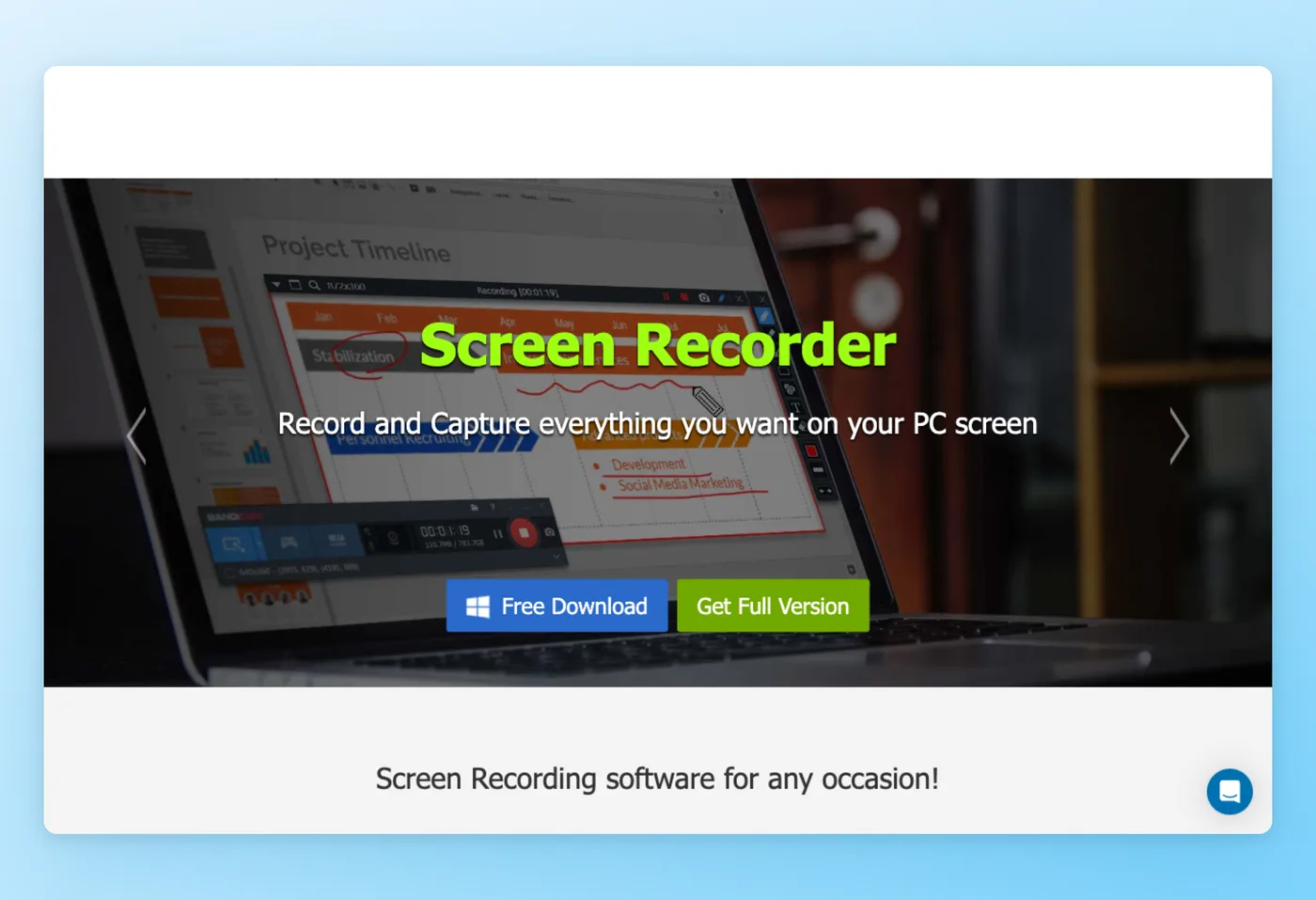
Bandicam is a high-compression screen and game recorder for Windows, with a standalone Mac edition sold separately, and it's pitched at people who want to keep system load down. Its game-capture mode pushes to 4K at frame rates as high as 480, which is why so many Windows users reach for it when recording tutorials and clips.
Key Features
- Light-footprint capture: it advertises smaller CPU and GPU demands than OBS, which is its main pull for anyone wanting a slimmer tool.
- High-frame-rate game mode: a purpose-built game-capture mode reaches 4K and 480 frames per second.
- Strong compression: output files stay small and well compressed.
- Simple setup: easier to get recording than OBS's scene configuration.
Strengths
- Light on resources and simple to operate, a sensible match for an aging or low-spec build.
- Compact, nicely compressed output paired with a dependable game-capture mode.
Limitations
- The free version caps clips at 10 minutes and stamps a www.BANDICAM.com watermark on them.
- Built for Windows first, it went years without a native Mac app and carries a dated, "lazy ugly" UI.
- Some users report it "eats so much performance" and causes in-game stutter, which contradicts the lightweight claim, so test under load first.
Pricing
- Free tier: Yes, capped at 10 minutes per clip with a watermark.
- Paid plans: Personal $33.26/year or $53.90 one-time perpetual (1-PC); Business $49.46/year. Per-PC license. A separate paid Bandicam for Mac requires macOS 13+.
Rated 4.4/5 on G2 (42 reviews) · 4.4/5 on GetApp (126 reviews) · 4.4/5 on Software Advice (126 reviews) · 4.2/5 on Trustpilot (169 reviews) · 5.0/5 on SourceForge (3 reviews)
"Bandicam Screen Recorder is far more fun to use for my client interview needs than Screenflow. It's lightweight so it doesn't slow your PC down, and there are a ton of file size reduction options so you don't have to deal with massive files." Software Advice
Works Best For
Windows users recording tutorials or game clips on a modest PC who want a simple recorder rather than a streaming console.
Official website: bandicam.com
How it compares to OBS
For tutorials and game clips on a machine where OBS feels sluggish, Bandicam is a straightforward, lean Windows recorder. Three caveats matter: it only records, with no streaming or scene support; the free version stops clips at 10 minutes and brands them; and the low-overhead promise can break down when the system is under real strain. Choose Bandicam for fast local capture on Windows; stick with OBS when you also need to broadcast or record across platforms.
Prices verified June 2026.
Camtasia tacks on the editing stage that recorders like Bandicam skip.
Camtasia, capture and polish a tutorial inside a single program
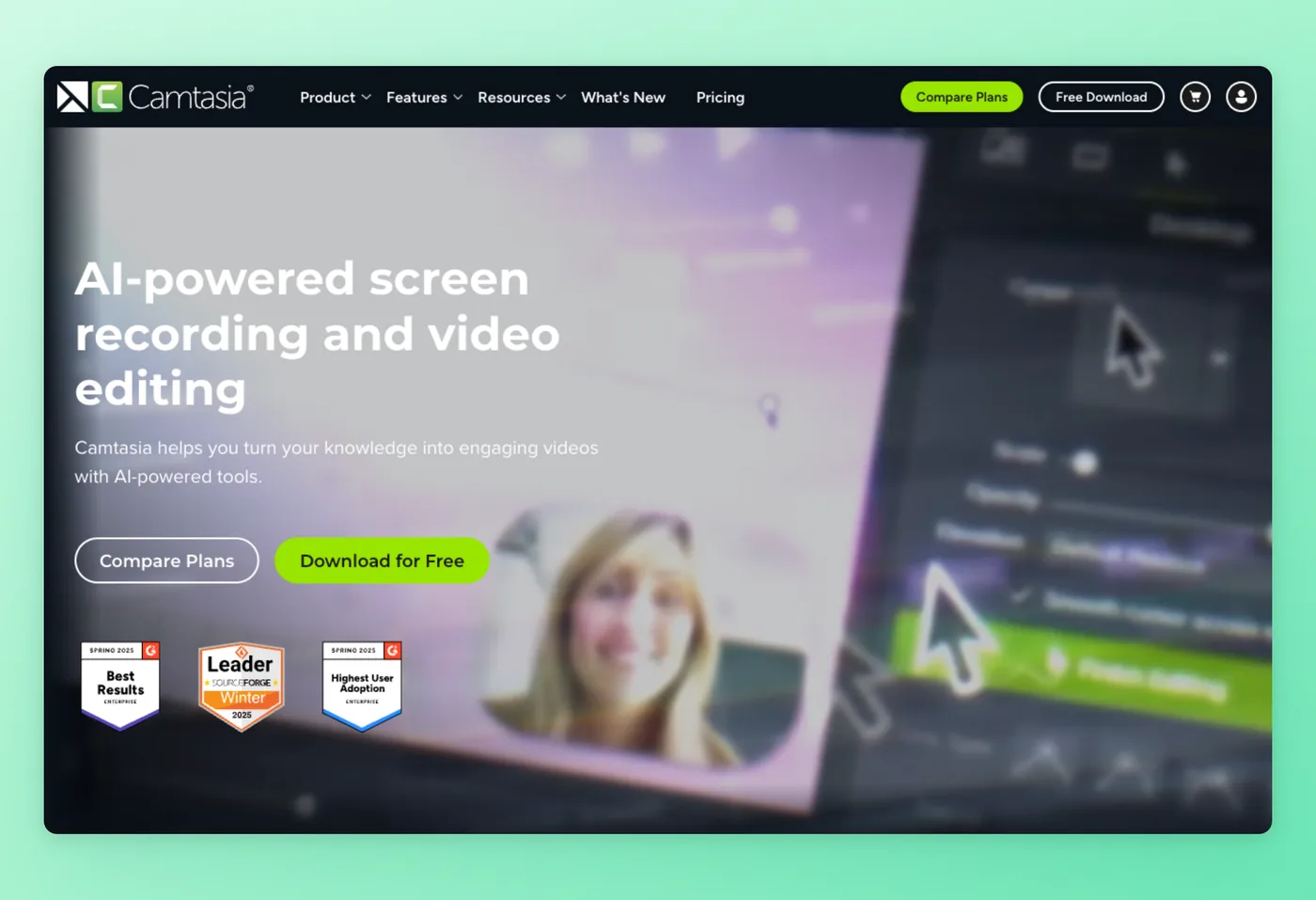
Camtasia, from TechSmith, joins a desktop screen recorder to a multitrack timeline editor, handling the post-recording work OBS hands back to you. AI script, voice, and avatar generation, auto-captions, translation, and filler-word removal target educators, trainers, and marketers building polished tutorials.
Key Features
- Capture and edit together: recording and a multitrack timeline share one program, so you record and finish the video in the same place.
- AI helpers: generate scripts, voices, and avatars, plus auto-captions and translation.
- Filler-word cleanup: automatically strips "um" and "uh" out of your narration.
- Works on both desktops: available for Windows as well as macOS.
Strengths
- The fastest path from idea to finished video for non-power users.
- A strong all-in-one record-and-edit workflow with good output quality.
Limitations
- The subscription-only shift since Fall 2024 is the dominant grievance: 2025+ versions stop working if you stop paying, and many users stay on old perpetual builds (2019 to 2024).
- Pricing reads as steep "for a screen recorder."
- Editing can feel sluggish even on capable hardware.
Pricing
- Free tier: No, the free desktop output is watermarked; a 30-day free trial is available.
- Paid plans: Starter $39/year; Essentials $179.88/year; Create $249/year; Pro $599/year. Subscription-only since Fall 2024, no perpetual license. Windows and Mac.
Rated 4.6/5 on G2 (1,715 reviews) · 4.5/5 on GetApp (452 reviews) · 4.5/5 on Software Advice (452 reviews) · 4.7/5 on SourceForge (40 reviews) · 4.4/5 on Product Hunt (8 reviews)
"I still believe that Camtasia is probably the fastest way to go from 'idea' to 'video' -- certainly it's the way that non-power users will find most intuitive. That ease-of-use does not come at the price of precision, and experienced users will find it easy get exactly what they want." G2
Works Best For
Educators and marketers who want to record and edit a polished tutorial in a single app without learning a separate editor.
Official website: techsmith.com
How it compares to OBS
Where OBS stops at the recording, Camtasia carries through, capturing and editing a finished tutorial in one place with AI help along the way. That convenience runs on a paid yearly subscription, the free output is watermarked, and the move to subscription-only has irritated users who once owned perpetual licenses. Reach for Camtasia when you want the whole tutorial pipeline in one tool; stay on OBS if free capture is all you need and your editing happens elsewhere.
Prices verified June 2026.
For Mac streamers, Ecamm Live is the refined option.
Ecamm Live: the refined Mac pick for going live
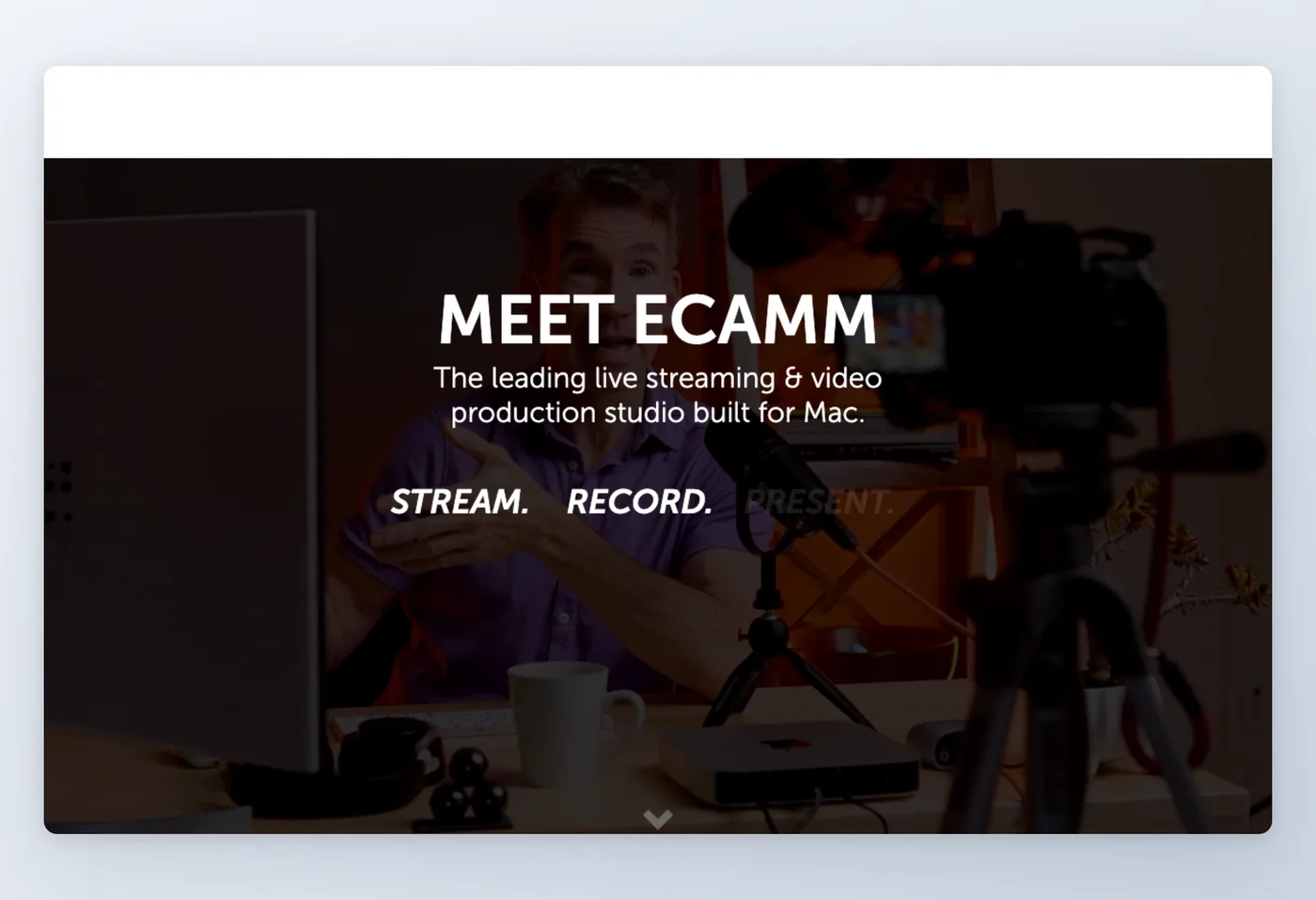
Ecamm Live is a Mac-exclusive studio that rolls live streaming and video production together, sending one broadcast to as many as 10 destinations while layering on green screen, camera switching across multiple feeds, overlays, and Zoom integration. Among Mac users the familiar line is "struggle with OBS or pay for Ecamm."
Key Features
- Built for macOS: broadcast-grade streaming engineered specifically for the Mac, and the clear front-runner there.
- Simulcast reach: send a stream to as many as 10 platforms simultaneously.
- Production kit: green screen, switching between multiple cameras, overlays, and Zoom integration.
- Ecosystem support: works with Stream Deck and Companion, scenes, and a virtual camera.
Strengths
- Polished, professional broadcast quality out of the box.
- Easier than OBS on Mac, with a strong Mac-native ecosystem.
Limitations
- Mac-only and premium-priced, with a trial but no free tier, which reads as expensive next to free OBS.
- Billing dark patterns: no self-serve downgrade, you must email support, and one G2 reviewer called it "outright unethical."
- Stability regressions after macOS updates, including laggy or choppy camera behavior after macOS 26.
Pricing
- Free tier: No, a 14-day trial only.
- Paid plans: Standard about $16/month; Pro about $32/month. Mac only (macOS 11.2+). 4K, virtual cam/mic, NDI, and Zoom integration are gated to Pro. 14-day refund window.
Rated 4.8/5 on GetApp (174 reviews) · 4.8/5 on Software Advice (174 reviews) · 2.6/5 on Trustpilot (8 reviews)
"We switched to Ecamm after moving over from GotoWebinar in order to deliver webinars globally. The software on macOS is very polished and offers many controls." Trustpilot
Works Best For
Mac-based creators and broadcasters after a refined studio with multiple-camera switching, willing to pay so they can sidestep configuring OBS on macOS.
Official website: ecamm.com
How it compares to OBS
On the Mac, Ecamm gives you a refined, low-hassle studio with camera switching and tidy production controls. The drawbacks: no free tier exists, it never leaves macOS, and forcing downgrades through an email to support frustrates users. Go with Ecamm when you broadcast from a Mac and care more about polish than cost; stay on OBS if you want a free, cross-platform tool and can live with the configuration.
Prices verified June 2026.
Movavi keeps capture easy on any computer.
Movavi: simple record and light edit for any PC
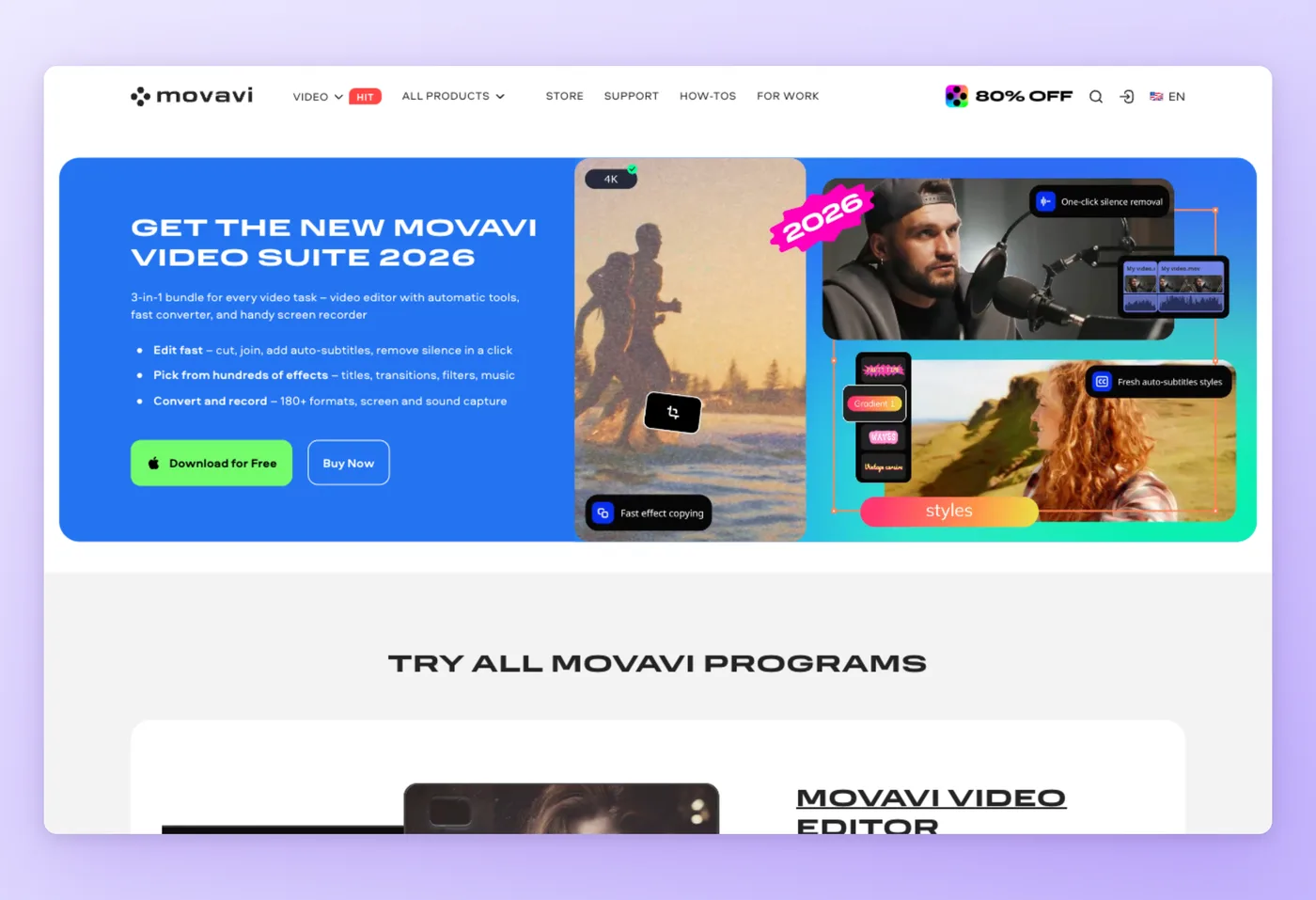
Movavi is a consumer media package for Windows and Mac that ships a screen recorder alongside a built-in video editor. Capture handles 4K, a webcam overlay, scheduling, and meeting recording, with a layer of light AI editing, and the whole thing targets newcomers and hobbyist creators.
Key Features
- Easy screen capture: 4K recording, webcam overlay, scheduler, and meeting capture without OBS's setup.
- Bundled editor: the Screen Recorder ships with Movavi Video Editor for quick cuts.
- Light AI editing: auto subtitles plus noise and silence removal.
- Broad format support: wide import and export coverage for casual workflows.
Strengths
- A straightforward all-in-one record-and-light-edit tool for any PC.
- AI conveniences like auto subtitles and silence removal that beginners appreciate.
Limitations
- Billing complaints drive a heavy Trustpilot 1-star tail: surprise charges and add-on upsells.
- A watermarked, time-limited 7-day trial, and it can't capture DRM-protected streams.
- Not recommended for game recording (users get steered to the separate Gecata tool), with no streaming or scene console.
Pricing
- Free tier: No, a 7-day watermarked trial only.
- Paid plans: about £16.95/month including VAT on an annual subscription; exact USD tiers are unavailable because the buy pages return 404. Windows and Mac.
Rated 4.8/5 on Capterra (1,135 reviews) · 4.8/5 on GetApp (1,135 reviews) · 3.6/5 on Trustpilot (22,002 reviews)
The rating split tells two stories: Capterra reflects a very positive product experience, while Trustpilot carries a heavy company-and-billing 1-star tail. Read both before buying.
"It allows me to create professional-looking videos quickly without needing advanced editing skills. The drag-and-drop interface, built-in effects, and quick export options help save time and improve productivity." Capterra
Works Best For
Newcomers and hobbyists looking to capture and do light edits on any computer without picking up OBS or a full-blown editor.
Official website: movavi.com
How it compares to OBS
Movavi is an approachable record-and-edit tool that works on any computer and asks far less of you than OBS does. The compromises: it costs money, the trial is watermarked, there's no streaming, and its billing collects a fair number of complaints. Choose Movavi for quick, casual capture with a bit of editing; stay on OBS when you need streaming, scenes, or something that costs nothing.
Prices verified June 2026.
Hinto AI takes on the step none of the tools above touch.
Hinto AI, turn the recording into documentation
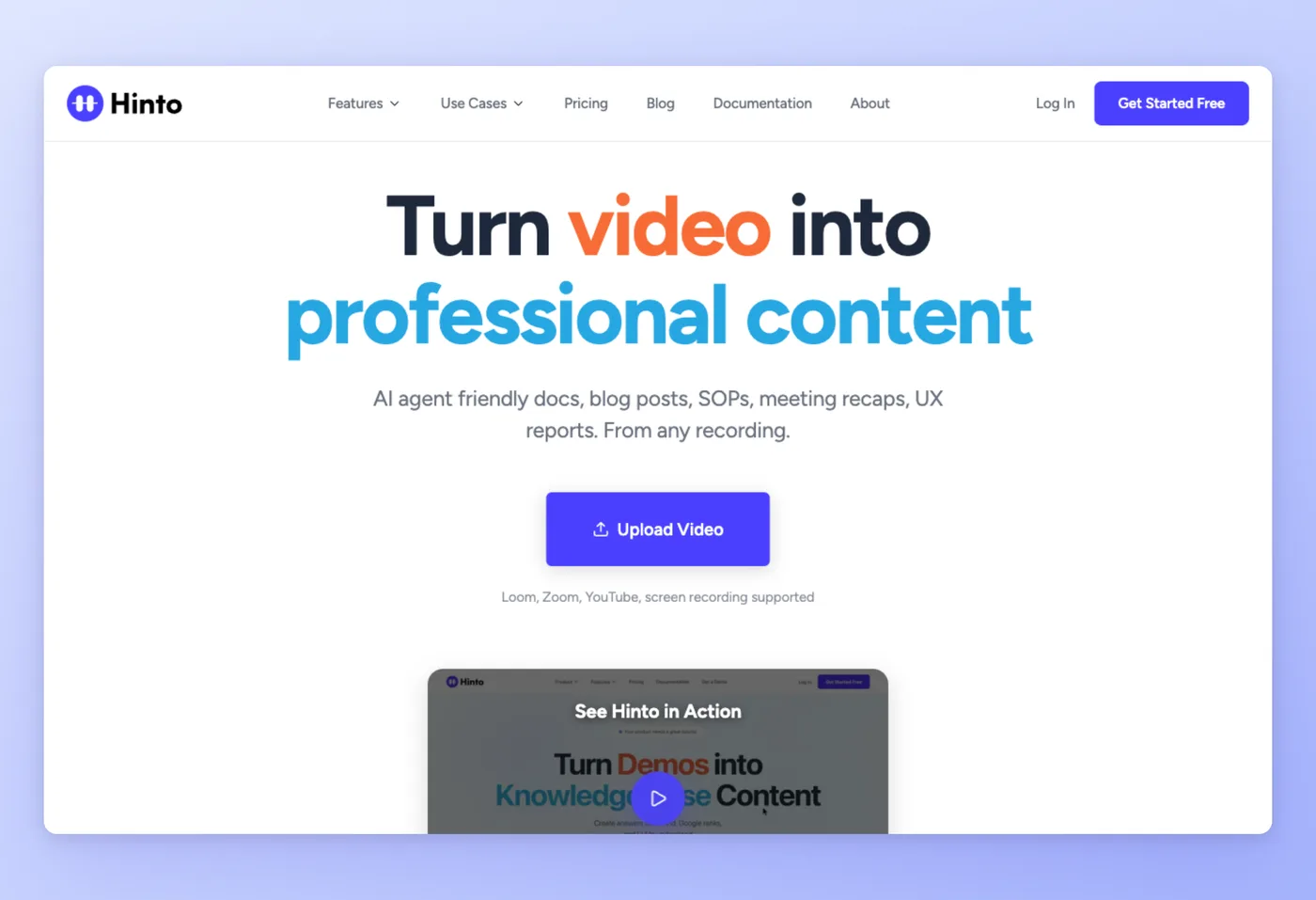
Every other tool in this guide stops at a video file. Hinto AI picks up where they stop: it turns any screen recording, including OBS footage, Loom, Zoom, YouTube, or local uploads, into structured, screenshot-illustrated step-by-step guides, SOPs, and help centers. AI Action Detection auto-extracts the screenshots and written steps for you.
Key Features
- Accepts any video source: built-in screen recorder plus uploads of MP4, MOV, WebM, Loom, Zoom, or YouTube, so existing OBS footage works.
- Knowledge-base generation: one long video becomes a full table of contents with multiple organized articles.
- Templates: Help Center, What's New release notes, SOPs, user research analysis, and sprint demo recaps.
- In-app image editor: crop, frame, focus, or blur sensitive info on each screenshot.
- One-click hosting and AI-ready output: custom domain with SSL, plus llms.txt and llms-full.txt export for AI agents, across 50+ languages.
Strengths
- Removes the manual write-up entirely: upload OBS footage and get a step-by-step guide with screenshots.
- Blur-sensitive-info editing and one-click hosting on a custom domain.
Limitations
- A monthly generation credit system rather than unlimited use.
- Max video length caps per plan (20/30/120 minutes).
- Multi-language generation is gated to the top tier, and billing is monthly only.
Pricing
- Free tier: Yes, 20 generations, 1 project, and a 20-minute video limit.
- Paid plans: Small Team $15/month (30 generations/month, custom domain); Growth $99/month; All-Inclusive $499/month (multi-language). Browser and web app plus a Chrome extension.
Ratings: not yet on G2/Capterra.
Works Best For
Support, operations, and product teams that record processes and want the recording turned into a written, screenshot-illustrated guide, SOP, or help center.
Official website: https://hintoai.com/
How it compares to OBS
Hinto AI handles the step OBS leaves out: turning the recording into written, screenshot-illustrated documentation. It matches OBS on neither capture fidelity nor streaming, since it does neither. Use OBS to capture the high-fidelity footage, then upload that footage to Hinto AI to generate the guide. The two tools work together: capture in OBS, document in Hinto.
Prices verified June 2026.
Upload an OBS recording and get a step-by-step guide with screenshots in one pass, on the free tier.
Get started freeHinto AI vs OBS: Where Each Wins
OBS and Hinto AI solve different problems. OBS owns capture, streaming, free control, and high fidelity. Hinto owns the after-capture documentation step that OBS leaves to you. The table below shows where each one fits.
| Category | OBS wins when | Hinto AI wins when |
|---|---|---|
| Live streaming | You broadcast to Twitch or YouTube with scenes, sources, and encoders | Not applicable, Hinto doesn't stream |
| Capture fidelity | You need high-FPS, high-bitrate, watermark-free capture | Basic screen capture is enough to document the steps |
| Cost | You want $0, forever, open source | You want a free tier (20 generations), then $15/month for the docs layer |
| Control | You want to set every scene, source, and audio filter by hand | You want the tool to pull out the steps and screenshots on its own |
| After capture | Not applicable, OBS stops at a local video file | You need the recording turned into a written, screenshot-illustrated guide, SOP, or help center |
| Output formats | Raw video (MP4/MOV) | Structured multi-article docs, hosted on a custom domain, with llms.txt for AI agents |
| Languages | Not applicable | Generate docs in 50+ languages from one recording |
The two fit together rather than compete. Capture and broadcast through OBS, then bring the footage into Hinto when it has to turn into a written guide.
Skip the write-up after you record
Keep OBS for capture, then let Hinto AI build the SOP or help article from the footage automatically.
What OBS Users Actually Worry About
These concerns come up repeatedly across OBS Forums and product review threads on G2, Capterra, and Trustpilot.
| Concern | Why it matters | Best direction |
|---|---|---|
| OBS bogs down and lags on my weak machine | A complaint that keeps surfacing on the OBS Forums from people on underpowered rigs hunting for stutter-free tools | Bandicam (lean) or Movavi for plain recording; test Bandicam's claim yourself, since some report stutter when loaded |
| Setting OBS up is too involved | Its learning curve is the biggest source of friction, and praise for rivals almost always frames them as gentler to set up | Streamlabs (bundled, OBS-based); StreamYard (browser, nothing to install); Ecamm on Mac |
| I'm paying for something OBS does free | XSplit, StreamYard, and Ecamm reviewers all weigh cost against $0 OBS | Keep OBS for core streaming; pay only for a specific gap (Mac ease, Ecamm; browser guests, StreamYard) |
| Watch out for billing | Streamlabs Prime, Movavi add-ons, Ecamm downgrade-by-email, and Camtasia subscription lock-in all draw complaints | Read cancellation and refund terms first; one-time licenses (Bandicam, XSplit lifetime) avoid recurring billing |
| Nothing happens after I record | Every streaming and recording tool here stops at a video file | Hinto AI turns the recording into a written, screenshot-illustrated guide or SOP |
The billing and performance complaints trace back to each tool's review history, so check the source site before you commit. The last concern is the one no recorder solves: once the video exists, Hinto AI is the tool that turns it into documentation.
Picking an OBS Replacement: Match the Tool to Your Track
Start by naming your lane: are you streaming, recording, or documenting? With that settled, the options laid out above fall into place quickly and the shortlist narrows on its own.
Decision Framework
- Streamers after less fuss: Streamlabs (free, OBS-based) packages alerts and overlays together; StreamYard loads in a browser with nothing to install.
- Mac users chasing polish: Ecamm Live is the macOS-native broadcast studio, with no setup wrestling involved.
- Windows or a weak machine, recording only: Bandicam is the lean choice; Movavi throws in basic editing for hobbyists.
- Capture and edit a tutorial in one place: Camtasia combines recording with a multitrack timeline and AI helpers.
- Converting a recording into written docs: Hinto AI turns the footage into a step-by-step guide complete with screenshots.
- Full free control, and setup doesn't bother you: stay put on OBS, the no-cost pick for hands-on users.
Weighing OBS vs Streamlabs is a useful first cut for streamers, since Streamlabs builds on the same engine but bundles alerts and overlays out of the box. Each of these tools owns one lane, so resist hunting for a single app to span all three. Hand one program streaming, recording, and documentation at the same time and it usually slips on one of them, which is why matching the tool to the job pays dividends. When the work is turning recordings into structured documentation, Hinto AI handles that stage, while OBS keeps its place as the free, full-control option for capturing and broadcasting.
Common Questions
Which free tool replaces OBS best?
None beats OBS itself on capability at zero cost. If you want streaming with less hassle, Streamlabs offers a free tier on the OBS engine. For plain recording without paying, Bandicam's free version works inside a 10-minute limit and adds a watermark, while StreamYard's free browser plan grants 2 hours of recording per month under its logo.
Is anything lighter than OBS on a weak machine?
Bandicam advertises modest CPU and GPU demands, and Movavi is easy to run. You can also tune OBS down for older hardware, though a dedicated recorder usually runs leaner. Put Bandicam through your own workload first, since stutter has been reported.
Which tool should a Mac user pick instead of OBS?
On macOS, Ecamm Live leads, a Mac-only broadcast studio with switching across multiple cameras. If recording is all you need on a Mac, both Camtasia and Movavi run there too.
What works well on Windows in place of OBS?
For recording, Bandicam is the lean Windows option. For going live, the leading choices are Streamlabs (bundled, OBS-based) and XSplit (Windows-first, with AI tools built in).
Which option is the easiest to set up?
StreamYard, loading in a browser with no install, demands the least setup of any streaming tool. Streamlabs folds alerts and overlays into a single download, sparing you most of the manual scene work OBS requires.
Among OBS-style streaming apps, which is the simplest to begin with?
StreamYard takes the prize for getting started fast, since it runs in the browser with nothing to download, and Streamlabs follows closely by packaging alerts and overlays on top of the OBS engine. Both trim away the setup that can make OBS-style tools feel daunting to first-time streamers.
Can an OBS recording become documentation?
Yes. Drop OBS footage into Hinto AI and it produces a step-by-step guide with screenshots, lifting the steps out for you automatically. There's no need to record again or type up the walkthrough yourself.
Final Verdict
No one tool wins as the universal OBS replacement; the right swap hinges on which lane you're in. Every option here dominates a single track, not the whole set. OBS holds its spot as the free, high-control standard for capturing and broadcasting, and anyone who likes hands-on control and tolerates the setup should stick with it.
When you want streaming with less effort, Streamlabs and StreamYard are out front, and on the Mac, Ecamm Live is the one to beat. On the recording side, Bandicam covers lean Windows capture, Camtasia bundles recording with editing, and Movavi keeps things easy on any computer. The three-way split, streaming versus recording versus documentation, is the lens that makes the choice clear.
When the whole point of a recording is to document a process, Hinto AI converts that footage into a finished, screenshot-filled guide in a single pass. Capture with OBS, then write it up in Hinto.

Founder of Hinto - passionate about making knowledge accessible and helping teams create better documentation.
Ready to Build a Better
Knowledge Base, Faster?
Get Started Free & Create Your First Article in Minutes