Every Hinto AI feature, from one recording to onboarding guides, SOPs and help articles
Record or upload a video up to 100 minutes. Hinto writes guides, SOPs, help articles, meeting recaps or blog posts from it, puts screenshots at the steps, translates them into 41 languages and publishes them on your own domain. Your first 15 minutes of video are free.
New to Hinto? Read how it works.
Create articles from a video
Generate
Upload a file up to 2 GB and 100 minutes, record your screen in the browser, or paste a Loom, Google Drive, Screen Studio or Dropbox link. Pick a project type first, such as knowledge base, internal workflows, meeting recaps, customer interviews or blog. Hinto writes the articles in that shape. When a draft misses, click Refine and type what should change.
See how Generate works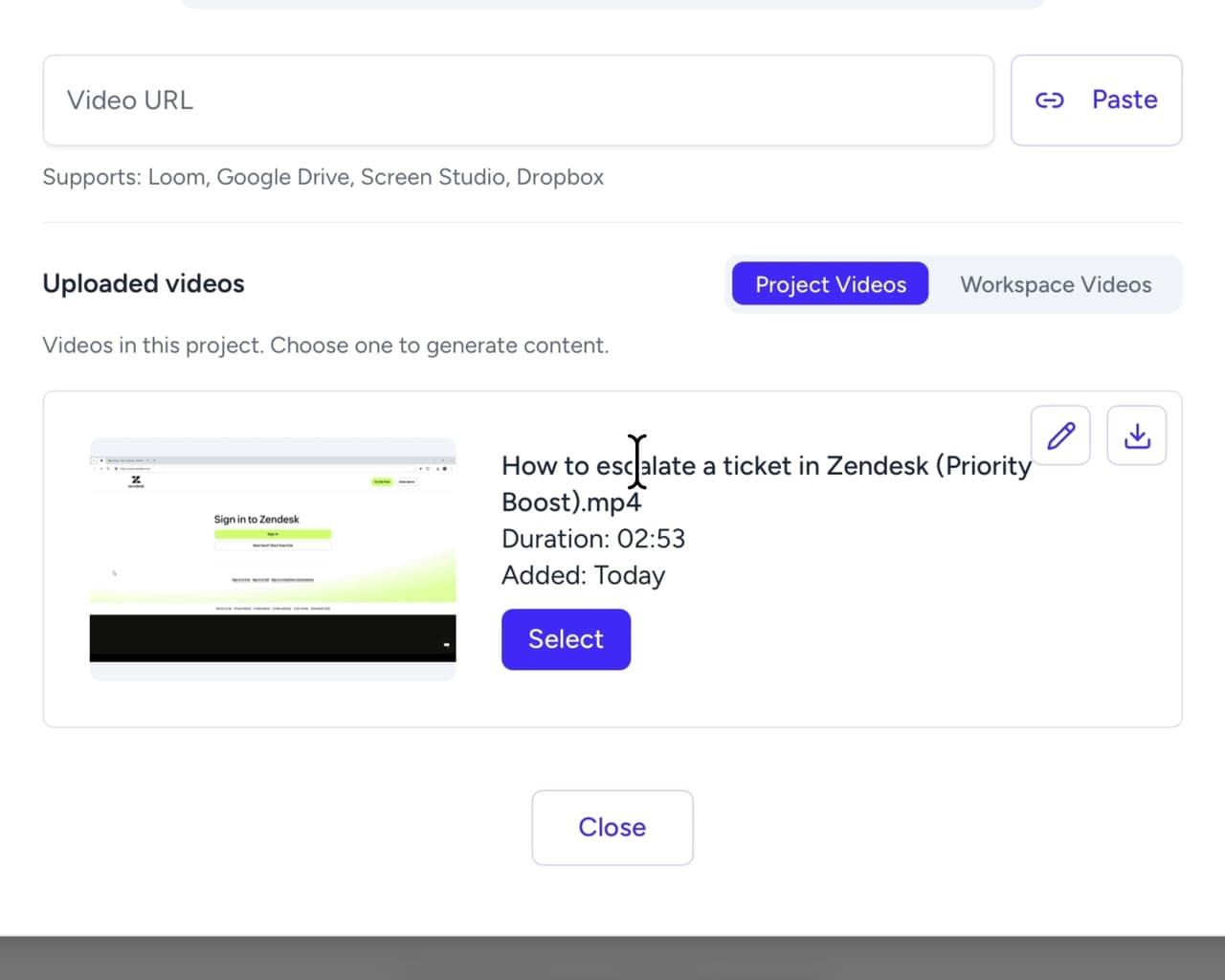
Visualize
Screenshots come from the video at the moment each step happens, and each one gets alt text written for it. Move a screenshot to a different second, or swap it for a GIF or a clip of up to 5 minutes with its sound kept.
See how Visualize worksOpen the dashboard
Run your first export
Edit and translate them
Edit & Collaborate
Edit articles in a block editor with headings, lists, checklists, quotes and code. Drag articles and folders into a new order. Every save is kept as a version you can restore. Paid plans add teammates to the same project, and the free plan has one seat.
See how Edit & Collaborate works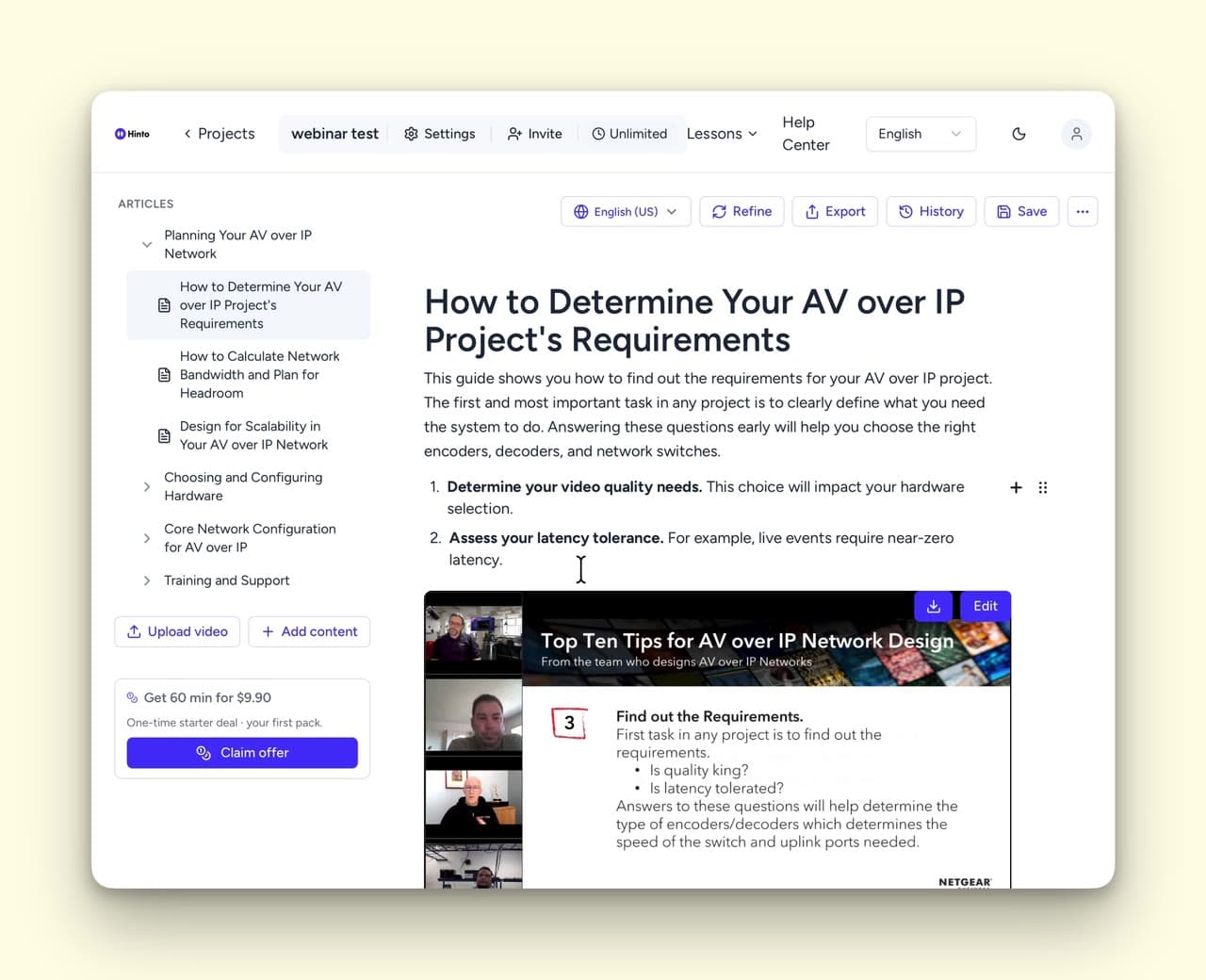
Translate
Add any of 41 languages to a project and Hinto translates every article, with its title, meta description and URL slug. Edit a translation by hand and it is marked manual, so Re-translate all leaves it alone.
See how Translate works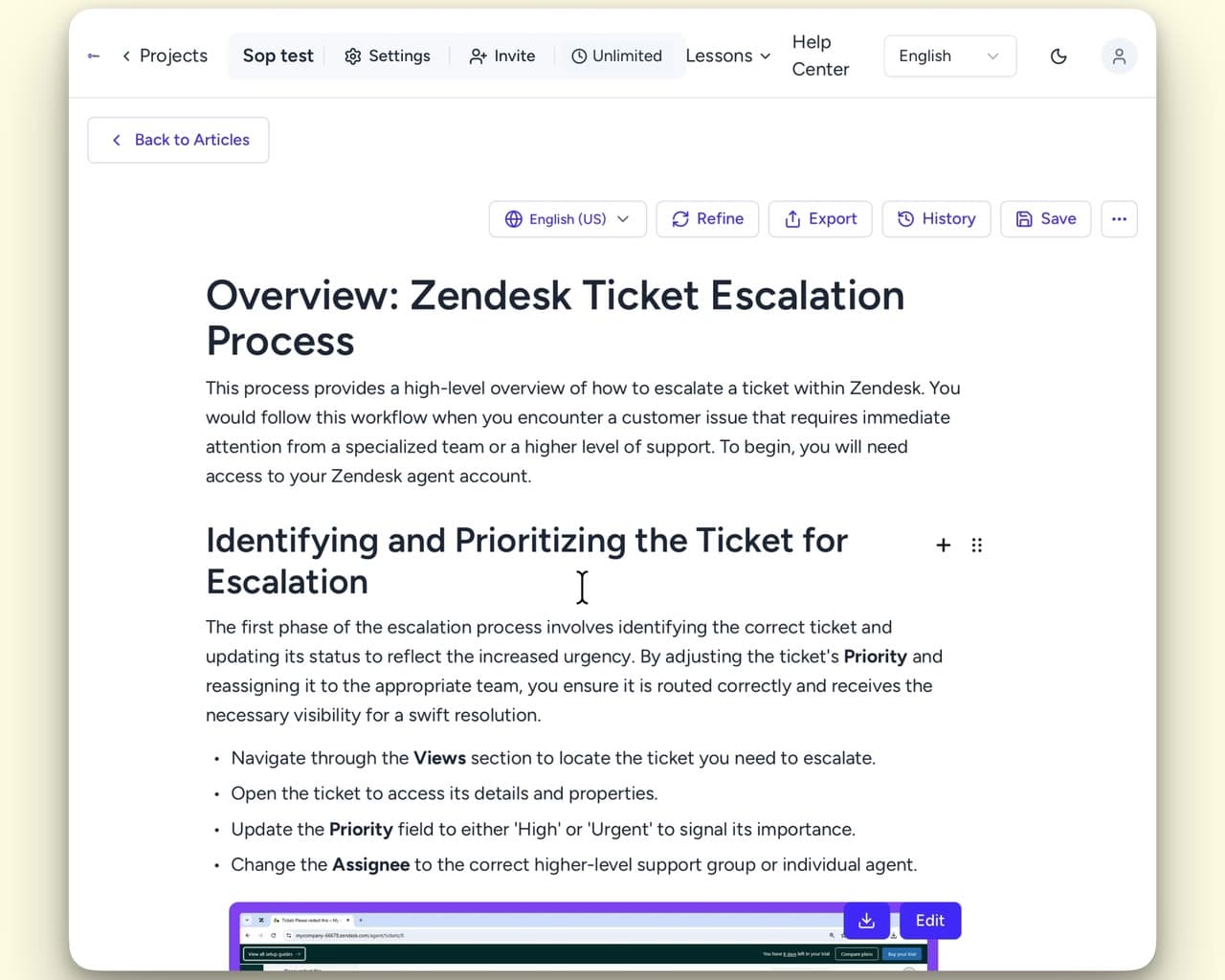
Publish, export and connect
Publish
Publish the project as a hosted help center at your-project.hintoai.com or on your own domain, in a docs or blog layout with your fonts, colors and logo. Once your domain is verified, connect Google Search Console and Hinto submits the sitemap for you.
See how Publish works
Export
Download one article, a folder or the whole project as PDF, Word, HTML or Markdown, or as an llms.txt file your AI tools can read. The HTML file suits Zendesk and the Markdown file suits Notion.
See how Export works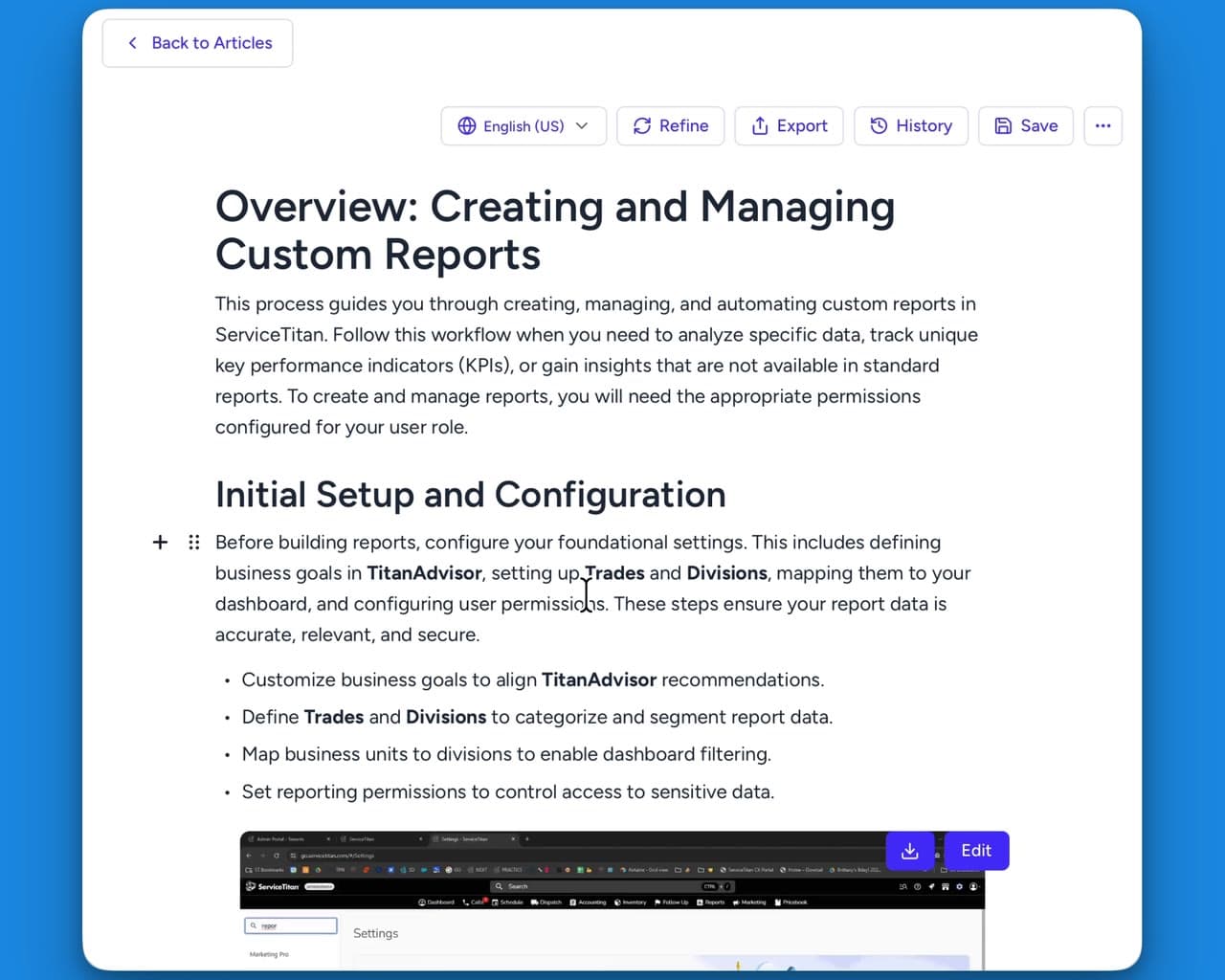
Integrate
A REST API with keys scoped to read, write, generate or publish, a CLI you install from npm, and an agent skill that drives the CLI. Webhooks fire when a project is published, republished, unpublished or archived.
See how Integrate worksWhat people make with Hinto
SOPs and process guides
Turn a recorded walkthrough into a step-by-step SOP, with screenshots at the steps that need one.
Onboarding and training guides
Write up the sessions you already run, so a new hire reads them instead of booking time with you.
Help centre articles
Answer the questions customers keep asking, in articles they can search.
Meeting and demo recaps
Turn a recorded call or demo into a recap people read afterwards.
Ready to Build a Better
Knowledge Base, Faster?
Try it on your own recording. Your first 15 minutes of video are free.