Export Your Knowledge Base as PDF, Word, Markdown or llms.txt
Export a single article as a PDF, a Word document, HTML, or Markdown. Export a folder as a PDF or a Word document. Export a whole project as any of those, or as one llms.txt file for AI tools. Publish the project and your site serves its llms.txt at /llms.txt, rebuilt each time you publish.
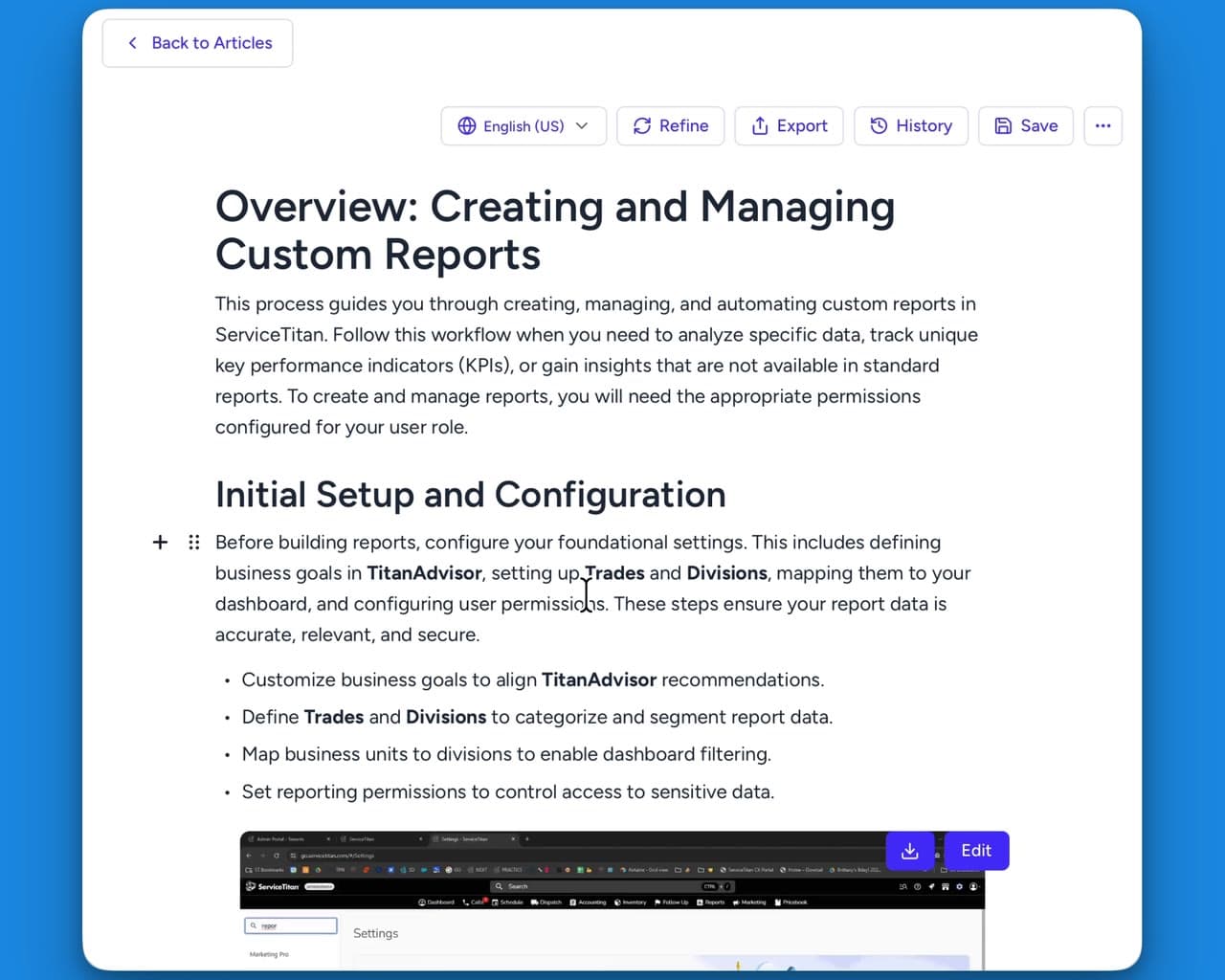
Export an article, a folder or your whole knowledge base
What you can take out depends on what you export, one article, a folder, or the whole project. The same formats come out whether the project holds help articles, SOPs, training guides or a client handover.
One article, five ways out
A folder or a whole project at once
Which format to choose
Word
HTML
Markdown
llms.txt
An llms.txt file you download or serve live
Hinto writes every article of a project into one plain-text file. Download it from the project, or point an AI tool at the copy your published site serves.
What the file holds
Download it, or read it from your site
Where the writing ends up
Onboarding and training guides
Write up the sessions you already run, so a new hire reads them instead of booking time with you.
Client handover packs
Hand a client the written version of the system you set up for them, as files or through the API.
SOPs and process guides
Turn a recorded walkthrough into a step-by-step SOP, with screenshots at the steps that need one.
Context for your AI tools
Give an assistant your own written processes as one plain-text file.
Other features
Questions about exporting your knowledge base
An article exports as PDF, Word, HTML or Markdown, or copies to the clipboard as formatted text. A folder exports as PDF or Word. A whole project exports as PDF, Word, a .zip of HTML pages, a .zip of Markdown files with their images, or one LLMs.txt file. This is also how a training pack or a client handover leaves Hinto, when it should not go up on a public site.
Ready to Build a Better
Knowledge Base, Faster?
Get Started Free & Create Your First Article in Minutes