
7 Best Vidyard Alternatives & Competitors (2026)
Documentation from recordings: Hinto AI (turns a video into help articles and SOPs)
Free async messaging: Loom (free Starter, 25 videos, 5-min cap)
Marketing hosting and webinars: Wistia (free plan: 25 GB, 1 user)
Vidyard hosts, sends, and tracks sales video well. Its analytics, CTAs, and CRM integrations are built for revenue teams running one-to-one outreach who want to see who watched. That focus is also its limit: per-seat pricing climbs with every rep you add, and the platform aims squarely at sales rather than marketing hosting or written documentation.
That mismatch pushes a lot of teams to look at apps like Vidyard for a better fit. This guide compares seven Vidyard competitors across pricing, free tiers, and output, from Loom and Wistia to Hippo Video, Sendspark, Tella, and Dubb. It also covers Hinto AI, which takes a Vidyard or Loom recording and turns it into written help articles, release notes, and SOPs, the collateral Vidyard doesn't produce.
What Pushes Teams Off Vidyard
Vidyard distributes and tracks video, but it leaves the written collateral teams need around those recordings to manual work. Onboarding docs, help articles, and release notes still get typed out by hand. Three other limits push teams to look past it:
- Thin free tier: The free plan caps you at 5 videos a month and 30 minutes per recording, with no video hosting and only limited integrations.
- Per-seat pricing that scales: Paid Starter runs about $59 per user per month, so cost multiplies fast across a sales team and squeezes budget-conscious buyers.
- Hidden team pricing: Teams and Enterprise tiers require a demo or custom quote, with no public numbers to plan against.
The reviews below cover where each alternative fits, whether you need async internal messaging, marketing hosting, or written documentation.
Turn a recording into a written help article
Upload an existing Vidyard or Loom video and Hinto AI drafts the docs Vidyard leaves you to write by hand.
Which Vidyard Alternative Is Right for You?
Answer the questions below to find your match. Download as PDF to keep it handy.
Vidyard Alternatives at a Glance
Use the table below for a quick side-by-side look at apps like Vidyard, covering free tiers, starting price, and what each one produces beyond the video itself. Detailed reviews follow.
| Platform | What's Free | Paid Entry | Where It Fits | Output Beyond Video |
|---|---|---|---|---|
| Vidyard | 5 videos/mo, 15 AI videos, no hosting | ~$59/user/mo | Revenue teams that lean on synthetic presenters and tracked outreach | Viewer analytics, basic transcripts |
| Hinto AI | 20 generations, 1 project, 50 hosted articles | $15/mo | Converting walkthroughs into written guides, procedures, and knowledge bases | Structured articles, SOPs, blog posts, help centers |
| Loom | 25 clips each person, 5-minute limit | $15/user/mo (annual) | Whole-team async screen sharing without meetings | Auto transcripts, AI summaries |
| Wistia | 25 GB storage, 1 user, no watermark | $79/mo | Marketing teams hosting and measuring video | Engagement analytics, webinars, landing pages |
| Hippo Video | 50 personalized videos/mo, 5 AI videos/mo | $20/user/mo (annual) | Support and sales squads producing avatar clips at volume | AI avatars, sales pages, captions |
| Sendspark | None (7-day trial) | $49/mo | SDRs tailoring high-volume cold-outreach clips | AI personalization, dynamic backgrounds |
| Tella | Limited free / 7-day trial | $13/user/mo | Creators making polished demos and long-form clips | Auto-edits, transcript-based cuts, layouts |
| Dubb | Free forever, 25 SD videos | $42/user/mo (annual) | Reps who close on a budget using watch-tracked clips | Watch data plus follow-up automation |
Prices as of June 2026. Check each tool's pricing page for current rates.
Best Vidyard Alternative by Use Case
| Need | Best Pick | Why |
|---|---|---|
| Strongest no-cost option | Loom | Its Starter tier hands every person 25 recordings without asking for a card; Dubb's no-cost plan stops at 25 SD clips and Sendspark offers nothing free at all. |
| Driving outbound pipeline | Hippo Video / Sendspark | Per-prospect clips that plug directly into the CRM and the rest of your engagement tooling. |
| Best for written docs from recordings | Hinto AI | Generates help articles, SOPs, and "What's New" notes from a recording, the one job none of the others do. |
| Hosting marketing video plus webinars | Wistia | One home for branded hosting, live webinars, and viewer engagement data. |
| Best polished recording without a separate editor | Tella | Auto-zoom and transcript-based cuts at $13 per user per month. |
The Best Vidyard Alternatives Reviewed
Each review below covers positioning, key features, pricing, and the team it fits best.
Not sure which fits your team? Download the role matrix (PDF). best tool by team role.
Loom: Async screen-and-camera messaging
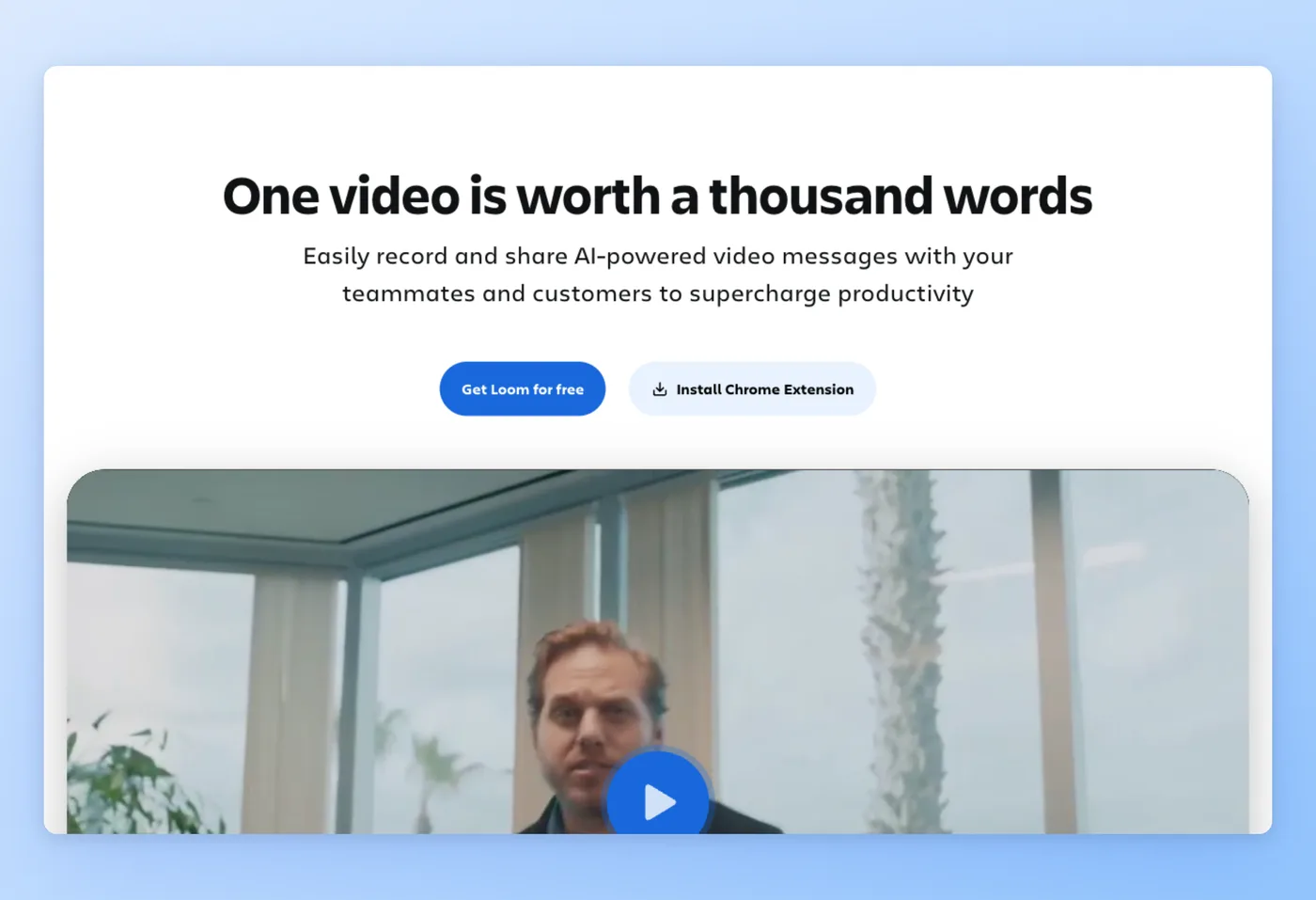
Loom captures your screen plus webcam from a single button, letting teams swap meetings for brief async clips. Now an Atlassian product, it leans toward internal communication rather than sales prospecting or marketing hosting.
Key Features
- One-click screen and webcam capture: Record a walkthrough fast without setup or editing.
- Auto transcripts and GIFs: Every video gets a searchable transcript and a shareable GIF preview.
- Shared workspaces: Up to 50 members on the free Starter plan share and comment in one place.
- CTA and viewer notifications: See who watched and prompt a next step inside the player.
Strengths
- Fast, low-friction async communication that cuts meeting load.
- Easy to learn, with quick screen-plus-webcam recording.
Limitations
- Pricing has risen since the Atlassian acquisition, and reviewers call it expensive.
- Editing stays basic and the Chrome extension can act up.
Pricing
- Free tier: Yes. The Starter plan allows each person 25 recordings, holds them to five minutes and 720p, and supports as many as 50 members.
- Paid plans: Business from $18/user/month ($15 annual); Business + AI $24/user/month; Enterprise custom. Per seat.
Rated 4.7/5 on Capterra (521 reviews) · 4.8/5 on Product Hunt (159 reviews) · 4.7/5 on GetApp (509 reviews) · 1.4/5 on Trustpilot (238 reviews)
"Loom replaced about half my meetings. Instead of booking 30 minutes to walk someone through a bug or a design change, I hit record, click through it, and paste the link. Pricing has crept up since the Atlassian acquisition and the gap between free and Business is wider than it used to be." Product Hunt
Works Best For
Internal teams replacing status meetings and quick handoffs with short async video.
How it compares to Vidyard
Stacking the two against each other, Loom takes simplicity and a genuine free tier for internal async messaging, an area where Vidyard's 5-clip free limit comes up short. Vidyard moves ahead on sales-engagement depth, CRM hooks, and viewer analytics tuned for outreach. Loom's pricing has climbed since the Atlassian deal, so the cost gap has narrowed. Pick Loom over Vidyard when the job is team communication, not tracked prospecting.
Prices verified June 2026.
Hinto AI takes the next recording further, converting it into written documentation.
Hinto AI: Video-to-Documentation
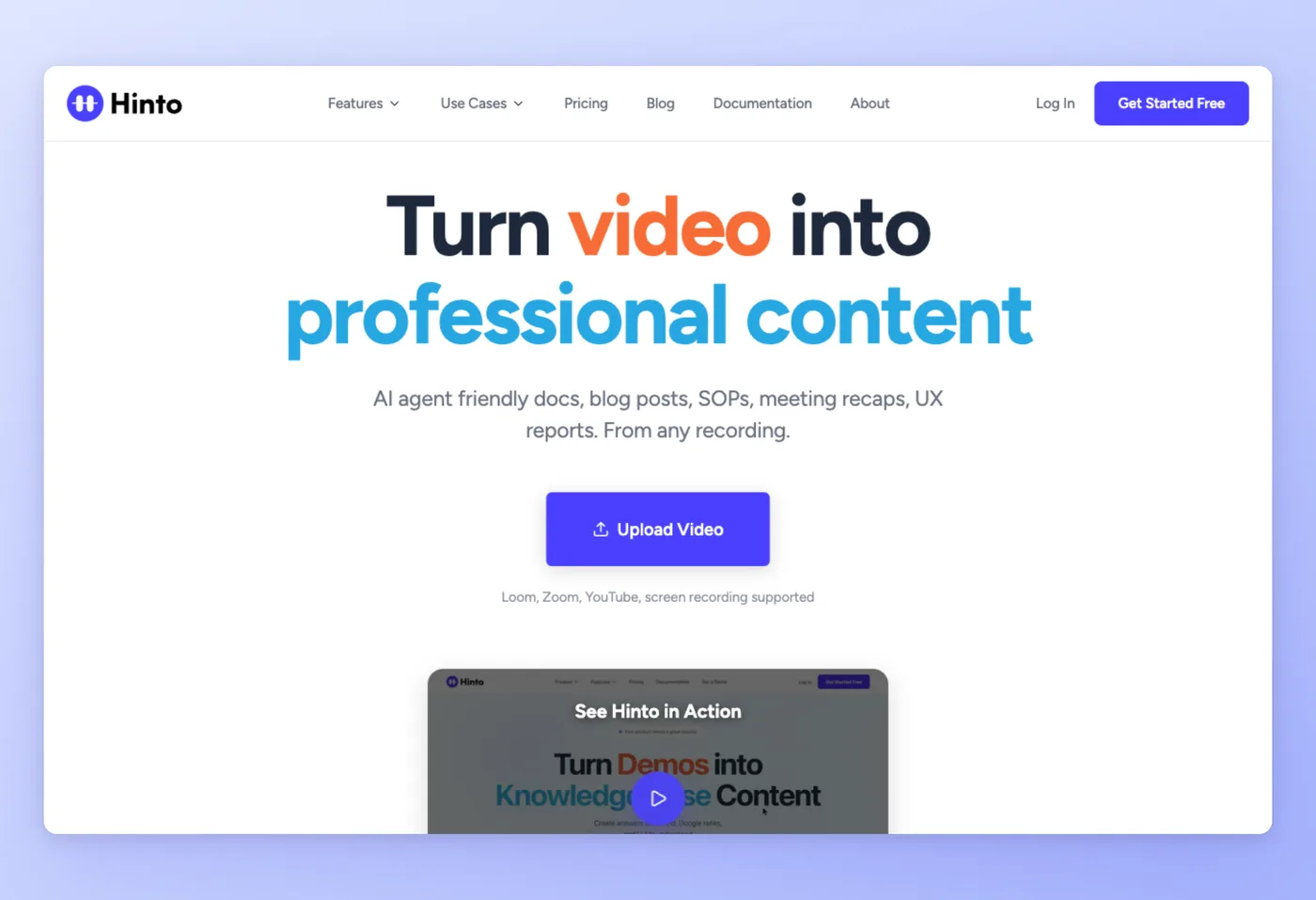
Hinto AI turns a screen recording or video walkthrough into structured written documentation: multi-article knowledge bases, standard operating procedures, blog posts, and "What's New" release notes. It serves teams that prefer to show and tell on video instead of typing guides by hand.
Key Features
- Video to multi-article docs: A single long recording becomes a full table of contents with organized articles.
- Specialized templates: Help centers, SOPs, release notes, user-research analysis, and SEO blog posts each have a tailored output.
- Import any recording: Record in Hinto or upload an existing Vidyard, Loom, Zoom, or YouTube video.
- Hosted knowledge base with llms.txt: Publish docs on a custom domain and auto-generate llms.txt so AI agents can read them.
Strengths
- Produces the written collateral, onboarding docs, help articles, and release notes that Vidyard leaves out.
- Flat per-plan pricing with no per-seat scaling, plus generation in 50+ languages.
Limitations
- It does not host, track, or add CTAs to video the way Vidyard does.
- A monthly generation credit system replaces unlimited per-seat usage.
Pricing
- Free tier: Yes. $0 plan with 20 generations, 1 project, a 20-minute video limit, up to 20 members, and 50 hosted articles.
- Paid plans: Small Team $15/month (30 generations/month, custom domain, free llms.txt); Growth $99/month; All-Inclusive $499/month. Flat per-plan, month-to-month.
Hinto AI is a newer entrant without a public G2 or Capterra badge yet.
Works Best For
Support, product marketing, and operations teams converting recordings into help centers, release notes, and SOPs.
How it compares to Vidyard
Hinto AI complements Vidyard's video hosting, analytics, and CTAs by producing the written docs Vidyard leaves out. Vidyard distributes and tracks the sales video, while Hinto turns that same recording into a help article, an SOP, or a hosted knowledge base. Its flat $15/month Small Team plan also contrasts with Vidyard's per-seat model. Choose Hinto when the deliverable is documentation rather than another video.
Prices verified June 2026.
Generate a help center, SOPs, and release notes from one recording, free to start.
Get started freeWistia covers the marketing-hosting side that both Vidyard and Hinto leave aside.
Wistia: Marketing video hosting + webinars
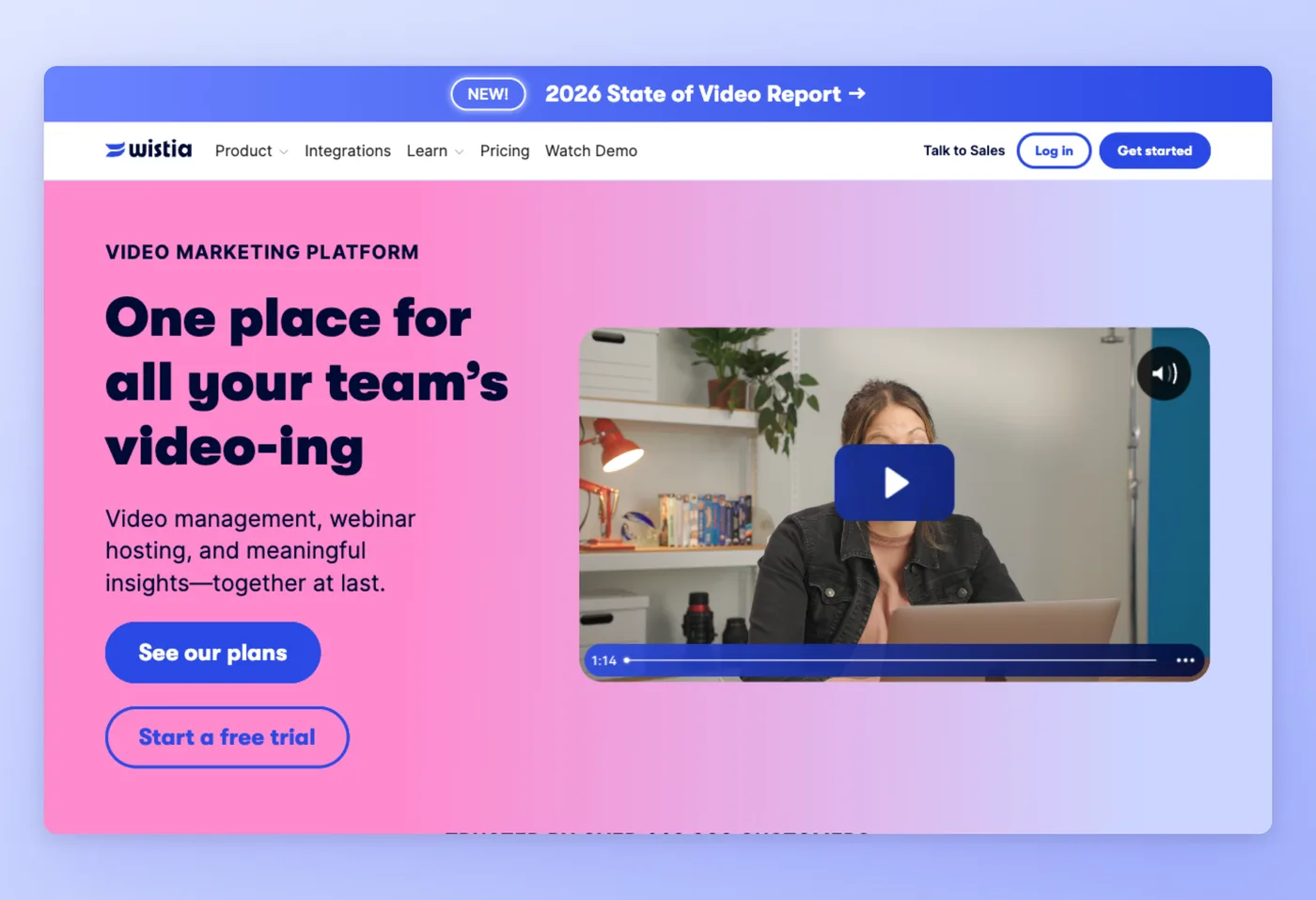
Wistia hosts, creates, and analyzes marketing video in one platform, with an ad-free customizable player, video SEO, channels, and webinars. More than 440,000 customers use it, and its focus is marketing-led rather than Vidyard's sales-led prospecting.
Key Features
- Branded ad-free player: Customize the player to match your site and keep viewers on your brand.
- Webinars and channels: Run live or on-demand webinars and group videos into branded channels.
- Engagement analytics: Heatmaps and viewer data show exactly where attention drops.
- Video SEO: Landing pages and metadata help videos rank and capture leads.
Strengths
- Branded all-in-one hosting with webinars and strong engagement analytics.
- Ad-free player gives marketers full brand control.
Limitations
- The $79/month entry is the priciest base in this comparison.
- Webinars and full analytics are gated to paid, and the free plan hard-caps bandwidth at 200 GB/month.
Pricing
- Free tier: Yes. 25 GB storage, 1 user, and a 200 GB/month bandwidth cap with basic analytics.
- Paid plans: Business $79/month annual (250 GB+, 3 users, 1 TB/month; extra users $25); Automation Suite add-on $250/month; Enterprise custom.
Rated 4.7/5 on GetApp (172 reviews) · 4.7/5 on Software Advice (172 reviews) · 4.3/5 on Trustpilot (20 reviews)
"I've been using Wistia for over 15 years now and my review process along with the delivery of our finished videos would be completely lost without Wistia. I mainly use it to share videos with clients for review, host my videos online, and track analytics, both on my site and my clients' sites." Trustpilot
Works Best For
Marketing crews that want a single home for branded hosting, live webinars, and viewer engagement numbers.
Wistia vs. Vidyard
In the wistia vs vidyard split, Wistia wins for marketing hosting, webinars, and brand control with its ad-free player. In the reverse, vidyard vs wistia, Vidyard wins for one-to-one sales outreach and CRM-baked prospecting with viewer tracking. They serve different jobs: Wistia builds a marketing video presence, while Vidyard drives pipeline through tracked outreach. Pick Wistia when the goal is audience marketing.
Prices verified June 2026.
Hippo Video competes more directly with Vidyard on personalized sales and support video.
Hippo Video: Sales & support video
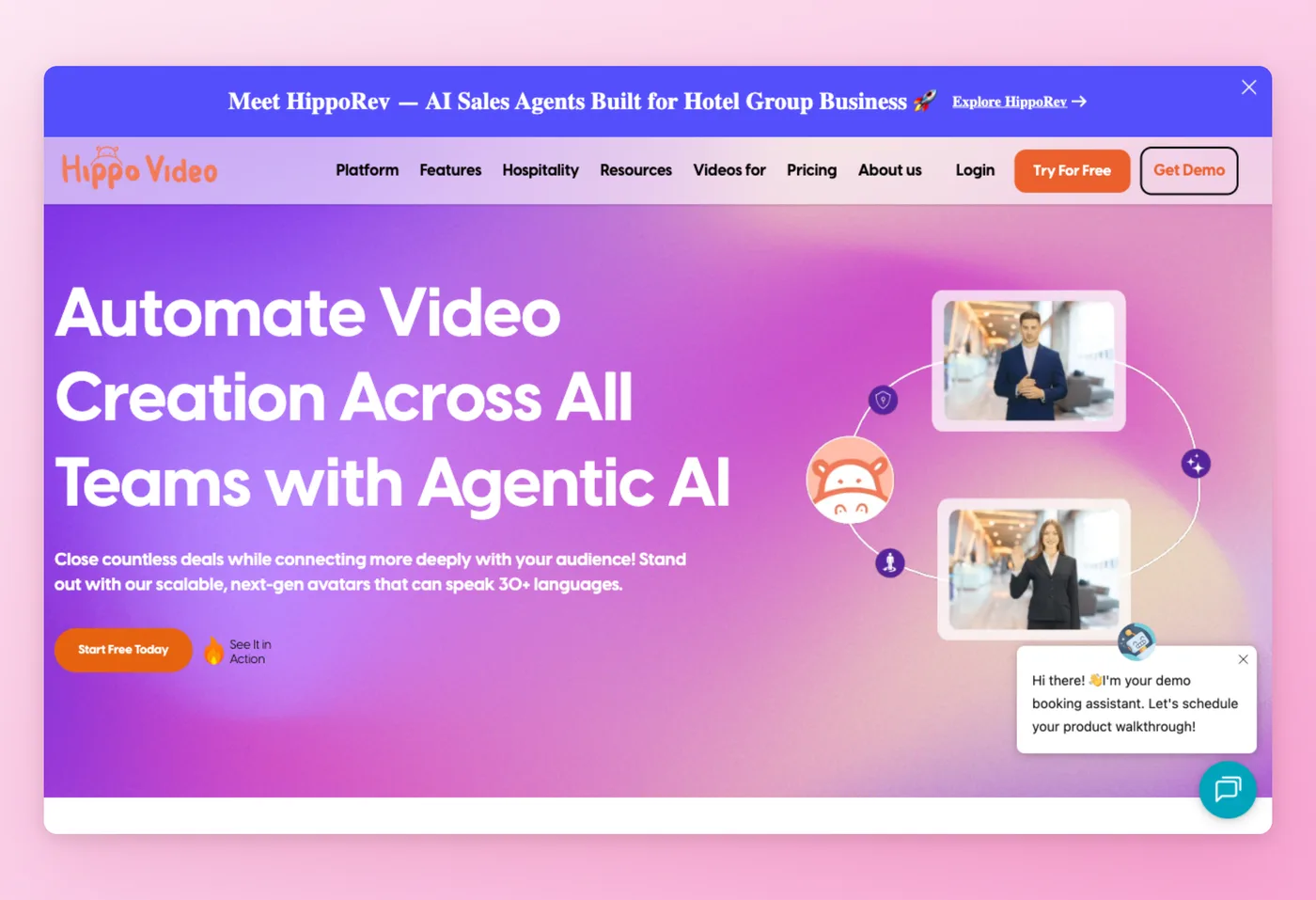
Hippo Video joins AI video creation with one-to-one messaging across sales, marketing, support, and L&D. Its agentic AI and lifelike avatars span 30+ languages, squaring it up against Vidyard on tailored outreach.
Key Features
- One-to-one tailored clips: Ship prospect- and customer-specific videos in volume.
- Multilingual AI avatars: Generate lifelike avatars in 30+ languages without re-recording.
- Video Flows: Build automated sequences that route viewers through next steps.
- Engagement analytics: Track viewer behavior to prioritize follow-ups.
Strengths
- Clean, easy interface for personalized sales and marketing video.
- Viewer engagement analytics that match Vidyard's outreach focus.
Limitations
- Reviewers report slow support after purchase and saved-video reliability issues.
- Billing is opaque, with no self-serve billing UI.
Pricing
- Free tier: Yes. Video Messaging Free gives 50 personalized videos/month, 2 Video Flows, and 5 AI Editor videos/month, no card.
- Paid plans: Pro is $20 per user each month on the annual plan, or $30 month-to-month. Teams runs $60 per user monthly on annual billing, and Enterprise sits at $80 per user monthly with a 10-seat floor.
Rated 4.5/5 on Capterra (98 reviews) · 4.5/5 on GetApp (98 reviews) · 4.5/5 on Software Advice (98 reviews) · 3.3/5 on Trustpilot (7 reviews)
"The platform is easy to use and lets you record and share personalized videos, making marketing and sales communication more engaging and professional. I especially liked the clean interface and the ability to track viewer engagement through analytics." Trustpilot
Works Best For
Support and sales crews that push tailored prospect clips in volume and want synthetic presenters without Vidyard's per-seat bill.
Hippo Video vs. Vidyard
Hippo Video keeps pace with Vidyard on tailored sales clips and machine-generated avatars while charging far less per seat, $20 against roughly $59. Vidyard counters with deeper, more proven sales-engagement tracking and CRM integration. Reviewers flag Hippo Video for support delays and billing friction, and it carries the same per-seat scaling once teams grow. Choose Hippo Video over Vidyard when budget per seat is the deciding factor and you can tolerate the support gaps.
Prices verified June 2026.
Sendspark narrows the focus further, built purely for personalized outbound sales.
Sendspark: Personalized outreach
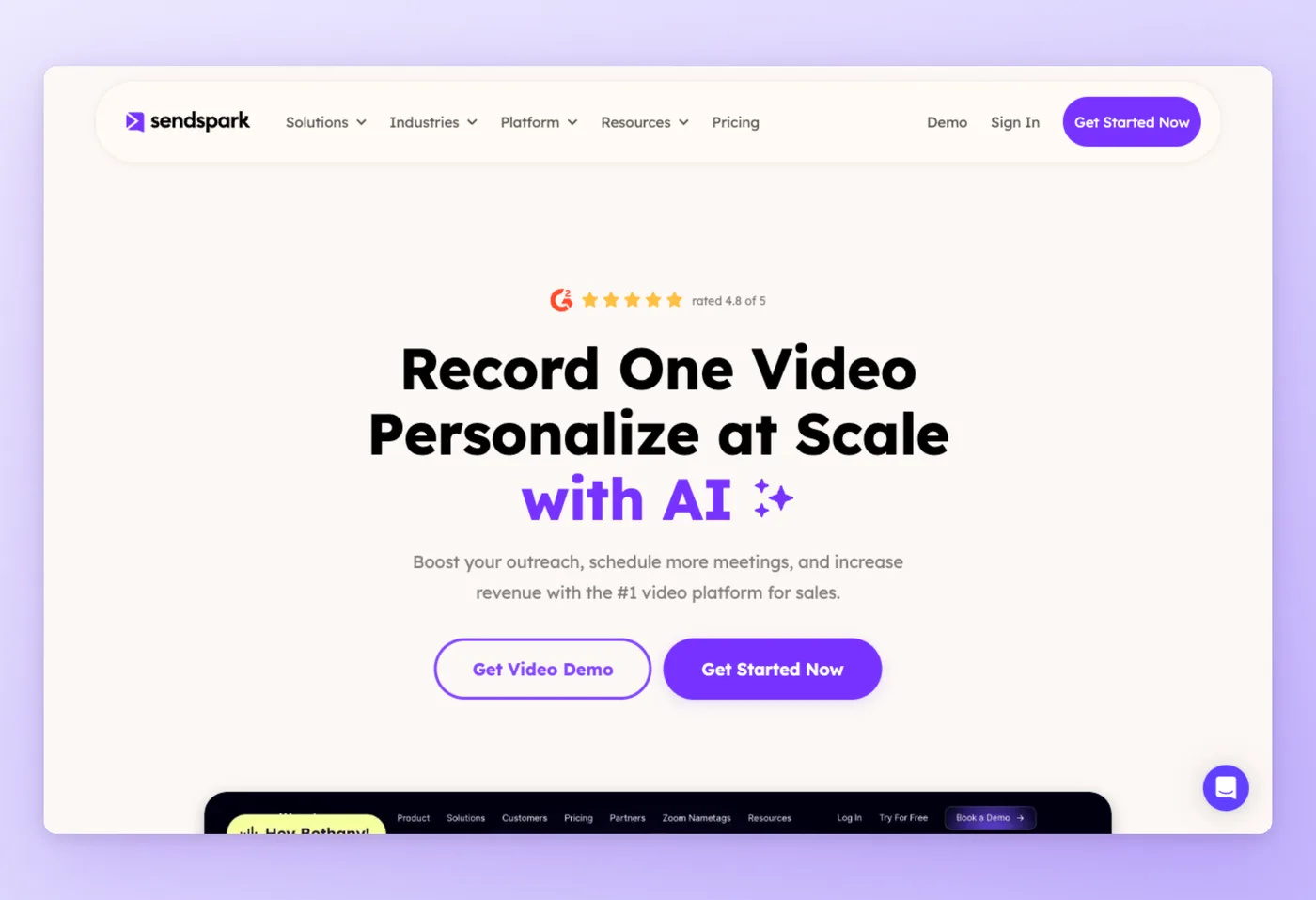
Sendspark has outbound reps record a single clip, then leans on AI to spin out a version for every prospect. SDRs draw on voice cloning, swappable backgrounds, and name-specific intros, all sitting on a deep CRM and engagement-tool integration stack.
Key Features
- One take, many tailored versions: From a single recording, AI builds prospect-specific intros and backgrounds.
- AI voice cloning: Reuse your voice across personalized variations without re-recording.
- CRM and sales-engagement integrations: Connect Gmail, HubSpot, and outreach tools directly.
- Dynamic video pages: Each prospect gets a tailored landing experience.
Strengths
- Low-effort individualized outreach in volume that lifts booked meetings.
- Clean navigation with Gmail and HubSpot integration.
Limitations
- CTA settings are hard to find for first-timers and Gmail embedding can be slow.
- No free tier and limited editing.
Pricing
- Free tier: No. 7-day trial, no card required.
- Paid plans: Solo starts at $49/month ($468 billed yearly). Moving up, Growth runs $99/month for higher volume, Team adds collaboration at $299/month, and Business tops the range at $699/month. All tiers are flat-rate, with extra seats billed separately.
Rated 4.7/5 on Capterra (84 reviews) · 5.0/5 on Product Hunt (30 reviews) · 4.7/5 on Software Advice (84 reviews) · 3.3/5 on Trustpilot (55 reviews)
"The whole concept of recording one video and letting AI personalize it for every prospect is genuinely clever. Got it set up in like an hour, no headaches." Trustpilot
Works Best For
Outbound teams already bought into video prospecting, running AI-tailored clips through CRM-linked workflows.
Sendspark vs. Vidyard
Sendspark takes the edge on high-volume AI-tailored prospecting, with dynamic personalization tuned for SDRs. Vidyard spreads wider into hosting, analytics, and CTAs that go past pure outreach. Because Sendspark is paid-only from $49/month with no free plan, it fits teams already running a video-outreach motion rather than those kicking the tires. Pick Sendspark over Vidyard when tailored outbound throughput is the main job.
Prices verified June 2026.
Tella shifts away from outreach toward polished, self-edited recordings.
Tella: Polished recording + analytics
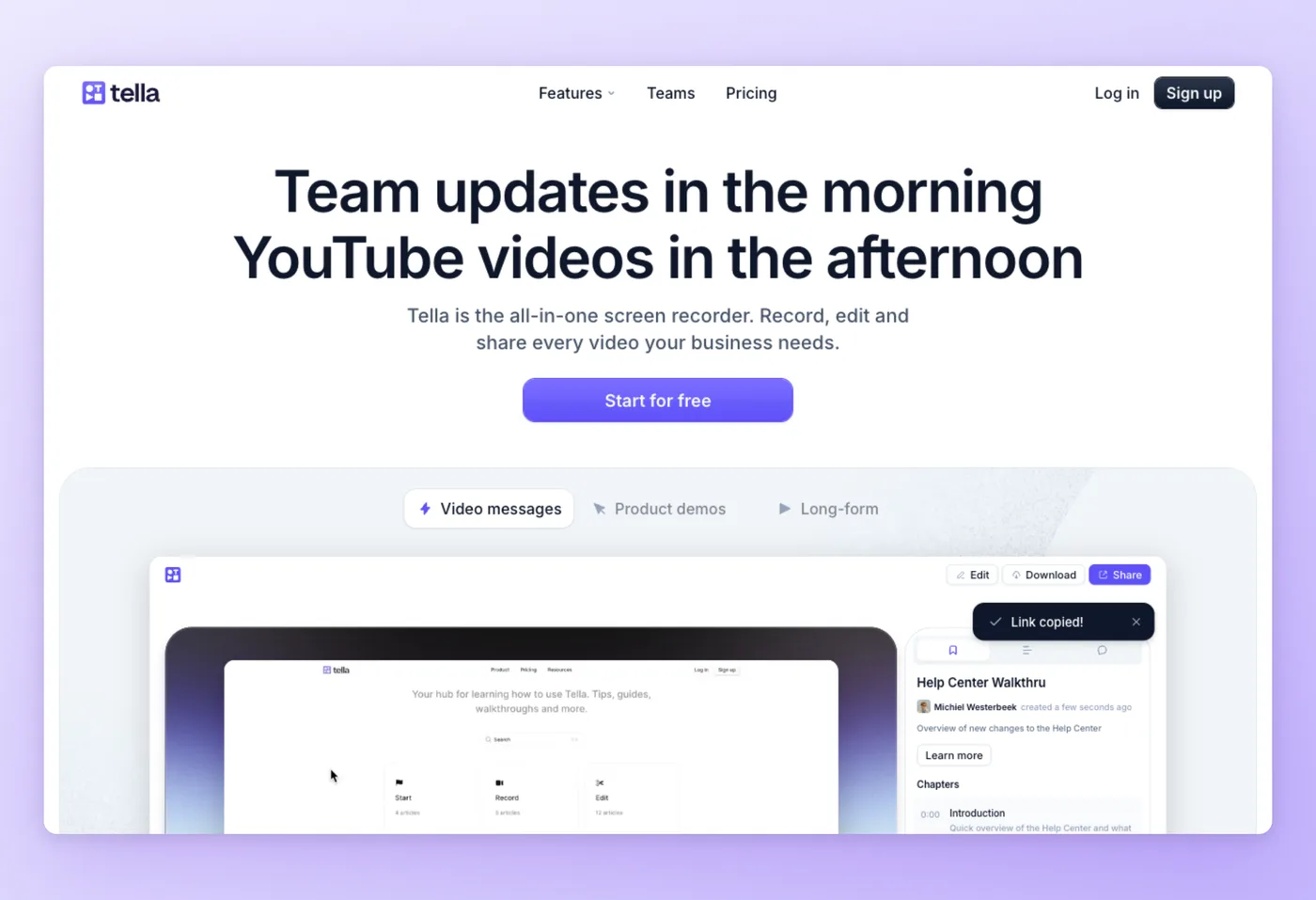
Tella records your screen and camera, then handles the polish automatically with transcript-based cuts, auto-zoom, layouts, and backgrounds. Individuals and small teams use one app to produce professional video, and several reviewers prefer it to Loom.
Key Features
- Automated editing: Transcript-based cuts remove filler without a manual timeline.
- Auto-zoom and layouts: Dynamic zoom and templated layouts make recordings look produced.
- Backgrounds and transitions: Add branded backgrounds and engaging transitions in-app.
- Mac app: A native Mac app delivers high-quality 1080p output.
Strengths
- High-quality output with built-in editing and an easy interface.
- Engaging zoom and transition effects from a single app.
Limitations
- Occasional bugs, including recordings saving incorrectly.
- Limited feature set and an unclear free-tier definition.
Pricing
- Free tier: Limited and ambiguous. Sources conflict between roughly 15 videos/month at 1080p with a watermark and a 7-day trial. Verify at tella.com/pricing.
- Paid plans: Pro $13/user/month; Premium $19/user/month; annual roughly 50% off. Per seat. SSO and SCIM are Enterprise only.
Rated 4.8/5 on Product Hunt (36 reviews) · 4.5/5 on GetApp (2 reviews) · 4.5/5 on Software Advice (2 reviews)
"It's the little things like centring yourself on camera after recording it, or easy transitions - beyond 'just recording' that gives your videos that extra bit of polish for the viewer on the other end. It's taken our demo, tutorial and sales videos to the next level. For anyone currently using Loom (now owned by Atlassian) just make the switch - you won't regret it." Product Hunt
Works Best For
Individuals and small teams who want polished, self-edited recordings without a separate editor.
Tella vs. Vidyard
Tella wins on polished output and built-in self-editing at a low $13 per seat. Vidyard is a sales-engagement and hosting platform, with tracking and CRM depth Tella does not attempt. Tella's free tier is ambiguous, so confirm the current terms before relying on it. Choose Tella over Vidyard when the goal is a clean, professional recording rather than tracked outreach or analytics.
Prices verified June 2026.
Dubb rounds out the list as the cheapest entry point for sales video email.
Dubb: Free sales video alternative
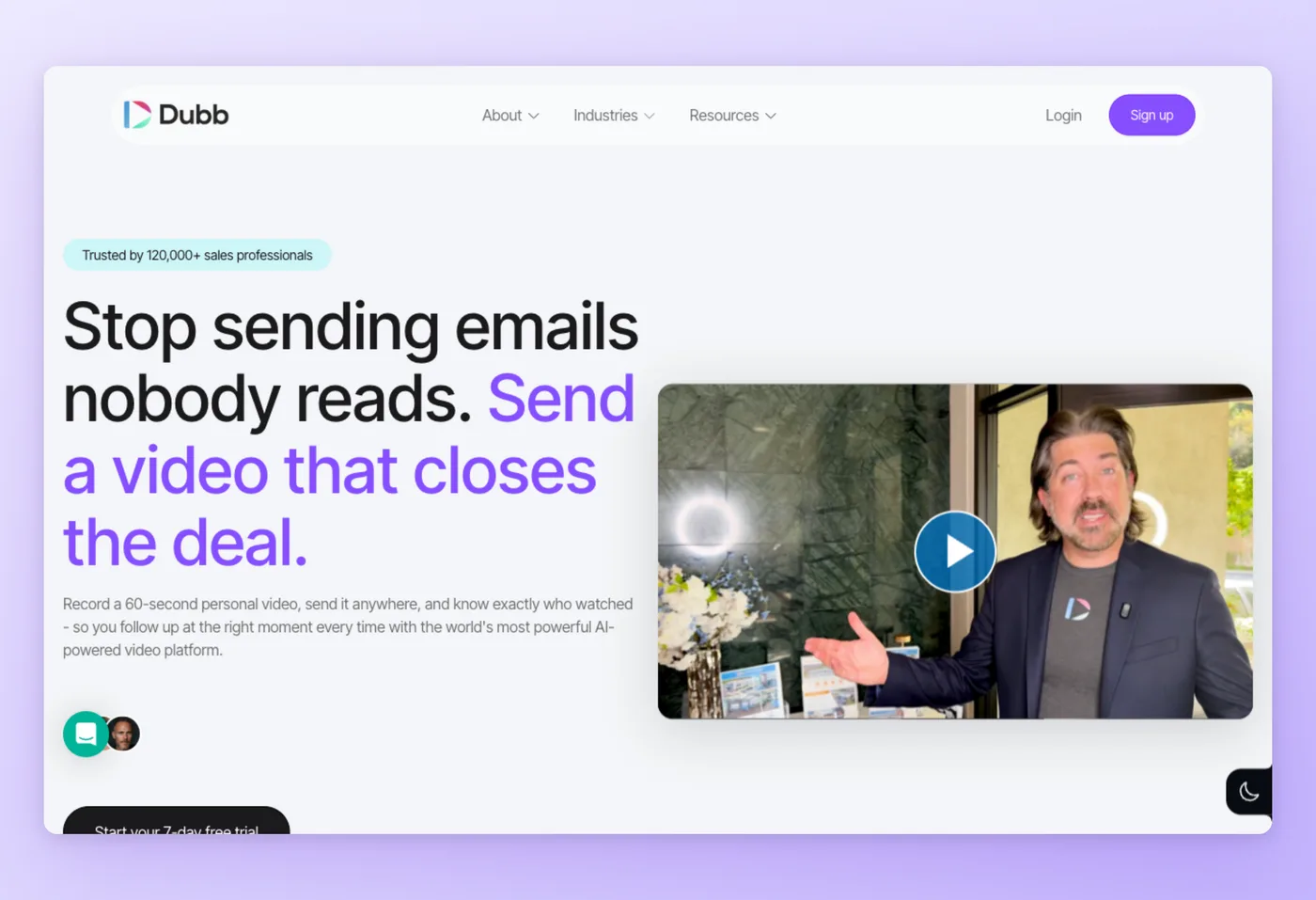
Dubb records short personal videos, distributes them through email, text, and LinkedIn, tracks engagement, and automates follow-ups. SaaS, real estate, mortgage, coaching, and agency teams use it as an AI-powered video sales platform.
Key Features
- Video sales email: Send personal videos with branded thumbnails inside email, text, or LinkedIn.
- CTAs and playlists: Add clickable calls to action and group videos into playlists.
- Engagement tracking: See opens and views, then trigger automated follow-ups.
- Frequent updates: Active release cadence keeps the feature set current.
Strengths
- Easy personalized video email with CTAs, playlists, and tracking.
- Reported higher response rates and responsive support.
Limitations
- A learning curve, with requests for better editing and UI.
- Video quality limits and a free tier capped at 25 SD videos and 25MB per video.
Pricing
- Free tier: Yes. Free Starter gives 25 SD videos at 25MB each, no card.
- Paid plans: Pro lists at $59/month, dropping to $42/month on the annual deal ($499 per user each year). Pro Plus moves up to $129/month, or $90/month annually ($1,080 per user each year). Enterprise is quoted on request. Billing is per seat with a 7-day trial.
Rated 4.8/5 on GetApp (103 reviews) · 4.8/5 on SourceForge (20 reviews)
"Dub is more intuitive easier to use and the teleprompter feature is a huge help for me. I'm a former BombBomb user and came over for the teleprompter feature." SourceForge
Works Best For
Sales reps and agencies who want a free starting point for personalized video email.
Dubb vs. Vidyard
Dubb is the cheapest entry point, putting a free plan behind video sales email right where Vidyard would cap you at 5 clips. Vidyard offers deeper analytics and CRM integration for larger revenue teams. Dubb's free tier is tightly capped at 25 SD videos and 25MB, and paid per-seat pricing scales steeply to $1,080 per user per year on Pro Plus. Choose Dubb over Vidyard when you want to start free and keep volume low.
Prices verified June 2026.
Hinto AI vs Vidyard: Where Each Wins
| Category | Vidyard wins when... | Hinto AI wins when... |
|---|---|---|
| Core job | You distribute and track sales or marketing video | You turn that recording into written docs |
| Output | Hosted video, CTAs, analytics, AI avatars | Help articles, SOPs, "What's New" notes, hosted knowledge base |
| Analytics/CRM | Pipeline tracking and engagement scoring sit at the center of your workflow | Watch metrics are beside the point; the document is the deliverable |
| Pricing model | Per-seat (~$59/user/mo) fits a defined sales team | Flat per-plan ($15/mo Small Team), month-to-month |
| AI use | Machine-generated avatars and synthetic clips drive your prospecting | AI drafts your written docs and emits llms.txt for AI agents |
| Best buyer | SDRs, AEs, and revenue teams running one-to-one prospect outreach | Support, product marketing, ops, and docs teams |
These two tools complement each other. Vidyard ships and tracks the video; Hinto AI produces the written documentation Vidyard skips from the same recording.
Keep Vidyard, add the docs it skips
Pipe your recordings into Hinto AI and get help articles, SOPs, and release notes without writing them by hand.
What Vidyard Users Actually Ask
These concerns surface repeatedly across review sites and product threads. Vidyard holds a 4.5/5 on Capterra (around 113 to 125 reviews), with a low-volume Trustpilot score of 2.3/5 from 7 mostly billing and support reviews, so treat that negative skew as anecdotal given the small sample.
| Concern | Why it matters | Best direction |
|---|---|---|
| Recording feels glitchy or cuts off early | Unreliable capture wastes rep time on retakes | A simpler recorder (Loom) or a tool where the recording feeds documentation (Hinto AI) |
| Per-seat pricing scales with the whole sales team | About $59/user/mo multiplies fast and squeezes budget-conscious teams | Flat-rate options (Hinto AI $15/mo, Tella $13/seat) or a real free tier (Loom) |
| It is sales-only, what about marketing or docs? | Vidyard is built around one-to-one revenue outreach, leaving marketing hosting and written collateral out of scope | Wistia for marketing and webinars; Hinto AI for written docs from the recording |
The last concern is the one Hinto AI answers directly: it takes the recording Vidyard distributes and produces the help articles, SOPs, and release notes that otherwise stay manual work.
Picking a Vidyard Replacement: Match the Tool to Your Buyer Intent
The fastest way to narrow the search for software like Vidyard is to name the job: sales outreach, marketing hosting, async internal messaging, or written documentation.
Decision Framework
- Async internal teams: Loom. A free tier and one-click recording fit status updates and handoffs without sales overhead.
- Documentation and help-center teams: Hinto AI. Flat pricing with no per-seat cost, and it turns recordings into SOPs, help articles, and release notes.
- Marketing and webinar teams: Wistia. Pulls branded hosting, live webinars, and viewer analytics under one roof.
- Outbound sales teams: Hippo Video or Sendspark. Tailored prospect clips produced in volume and piped into your CRM and engagement stack.
- Budget-first sales reps: Dubb. The cheapest entry with a free tier for personalized video email.
- Polished solo recording: Tella. Auto-zoom and transcript-based cuts produce professional video from one app.
Stay on Vidyard when you need deep CRM-embedded sales analytics and AI avatars, and the per-seat cost is justified by the pipeline it drives.
Teams converting recordings into structured documentation can use Hinto AI for that step.
Frequently Asked Questions
Which Vidyard alternative costs nothing to start?
Loom's free Starter is the widest, with 25 videos per person and no card. Dubb has a free tier too, but it caps you at 25 SD videos and 25MB each. For documentation rather than messaging, Hinto AI's free plan generates written docs from recordings at no cost.
Which Vidyard alternative works best for outbound sales teams?
Hippo Video and Sendspark both turn out individualized prospect clips in volume, wired into CRM and engagement tooling. Vidyard's own edge is deeper CRM-baked tracking, so the call usually comes down to per-seat budget against tracking depth.
Loom vs Vidyard, which is better?
Loom fits async internal messaging and wins on simplicity and its free tier. Vidyard fits sales tracking with CRM integration and viewer analytics. They serve different jobs, so the answer depends on whether you are documenting work or driving pipeline.
How does Vidyard's price compare with the alternatives?
Vidyard runs about $59 per user per month per seat. Hinto AI is $15/month flat, Loom is $18/user/month, Tella is $13/user/month, and Wistia starts at $79/month for its base plan. Per-seat tools multiply with team size, so the real Vidyard cost depends on how many reps you add.
Can I turn Vidyard recordings into written documentation?
Not inside Vidyard. Upload the recording to Hinto AI and it generates help articles, SOPs, and "What's New" release notes, then hosts them as a knowledge base if you want.
Final Verdict
Vidyard stays the best choice for CRM-baked sales video, where trackable one-to-one outreach, analytics, and synthetic avatars justify the per-seat cost. Most other teams trade that depth for lower cost, more simplicity, or a different output.
For async internal messaging, Loom gives you a real free tier. For marketing hosting and webinars, Wistia owns the category. When the job is high-volume tailored outreach, Hippo Video and Sendspark fit, while Dubb and Tella cover budget-first and polished-recording needs.
Among the best Vidyard alternatives, Hinto AI fills the gap none of the others touch: it turns your recordings into the written help articles, SOPs, and release notes you would otherwise type by hand. Try Hinto AI free and document a process from your next recording.

Founder of Hinto - passionate about making knowledge accessible and helping teams create better documentation.
Ready to Build a Better
Knowledge Base, Faster?
Get Started Free & Create Your First Article in Minutes