
8 Best Loom Alternatives & Competitors (2026)
Searchable written guides from recordings: Hinto AI (rewrites a recording as an illustrated how-to)
Free or open-source replacement: Cap or OBS Studio (no per-seat fees)
Polished demos on Mac: Screen Studio (automatic zoom and smoothed cursor, macOS only)
Hit stop in Loom and you get a share link almost instantly, which is genuinely handy for face-cam updates. The trouble surfaces later. On the free Starter plan each clip ends at the five-minute mark, every person is capped at 25 recordings, the paid tier costs $18 monthly per seat with no flat or one-time route, and the post-Atlassian roadmap has tilted toward enterprise buyers. The deeper problem: whatever you said lives inside the footage, with nothing to search or skim.
This guide stacks up eight rivals across deliverable, billing model, and platform: Cap, Vidyard, Screen Studio, Camtasia, OBS Studio, Screencastify, and Snagit, with Hinto AI added as the documentation piece. Maybe you have been hunting for software like Loom. Maybe the search was apps like Loom, or other websites like Loom, while you weigh the alternatives to Loom on price and what they hand back. The Loom competitors below are the ones that earn a look. For every recorder in this category, we measure it against the output you actually walk away with. Hinto records or imports a walkthrough and rewrites the footage as a numbered how-to, each step paired with a captured frame, so you know when to keep Loom and when to reach for something else.
Why Teams Start Looking Past Loom
Loom shines at quick async face-cam notes that produce a shareable link on the spot, with tight hooks into Confluence and Jira plus analytics that show who watched each hosted clip. Several hard limits send teams looking elsewhere:
- The 5-minute cap: the free Starter plan stops each recording at the loom 5 minute limit, which kills any walkthrough longer than a quick clip.
- Video and quality caps: the free plan limits each user to 25 recordings at 720p, and 4K needs a paid plan, so "is loom free" comes with real ceilings.
- Per-seat pricing: the Business tier costs $18 monthly per seat and climbs with every hire, with no flat-rate or one-time route.
- AI gated behind a higher tier: automatic titles, chapter markers, and filler-word cleanup sit on Business + AI, which runs $24 monthly per seat.
- Recordings stay locked in video: clips aren't searchable, skimmable, or reusable as written docs.
The next section maps each alternative to the output you need.
Turn your Loom recordings into searchable guides
Drop in a recording and Hinto AI assembles a written walkthrough, lifting a frame for every step.
Which Loom Alternative Is Right for You?
Answer the questions below to find your match. Download as PDF to keep it handy.
Loom Alternatives at a Glance
Use the table below for a quick side-by-side look. Detailed reviews follow.
| Tool | Free Tier | Starting Price | Pricing Model | Platform | Best For |
|---|---|---|---|---|---|
| Loom | 25 recordings each, 5-min cap, 720p | $18/user/mo (Business) | Per seat (annual saves ~17%) | Web, Chrome, desktop, mobile | Async video messaging for teams |
| Hinto AI | 20 generations, 1 project, 20-min upload | $15/mo (Small Team) | Flat per workspace (credit-based) | Web, Chrome | Turning recordings into docs, SOPs, and guides |
| Cap | Local recording, 5-min cap, export only | $29/yr or $58 lifetime (desktop) | One-time license or per-user Pro | macOS, Windows | Open-source, data-ownership recording |
| Vidyard | 5 videos/mo, 30-min cap, 15 AI videos | Starter (price loads dynamically) | Per seat | Web, Chrome | Trackable outreach video for revenue teams |
| Screen Studio | All features except export | $9/mo (annual) | Per-seat subscription | macOS only | Polished, auto-animated product demos |
| Camtasia | Trial only (watermarked editor) | ~$179/yr (Essentials) | Per-seat annual subscription | Windows, macOS | Desktop tutorial and course production with full editing |
| OBS Studio | Completely free; no caps, no watermark | Free (open source) | Free / donation-supported | Windows, macOS, Linux | Advanced local recording and live streaming |
| Screencastify | 10 videos, 30-min cap | $7/user/mo (annual) | Per seat | Chrome, Edge, Chromebook | Educators and classroom video |
| Snagit | 15-day trial only | ~$39/yr | Per-seat annual subscription | Windows, macOS | Screenshots, markup, and quick capture |
Prices as of June 2026. Check each tool's pricing page for current rates.
Choose the Right Tool in 30 Seconds
| Need | Best Pick | Why |
|---|---|---|
| A Loom replacement that costs nothing | OBS Studio, or Cap | Every platform runs OBS for free, with no caps and no watermark. Cap handles personal local use at no charge, and a single $58 license unlocks the rest. |
| Loom replacement with public source code | Cap | AGPL-licensed and local-first; route uploads to your own S3 or Google Drive, and pull existing clips over with the Loom importer. |
| Switching after the Atlassian deal or pricing | Hinto AI or Cap | Hinto turns recordings into searchable docs; Cap offers a cheap one-time license you own. |
| Loom alternative for sales or prospecting | Vidyard | CRM-native video for Salesforce, HubSpot, and SalesLoft, with analytics, CTAs, and AI avatars. |
| Turn recordings into written guides or SOPs | Hinto AI | Produces an illustrated article from your clip, with images captured at each action. |
How We Evaluated These Tools
Screen recorders look similar on a feature list, so we judged them on what changes your workflow: the deliverable you end up with and what it costs to remove the limits Loom imposes.
We evaluated tools on:
- Output type: async video, written doc or SOP, cinematic demo, or raw capture
- Free tier quality and the cost to remove limits, measured against Loom's 5-minute and 25-video caps
- Pricing model: per-seat, flat, or one-time license
- Platform support across Windows, Mac, Linux, and the browser
- What happens to the recording after capture: searchable, editable, reusable as docs?
Which Output Format Do You Need?
Each screen recording tool produces a different deliverable. Pick for the deliverable you need, or you'll redo the work later.
| Output needed | Best tools | Avoid if... |
|---|---|---|
| Fast async video message | Loom, Cap, Vidyard | You need it as written docs |
| Written guide, SOP, or help center | Hinto AI | You only want a raw video clip |
| Cinematic, designed demo reel | Screen Studio, Camtasia | You're off Mac (Screen Studio) or short on time (Camtasia) |
| Raw, free local recording | OBS Studio, Cap | You want one-click hosted share links |
| Screenshots and annotated steps | Snagit | You mainly record long videos |
| Sales or prospecting video | Vidyard | You're not a revenue team |
Match the deliverable to the tool first, then compare price. A cinematic demo tool and a documentation engine solve different problems.
The Best Loom Alternatives Reviewed
Hinto AI leads as the documentation complement, followed by seven recording alternatives. Each review covers strengths, pricing, and ideal user.
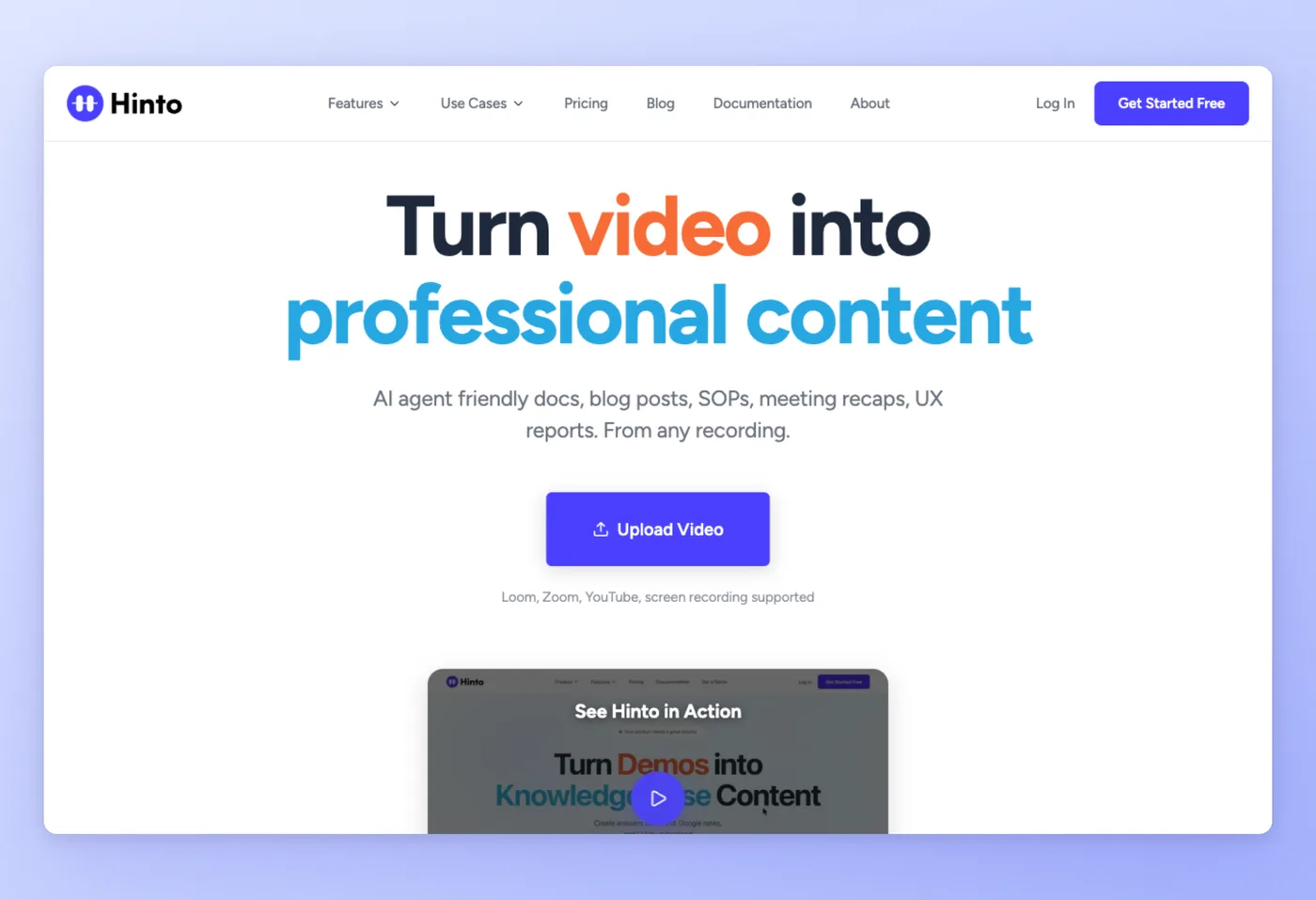
Hinto AI: Turn Loom recordings into searchable docs
Drop in a screen recording and Hinto AI returns a structured written guide with extracted screenshots and steps. Teams that already communicate over video use it to build help centers, SOPs, and release notes without writing them by hand.
Key Features
- Recorder built in: grab your screen, webcam, and mic from the web app or Chrome extension, then download the file.
- Accepts any video: import from Loom, Zoom, YouTube, or local MP4, MOV, and WebM files.
- AI Action Detection: spots UI changes and clicks to pull high-quality screenshots and written steps automatically.
- Knowledge-base generation: one long video becomes a full table of contents with multiple organized articles.
Strengths
- Turns trapped video knowledge into searchable written guides people can skim and reuse.
- Works on existing or old Loom and Zoom recordings, so you don't re-record anything.
Limitations
- Uses a monthly generation-credit system rather than unlimited per-seat usage.
- Free tier caps at 20 generations and 20-minute uploads; only the All-Inclusive plan includes multi-language generation.
Pricing
- Free tier: Yes. $0 with 20 total generations, 1 project, 20-minute upload limit, up to 20 members.
- Paid plans: Small Team $15/mo, Growth $99/mo, All-Inclusive $499/mo. Flat per-workspace, generation-credit based.
Works Best For
Support, operations, and product teams that record walkthroughs and need them as lasting, searchable documentation.
How it compares to Loom
Loom hands you a shareable video; Hinto reworks that same recording into documentation, breaking it into numbered steps with an image pulled for each one. Keep Loom for face-cam messages, and use Hinto when the recording has to become text people can search, skim, and reuse. Hinto can also record directly and output both a downloadable video and the written doc, so you don't need a separate recorder. Templates cover help centers, "What's New" notes, SOPs, user research, and sprint recaps, and it auto-generates llms.txt so AI agents can read the docs too.
Prices verified June 2026.
Record once and walk away with the clip plus a captioned, image-by-image article.
Get started freeNext up is the open-source pick teams reach for after they leave Loom.
Cap: The open-source challenger to Loom
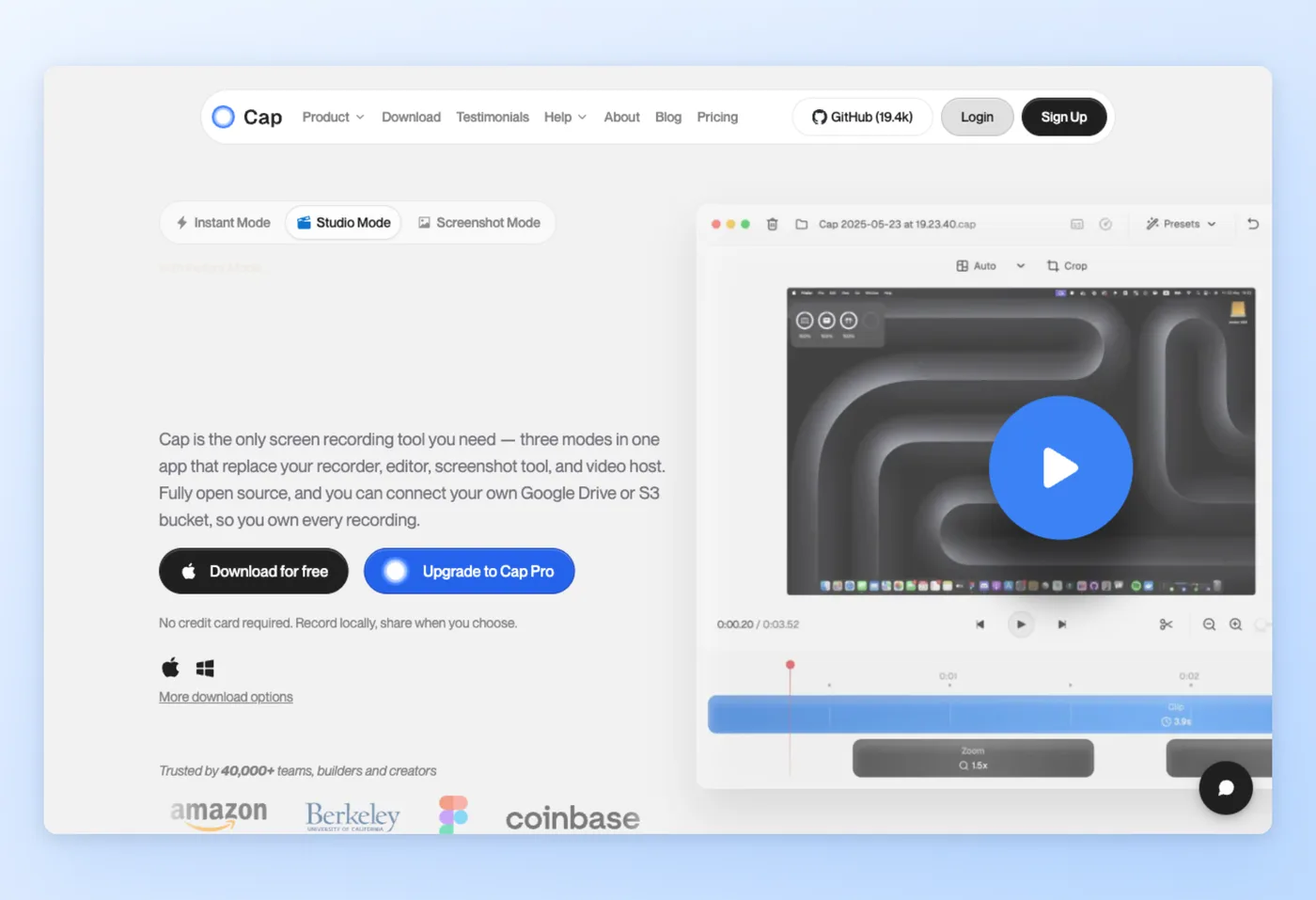
For anyone who wants to hold onto their own footage, Cap records locally on Mac and Windows, publishes its source code, and leaves your data entirely in your hands. The tagline says it plainly: screen recordings that belong to you, framed as a direct shot at the hosted incumbents.
Rated 3.6/5 on Product Hunt (8 reviews)
Key Features
- Three capture modes: Instant, Studio, and Screenshot, with 4K 60fps and no watermarks.
- Loom import built in: pull your existing Loom library straight into Cap.
- Custom storage: send recordings to S3, Google Drive, or self-hosted local disk, your choice.
- Timeline editor: trim and arrange clips, with AI titles, summaries, and transcriptions on Pro.
Strengths
- Open-source and self-hostable with complete data ownership.
- Far less expensive than Loom: roughly $8/mo, or pay $58 once for a lifetime license.
"Excellent product. The app loads instantly, records instantly and uploads to a shareable link almo[st]... truly a competitor to loom. open source" Product Hunt
Limitations
- Free tier is limited: 5-minute cap, non-commercial, no cloud or sharing.
- Collaboration and analytics are thinner than Loom, and reliability reports surface on multi-screen and desktop auth.
Pricing
- Free tier: Yes. $0 forever for local Studio mode, 5-minute max recording, export only, non-commercial.
- Paid plans: Desktop License $29/yr or $58 lifetime per device; Cap Pro $12/mo, or $8.20/mo annual, for cloud and AI; Enterprise custom.
Works Best For
Technical teams and individuals who want an owned, low-cost recorder and plan to move off Loom with its built-in importer.
Cap vs. Loom
On price and data ownership Cap comes out ahead, and as a publicly-developed recorder it has become the natural landing spot for people leaving Loom, especially given the one-time license. Loom wins on polished hosted sharing, viewer analytics, and maturity for non-technical teams. Price-sensitive teams comfortable with self-hosting should switch to Cap. Teams that need a turnkey hosted library should stay on Loom.
Prices verified June 2026.
Vidyard takes the opposite approach, building its whole platform around revenue teams.
Vidyard: CRM-connected video built for revenue teams
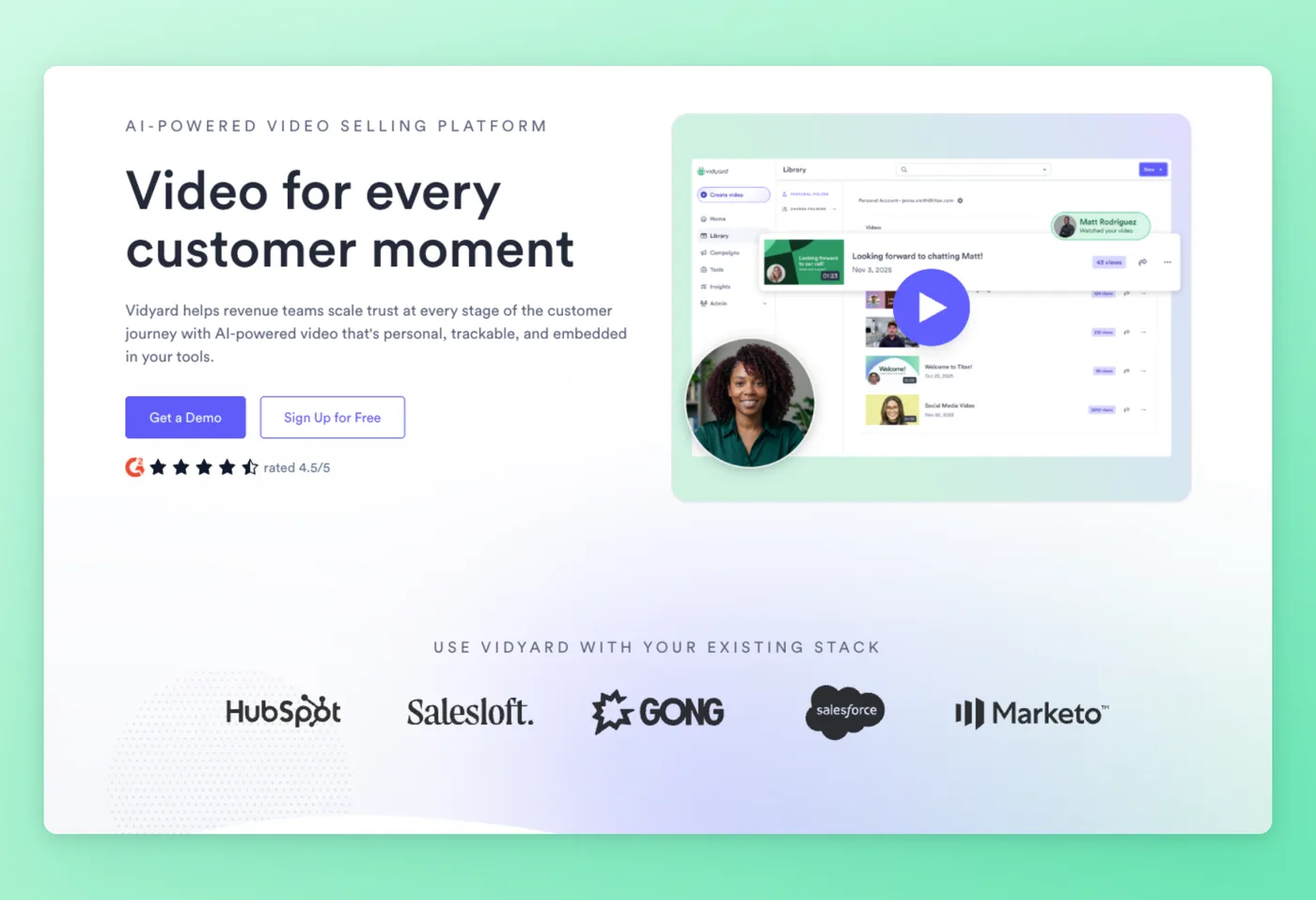
Revenue teams use Vidyard to send personalized, trackable video that ties into the CRM. The positioning, "Video for every customer moment," points it squarely at sales and marketing rather than general internal messaging.
Rated 4.5/5 on G2 (831 reviews) · 4.5/5 on Capterra (125 reviews) · 5.0/5 on Product Hunt (5 reviews)
Key Features
- CRM-native integrations: Salesforce, HubSpot, SalesLoft, Gong, and Marketo.
- Full engagement analytics: track each viewer's identity, watch duration, and the links they opened.
- AI avatars plus Video Agent: spin up personalized video at scale.
- Branded sharing pages with CTAs: convert viewers from inside the player.
Strengths
- Strong for B2B prospecting, with higher open and response rates.
- Easy Chrome-extension recording plus deep sales and marketing integrations.
"Vidyard works with a minimum of muss and fuss for screen sharing. There are lots of players in this space but I still like Vidyard best for basic screen capture. Its easy for customers to use and easy for me to create and send videos." Capterra
Limitations
- Pricing runs high relative to value for SMBs and individuals; it's aimed at enterprise.
- The free plan was cut back, and the Chrome extension draws reports of glitching and freezing.
Pricing
- Free tier: Yes. 5 videos per month, 30-minute max, 15 AI videos, 3 custom avatars, limited integrations.
- Paid plans: Starter price isn't published; Teams and Enterprise are custom (contact sales). 14-day trial. Per seat.
Works Best For
Revenue and outreach teams that want CRM-connected, trackable video for prospecting.
Vidyard vs. Loom
Weighing the loom vs vidyard question, which plenty of people type as vidyard vs loom, Vidyard takes it for revenue teams that want CRM-native, trackable sales video with analytics built in. Loom wins for general internal async messaging at a clearer, published per-seat price. Vidyard earns its cost when video is part of a sales motion, while its opaque pricing is hard to justify for everyday team updates.
Prices verified June 2026.
Screen Studio heads the other way, putting the visual polish of the capture first.
Screen Studio: Film-grade demos on Mac
Cursor movements get smoothed and the frame zooms on its own, so a plain capture turns into a refined demo with barely any editing. Available on macOS alone, it aims at product marketers and creators who care how the finished clip looks.
Rated 4.9/5 on Product Hunt (176 reviews)
Key Features
- Auto-zoom plus eased cursor motion: the demo follows the action without manual keyframing.
- Backgrounds, shadows, insets, and motion blur: designed output straight from capture.
- Device mockups and vertical export: ready for social and marketing channels.
- Timeline editing with transcript and subtitles: 4K 60fps MP4 or GIF.
Strengths
- Filmic zoom and animated cursor work give you polished demos without much editing.
- Huge time savings versus manual keyframing, with a fast workflow for product clips.
"Great application! The team seems to be releasing features fast. This replaced our previous workflow of using OBS, Premiere, a DSLR, and descript down to just one application. Our demo videos take a fraction of the time." Product Hunt
Limitations
- Removed the lifetime license in favor of subscription, drawing r/macapps backlash.
- macOS-only, and seen by some as overpriced for a recorder with auto-zoom.
Pricing
- Free tier: Yes, with all features except export; export is gated to paid.
- Paid plans: $9/mo billed annually, or $20/mo monthly. Per-seat subscription; Screen Studio no longer offers the legacy one-time license to new buyers.
Works Best For
Mac-based product marketers and creators making polished, designed demos for launches and social.
Screen Studio vs. Loom
When people line up loom vs screen studio (or flip it the other way), the Mac-exclusive tool takes the edge for polished, designed marketing demos. Loom wins for speed, cross-platform reach, and instant hosted sharing. Neither produces written docs, so pair either one with Hinto when the recording also needs to become a written guide.
Prices verified June 2026.
Camtasia trades cinematic automation for a full manual editing suite.
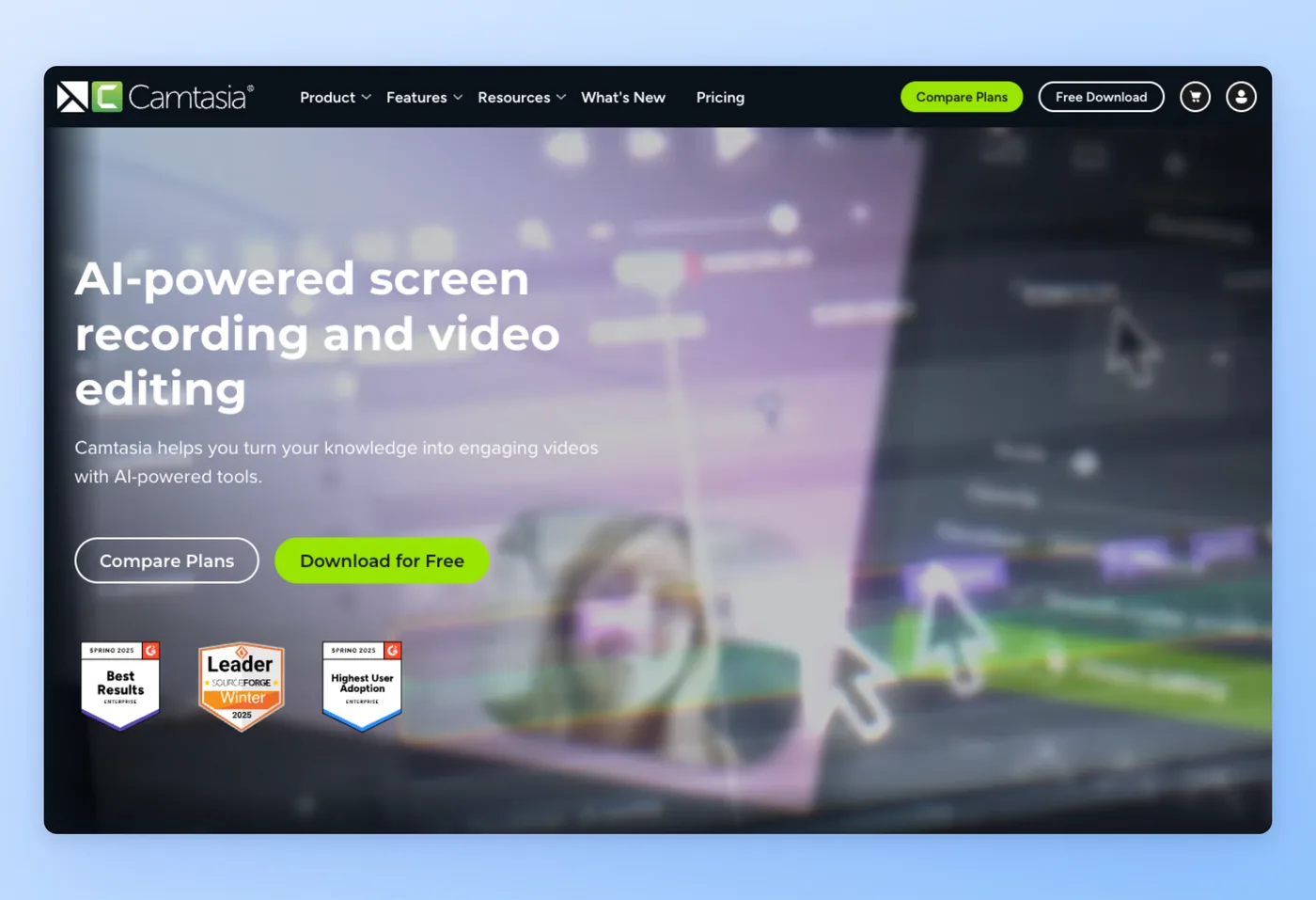
Camtasia: Full editor for polished tutorials
TechSmith's Camtasia pairs a desktop recorder with a full multitrack editor, aimed at trainers, educators, and businesses building heavily-edited tutorials. If you want a timeline rather than a quick clip, this is the heavyweight in the loom vs camtasia matchup.
Rated 4.6/5 on G2 (1,715 reviews) · 4.5/5 on Capterra (452 reviews) · 4.4/5 on Product Hunt (8 reviews)
Key Features
- Multitrack timeline editing: annotations, callouts, themes, and templates.
- AI tooling: 49 avatar styles plus AI script and voice generation.
- 100M+ stock assets and captions: built for course and training production.
- Screencast hosting: 25 videos on lower tiers, with blur and redact options.
Strengths
- Easy to learn yet capable enough for professional tutorials.
- The editing depth is all in one place, so e-learning and training work needs no second editing app.
"Camtasia is an excellent product that is easy to learn and rich with features. I can almost always figure out how to make videos look the way I want." G2
Limitations
- The move to subscription-only for 2025+ is the loudest grievance; the perpetual license is gone and 2025+ stops working if you stop paying.
- Editing can feel sluggish, and it's overkill for quick shareable clips.
Pricing
- Free tier: No. Trials only, and the Starter export is watermarked.
- Paid plans: Starter, Essentials, Create, and Pro tiers, annual per-seat subscription. Community cites roughly $250-300/yr; check techsmith.com in a USD region for current figures.
Works Best For
Trainers and educators producing polished, heavily-edited long-form tutorials and courses.
Camtasia vs. Loom
In the camtasia vs loom decision, Camtasia wins for polished, edited long-form tutorials where you need a real timeline. Loom wins for quick async sharing without ever opening an editor. Camtasia is overkill if you just want a fast shareable clip, and the loss of the perpetual license is worth weighing before you commit.
Prices verified June 2026.
OBS Studio drops the price to zero, with a tradeoff in setup.
OBS Studio: Free, powerful, technical
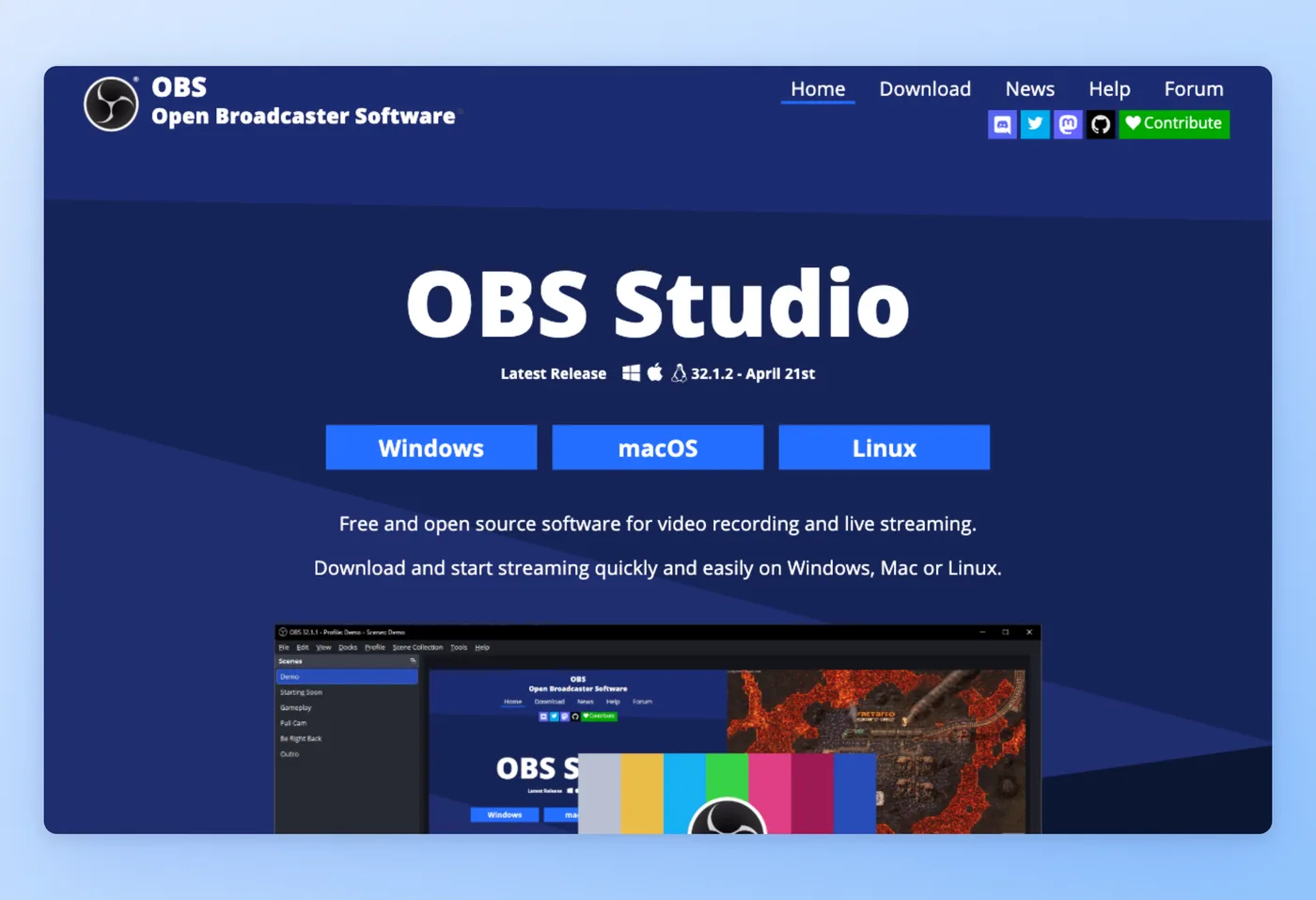
An open-source mainstay among broadcasters, OBS writes high-quality footage straight to disk with no caps, no watermark, and no account, running natively on Windows, macOS, and Linux alike. For anyone willing to handle the setup, it tops most shortlists of free loom alternatives.
Rated 4.6/5 on G2 (132 reviews) · 4.7/5 on Capterra (1,073 reviews)
Key Features
- Unlimited scenes and sources: compose exactly the capture you want.
- Multi-input audio mixing: apply filters and fine-tune each source separately.
- Local recording in MP4, MKV, or MOV: plus live streaming to Twitch, YouTube, RTMP, and WebRTC.
- Plugins and scripting: extend with Lua and Python, including chroma key.
Strengths
- Free to run and openly developed, leaving no watermark and imposing no recording length cap.
- Powerful, flexible, and reliable across platforms for both streaming and recording.
"I appreciate the open-source nature of OBS because it means I get constant improvements, community plugins, and a level of flexibility that paid tools rarely match. I find scene transitions, audio routing, and source management to be smooth and reliable." G2
Limitations
- Steep learning curve, since you configure scenes, sources, encoders, and bitrates before you can record.
- Editing, hosting, sharing, and analytics are all absent, so getting a recording to viewers is a manual job.
Pricing
- Free tier: Yes. The whole app is free, with no caps, no watermark, and no sign-up needed.
- Paid plans: None. Open source under GPLv2, donation-supported.
Works Best For
Technical users who want maximum control and zero cost for local recording or streaming.
OBS Studio vs. Loom
Weighing the loom vs obs choice, however people phrase the obs vs loom query, OBS comes out ahead on zero cost, raw power, and recording locally on any platform. Loom answers back with one-click capture-and-share, hosting, and nothing to configure. What OBS leaves you with is a file rather than a link, so many people record in it and then feed the file to Hinto, which returns the documented version.
Free and open source, verified June 2026.
Screencastify keeps things inside the browser for a non-technical crowd.
Screencastify: Chrome-first recording
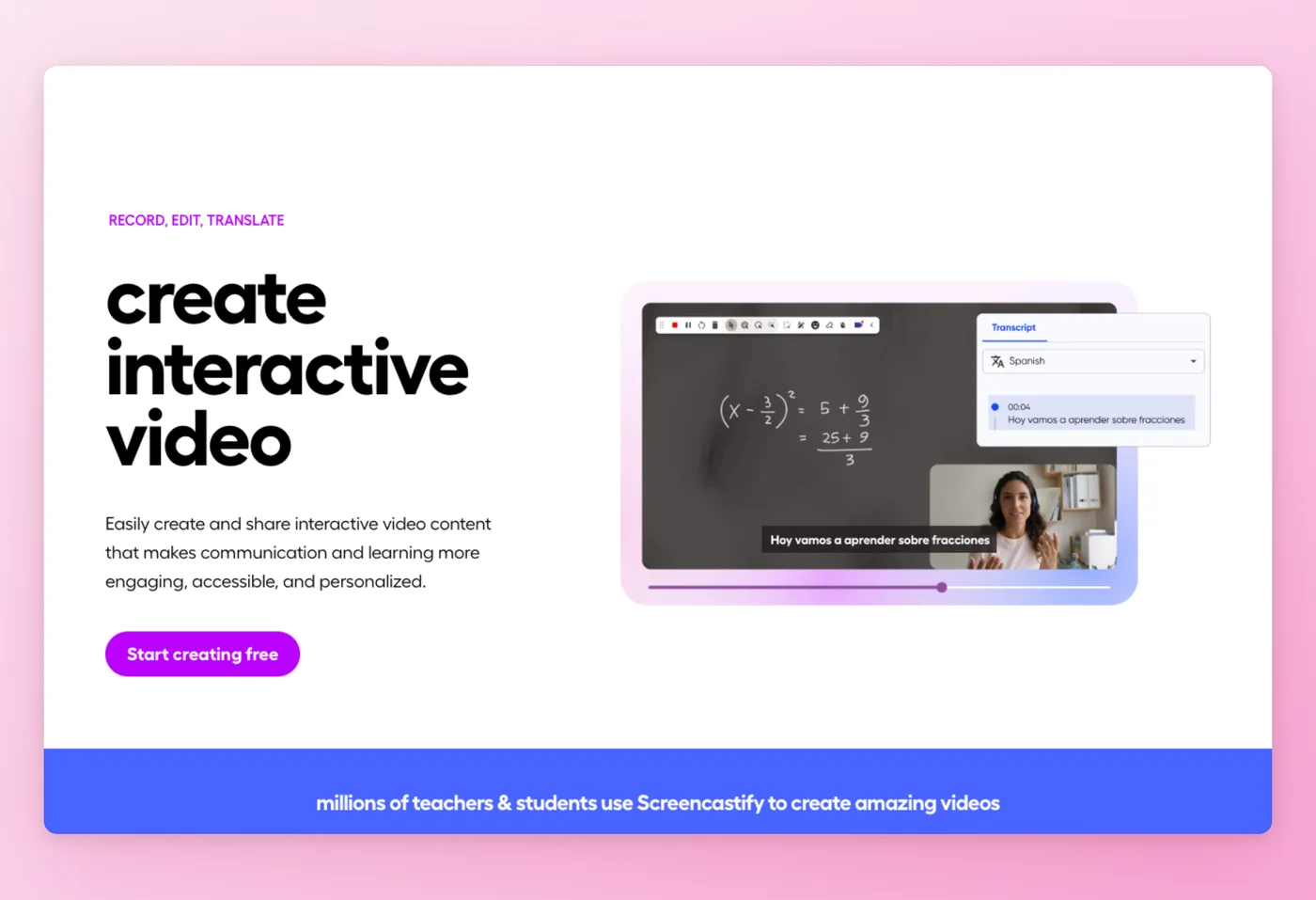
A Chrome and Edge extension built primarily for educators, schools, and districts, Screencastify records straight to Google Drive with a near-zero learning curve. The tagline "Record, Edit, Translate" hints at its classroom focus.
Rated 4.6/5 on G2 (72 reviews) · 4.5/5 on Capterra (144 reviews)
Key Features
- Interactive Questions: turn videos into graded assignments.
- Submit: collect student video responses in one place.
- AI assistant and translation: auto titles, captions, and translation to 50+ languages.
- Teleprompter (Pro) and Chromebook support: built for the classroom hardware mix.
Strengths
- Very easy for teachers, students, and non-technical users to pick up.
- Tight Google ecosystem integration, recording directly to Drive.
"Installed Screencastify a few months ago and got going with it instantly. Zero learning curve. I originally downloaded it to make a product demo, but I've used it for so many other things since." Capterra
Limitations
- Free tier is heavily capped, with a 10-video limit and short per-recording length.
- Education- and Chrome-dependent, with limited use outside the classroom and Google Workspace.
Pricing
- Free tier: Yes. 10 videos max, 30 minutes per recording, no card required.
- Paid plans: Starter $7/user/mo annual ($19/mo monthly); Pro $10/user/mo annual ($25/mo monthly) with AI, teleprompter, and translations; Enterprise and EDU custom. Per seat.
Works Best For
Teachers and schools running interactive video assignments inside the Google ecosystem.
Screencastify vs. Loom
In the screencastify vs loom (or loom vs screencastify) comparison, Screencastify wins for classroom and interactive video with assignments, grading, and LMS ties. Loom wins for business async messaging and broader app reach. Screencastify Pro includes a teleprompter and Loom does not.
Prices verified June 2026.
Snagit takes a different angle entirely, leading with images instead of video.
Snagit: Screenshots and short clips
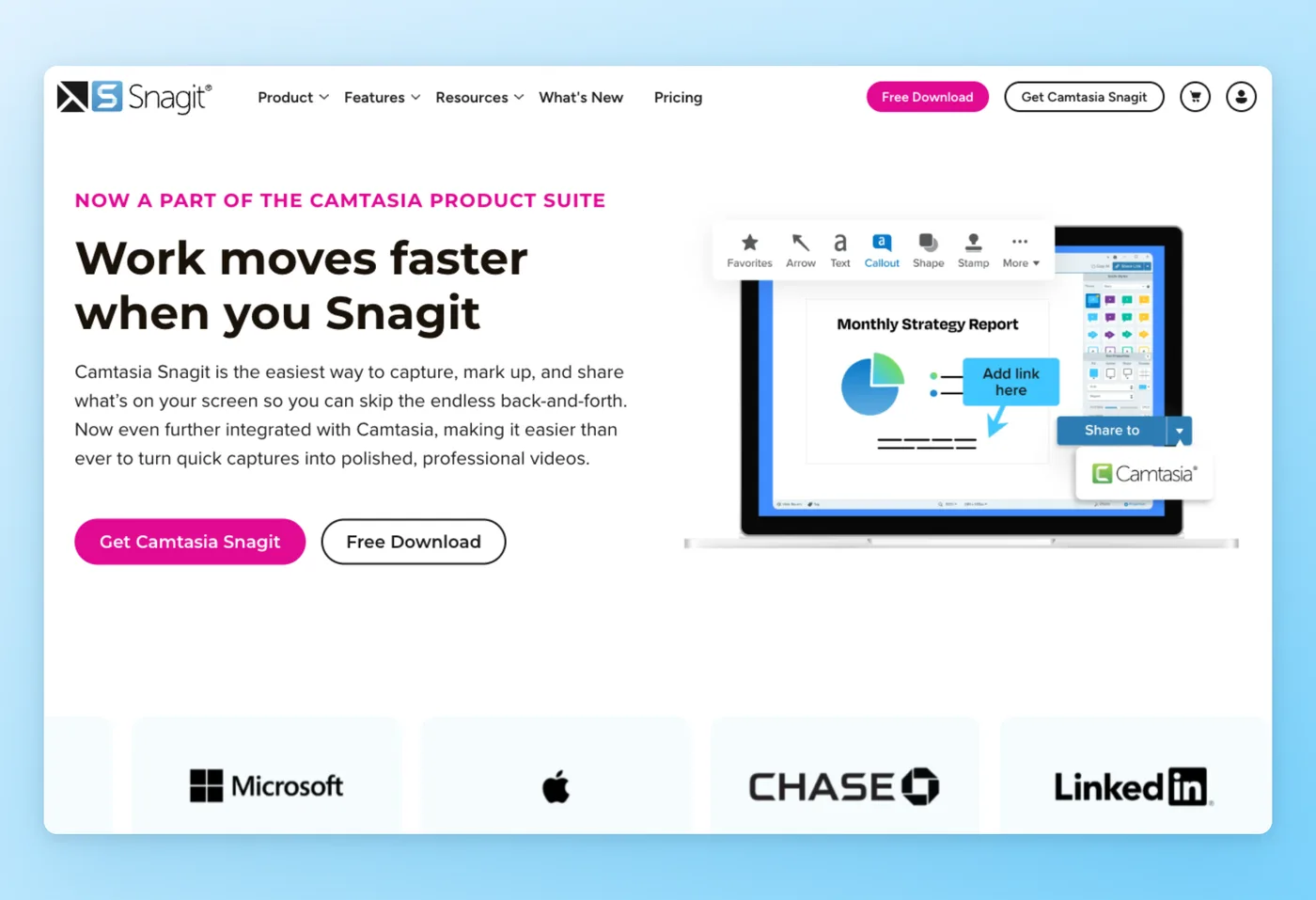
TechSmith's Snagit is image- and markup-first, built for screenshots, annotation, and short clips rather than long async video. The line "Work moves faster when you Snagit" captures its niche in technical writing and documentation.
Rated 4.7/5 on G2 (5,650 reviews) · 4.7/5 on Capterra (500 reviews) · 4.5/5 on Product Hunt (6 reviews)
Key Features
- Step recorder: generate numbered step guides automatically from your clicks.
- Scrolling capture and OCR: grab full pages and pull text out of images.
- AI Smart Redact and Simplify: hide sensitive data and clean up busy screenshots.
- Callouts, arrows, GIF creation, and Screencast hosting: 25 videos, plus bundled Camtasia Online at 1080p.
Strengths
- Intuitive and beginner-friendly for screenshots and annotation.
- Mature and reliable, trusted across technical writing and documentation work.
"Best screencapturing app out there. Beats any native screencapturing tool for Windows or macOS. The cost for the tool is relatively low for how much function you're getting." Capterra
Limitations
- The 2025 move to subscription-only draws the loudest complaints. TechSmith discontinued perpetual licenses, and there are accounts of the 2025 release deactivating keys customers had already bought.
- The editor can feel slow, and lengthy async recordings of the kind Loom handles fall outside what it was built for.
Pricing
- Free tier: No. 15-day trial with a 14-day money-back window.
- Paid plans: Individual around $39/yr USD (one page showed £34.64/yr; check techsmith.com for the current USD figure). Per-seat annual subscription; the perpetual license is discontinued.
Works Best For
Technical writers and support teams turning out annotated captures, click-by-click instructions, and quick recordings.
Snagit vs. Loom
In the snagit vs loom (or loom vs snagit) matchup, Snagit takes the lead on marked-up captures, numbered click-by-click guides, and brief recordings. Loom wins for async video messaging with a hosted, shareable library. These are different jobs: Snagit is markup-first while Loom is video-first, so the overlap is partial. The subscription shift is worth weighing if you valued the old perpetual license.
Prices verified June 2026.
Hinto AI vs Loom: Where Each Wins
| Category | Loom wins when | Hinto AI wins when |
|---|---|---|
| Output | You want a shareable face-cam or screen video | You want an illustrated, numbered article built from the footage |
| Reuse | Viewers will re-watch the clip | The knowledge must be skimmable and reused as docs |
| Input | You record fresh in Loom | You have existing Loom, Zoom, or YouTube recordings to convert |
| Searchability | Video summaries and chapters are enough | You need text people can search and AI agents can read via llms.txt |
| Format | A quick async message | A multi-article help center or SOP from one long video |
| Speed | Record and share in seconds | You'd otherwise spend hours writing the guide by hand |
The two tools serve different jobs. Keep Loom for fast messages, and add Hinto when a recording has to become lasting documentation people can search and reuse.
Where Loom Still Comes Out Ahead
Before you commit to any of the alternatives to Loom, or to other software like Loom, it is worth being honest about what Loom still does better than the rest. Loom remains the strongest pick for fast async messaging wired into Atlassian and the wider workplace stack.
Reach for Loom in these cases:
- Capture-and-share has to be immediate: the moment you stop, a ready link is waiting.
- Almost no friction is the priority: a Chrome extension paired with a plain interface gets non-technical teammates recording in seconds.
- Atlassian is your home base: native Confluence and Jira hooks let you record and embed inside Confluence pages, capture from Jira items, and drop AI bug reports straight into tickets.
- A collaboration layer is part of the job: viewer analytics, comments, reactions, tasks, and CTAs sit on the hosted video.
- Broad integrations matter: 100-plus apps, Slack, Teams, Linear, and Calendly among them.
- You lean on the AI features: on Business + AI, titles and chapter markers appear on their own, recaps write themselves, and filler words get cleaned out.
For team updates, onboarding videos, async standups, and quick bug reports, Loom is hard to beat.
What Loom Users Actually Ask
These questions surface repeatedly in community discussions on Reddit, Hacker News, and product review threads.
| Concern | Why it matters | Best direction |
|---|---|---|
| Loom costs too much for light use. On r/ProductivityApps: "I only use it 2-3 times a month, and paying $180/year just didn't make sense anymore." | Per-seat pricing punishes occasional users; r/Entrepreneur echoes "$12.50 a month is too expensive, we're still growing." | Cap (one-time $58 or $8.20/mo) or OBS (free) |
| Post-Atlassian uncertainty after the ~$975M acquisition (HN: "This deal is for $975M in cash."). | Worry about pricing creep toward enterprise and free-tier limits. | Open-source Cap or OBS, or Hinto to own the docs |
| TechSmith subscription backlash. On r/CamtasiaStudio: "2025+ will stop working if you stop paying for the subscription." | r/edtech: "straightforward, fixed, all-in pricing. Now it's just absolute crap subscription-based pricing." | Avoid for one-time license; Cap offers lifetime |
| Screen Studio changed its model. On r/macapps: "drastically changed their pricing model once they saw that their app got popular." | Buyers who wanted the lifetime license feel locked out. | Cheaper alternatives, or stay if output quality justifies it |
| Recordings aren't searchable or reusable as text. | HN threads cite analytics and social features as reasons to stay, but none make video searchable. | Hinto AI converts recordings into searchable docs |
The pricing and post-Atlassian worries dominate, and the quieter one, that video knowledge can't be searched, is where Hinto AI turns a recording into text people can find.
The Real Cost of Loom Alternatives
List price rarely matches what a tool costs once you factor in headcount, setup time, and lost licenses.
| Tool | Monthly price | 10-user annual | Hidden cost | What you get |
|---|---|---|---|---|
| Loom | $18/user | ~$2,160 | Scales linearly per seat | Hosted async video, analytics |
| Hinto AI | $99 flat (Growth) | ~$1,188 | Generation credits, not seats | Searchable written docs from video |
| Cap | $8.20/user or $58 once | ~$98/user or $58 once | Thinner collaboration | Owned, open-source recording |
| OBS Studio | $0 | $0 | Setup and learning time, separate editor | Unlimited free local recording |
| Screen Studio | $9 (Mac, annual) | ~$108/user | Mac-only, no docs | Cinematic demos |
| Camtasia | ~$250/yr per seat | check USD | No perpetual license | Full editor and hosting |
| Screencastify | $7/user | ~$84/user | Chrome and education-bound | Classroom video |
| Snagit | ~$39/yr per seat | check USD | No perpetual license | Screenshots and step guides |
The pricing model drives the decision. Loom's per-seat rate multiplies with every hire, so a 10-person team pays roughly $2,160 a year, while Hinto's flat Growth plan stays at about $1,188 whether one person or ten use it. OBS lists at zero but hides a real time cost in scenes, encoders, and a separate editor, and Vidyard's Starter price isn't public, so you'll need to contact sales.
Hinto AI also collapses three jobs into one: it records, extracts screenshots, and writes the documentation, so you don't pay for a recorder, an editor, and a docs tool separately. That gap shows up when you compare total cost instead of the sticker price.
Pay one flat rate, not per seat
Hinto AI turns recordings into searchable docs for your whole team on a flat workspace plan.
Picking a Loom Replacement: Three Questions to Answer First
Start with the deliverable, then your platform, then your budget model. Those three answers narrow eight tools to one or two fast. They also cover most searches: people look up sites like loom one day, then tools like loom the next, or type software like loom when shopping around. The broader pool of loom competitors gets the same treatment, and so does the hunt for free loom alternatives.
Decision Framework
- Free or open-source seekers: OBS Studio records locally with no length cap at no charge, or Cap for an owned, open-source app with a cheap one-time license.
- Teams turning recordings into written docs or SOPs: Hinto AI rebuilds a clip as a numbered guide, dropping in an image at each step so the result reads and searches like an article.
- Mac users making cinematic demos: Screen Studio eases the cursor and enlarges the active area without prompting, for polished output.
- Trainers who need full editing: Camtasia pairs a multitrack timeline with a library of ready-made assets.
- Revenue and outreach teams: Vidyard ties trackable video into Salesforce and HubSpot.
- Educators in the Google ecosystem: Screencastify records to Drive with interactive assignments.
- Documentation and annotation work: Snagit covers captures, marked-up images, and brief clips.
Platform sets a hard boundary: Windows covers OBS, Cap, Camtasia, Loom, Screencastify, and Snagit; Mac runs all of those plus Screen Studio; Linux means OBS; and browser-first work points to Loom, Screencastify, or Cap's web app. Teams converting recordings into structured documentation can use Hinto AI for that step.
Loom and Its Alternatives: Frequently Asked Questions
Does Loom have a free plan?
It does, on the Starter tier. Each person gets 25 videos, a five-minute ceiling per recording, 720p output, and a workspace that holds up to 50 members. To raise any of those limits you move to the Business tier, which is $18 monthly per seat.
What is the Loom 5 minute limit?
Every recording on the free tier is cut off once it reaches five minutes. Upgrading to Business ($18/user/mo) removes that ceiling, so any walkthrough beyond a brief clip will cost you a paid seat.
Which Loom alternative costs nothing?
OBS Studio runs natively on every desktop platform with no caps and no watermark, and the price is zero. Cap handles personal local use at no charge, and Screencastify hands you a free tier for short clips. Want a Loom swap with no price tag? Start with OBS or Cap.
Which free screen recorder works as a loom replacement?
Reach for OBS Studio. As a no-cost stand-in for Loom, it strips out the time ceiling and the watermark completely, and the same tool doubles as webinar recording software for hour-long sessions or a live stream. Where the loom free version stops you at 5 minutes and 720p, OBS keeps recording at whatever length and resolution your machine supports, all for nothing.
Is there a publicly-developed Loom rival?
Yes. Cap publishes its source under AGPL with local-first storage, and OBS Studio publishes its source under GPLv2. Either one lets you own and self-host your recordings.
Does Loom have a teleprompter?
No, Loom has no native teleprompter. Screencastify Pro includes one if that feature is a requirement.
How do Zoom clips compare to Loom?
Loom is async screen messaging with a hosted library, while Zoom centers on live meetings and offers Clips as a lighter async add-on. For ongoing async video, Loom is the more complete recorder.
How is Vimeo different from Loom?
Vimeo is a hosting and streaming platform; Loom is a recorder plus async messaging tool. They overlap on hosting but solve different primary jobs.
What does a Loom subscription run in 2026?
Starter costs nothing, the Business tier is $18 monthly per seat, and Business + AI runs $24 monthly per seat. Since every plan bills by the seat, the loom software cost grows with each new hire, and that is usually what sends teams comparing the loom platform with flat-rate options.
Does Loom record video or produce documentation?
It captures your display next to your webcam, and documentation falls outside its scope. The loom tool leaves you with a hosted video you can share, but it never converts that footage into searchable written guides. Pair Hinto AI with it to cover the documentation half.
How to make a Loom video?
Curious how to make a loom video? Install the browser extension or desktop app, start recording your screen together with your webcam, and the moment you stop, Loom hands you a ready-to-send link.
Can Hinto AI convert existing Loom recordings?
Yes. Drop a Loom, Zoom, YouTube, or local file into Hinto AI and it extracts screenshots and writes the steps out as a written guide, so you don't re-record anything.
Final Verdict
Nothing beats Loom when you need to capture a face-cam message and hand off the link within seconds, and for standups, new-hire ramp-up, and async status notes wired into Atlassian, it earns its place. The friction is per-seat pricing and recordings you can't search.
Among the alternatives to loom, pick by deliverable: OBS Studio or Cap if you want free or open-source, Screen Studio when a Mac demo needs that filmic finish, Camtasia for a full manual editing suite, and Vidyard if video drives a sales motion.
When the recording needs to become lasting documentation, that's where Hinto AI fits. Drop in a Loom clip and it comes back as a documented walkthrough, each step matched to a captured frame, or record in Hinto and keep both the video and the written version. Try Hinto AI free and turn your next recording into documentation people can find.

Founder of Hinto - passionate about making knowledge accessible and helping teams create better documentation.
Ready to Build a Better
Knowledge Base, Faster?
Get Started Free & Create Your First Article in Minutes