
Turn calls into docs, export PDFs, import Markdown
Turn calls into visual walkthrough docs
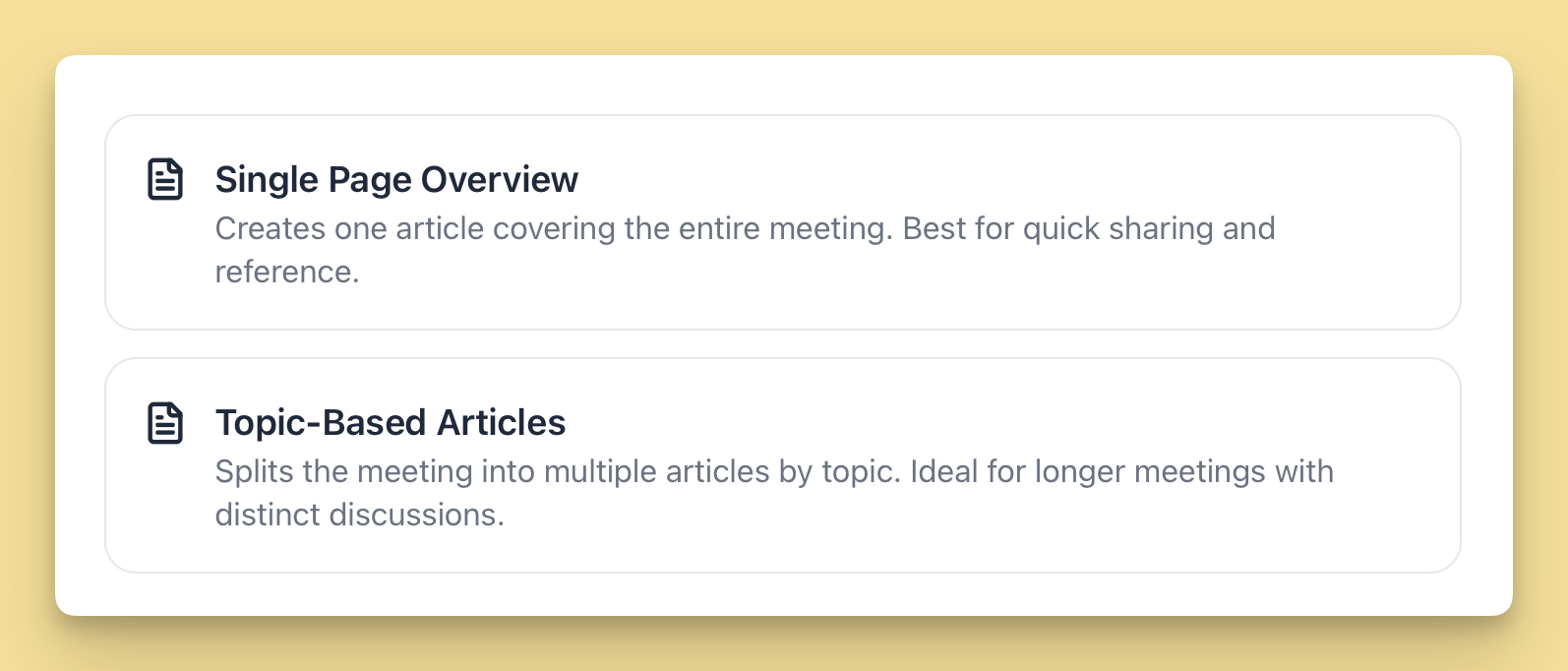
You can now create an Internal Meeting project and upload a call recording. Hinto turns the call into a visual doc with screenshots, key context, Q&A, and next steps. Choose between a Single Page Overview for quick sharing or Topic-Based Articles for deeper docs by topic. Link to doc
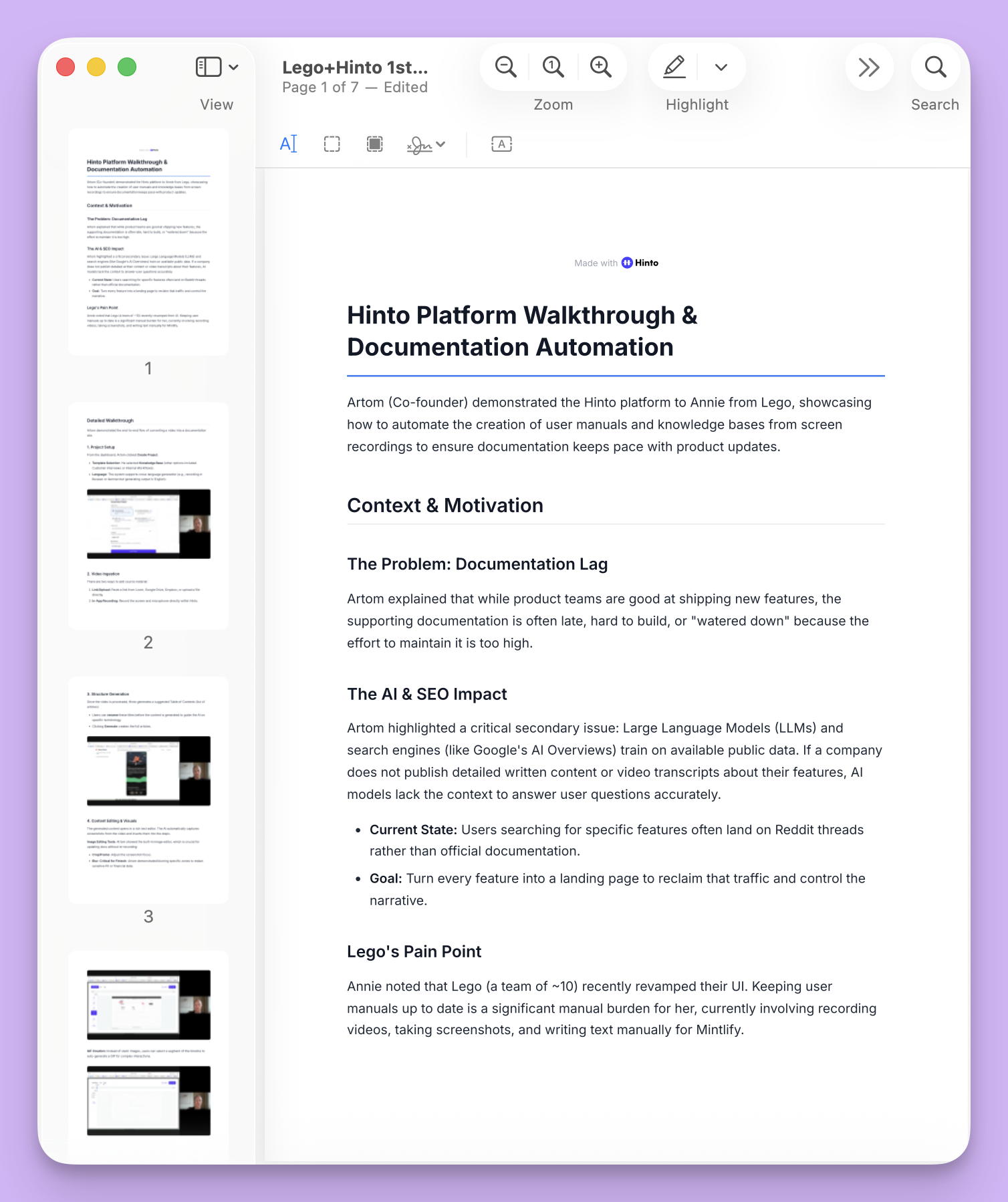
Simpler sharing with PDF's
You can now export any single page as a PDF with all images included. You can also export a full folder or an entire project into one PDF for easy sharing and offline use. Link to doc
Add additional docs without videos
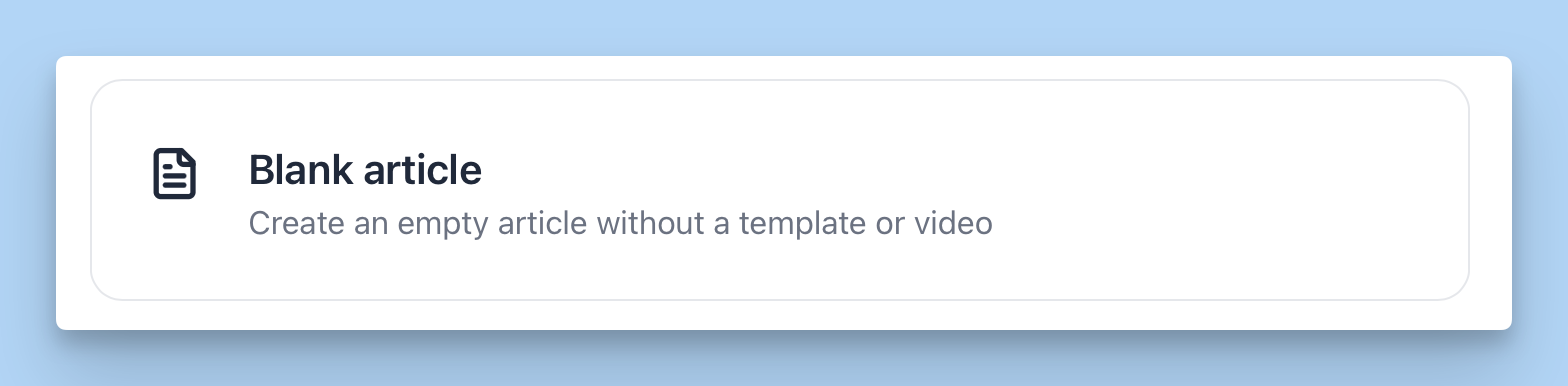
You can now add content to a project without a video. Create a blank article to write or paste content, or import a Markdown file from another tool like Notion so googles index them better. Link to doc
More convenient downloads
Grab any image from an article in one click. You can also save the original uploaded source video directly from the project. Link to doc
Quality of life updates
- Kazakh support: You can now generate content in Kazakh.
- Table editor: Add and edit tables visually. Exports cleanly to Markdown and HTML.
- Q&A formatting: Line breaks in Q&A now stay exactly as written.
- Onboarding: Skipping onboarding now works properly.
- Quotas: Video upload limits now follow your workspace settings.
P.S. previous update:
Make sure to subscribe to our YouTube channel and follow us on LinkedIn and Reddit for the latest news and insights around our work-in-progress
Thanks,
Hinto AI team

Product updates, feature announcements, and best practices from the Hinto product team.
Ready to Build a Better
Knowledge Base, Faster?
Get Started Free & Create Your First Article in Minutes