Change the Website and App Display Language
This guide explains how to change the display language for both the Hinto AI public website and the in-app interface. Customizing the language allows you to navigate and use Hinto AI in the language you are most comfortable with.
On the Hinto AI Website
-
Navigate to the Hinto AI homepage.
-
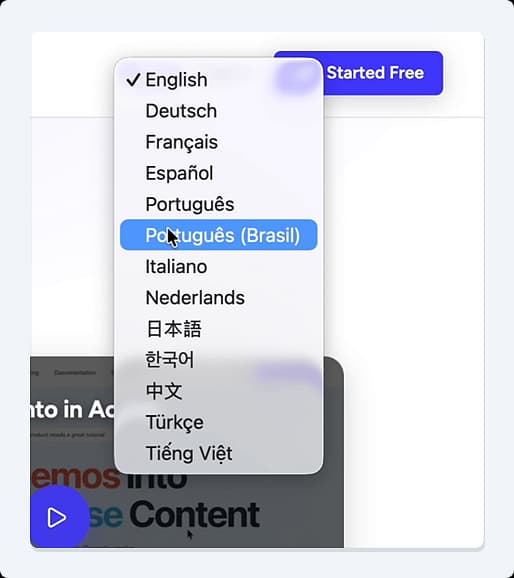
In the top-right corner of the navigation bar, click the current language selector (e.g., EN).

-
Select your preferred language from the dropdown menu.
-
The website will automatically refresh and display all content, including documentation and blog posts, in the chosen language.
Inside the Hinto AI App
-
Log in to your Hinto AI account.
-
In the top navigation bar, locate and click the language dropdown menu.

-
Choose your desired language from the list.
-
The app's interface, including all menus, buttons, and settings, will immediately update to the selected language.
Tip
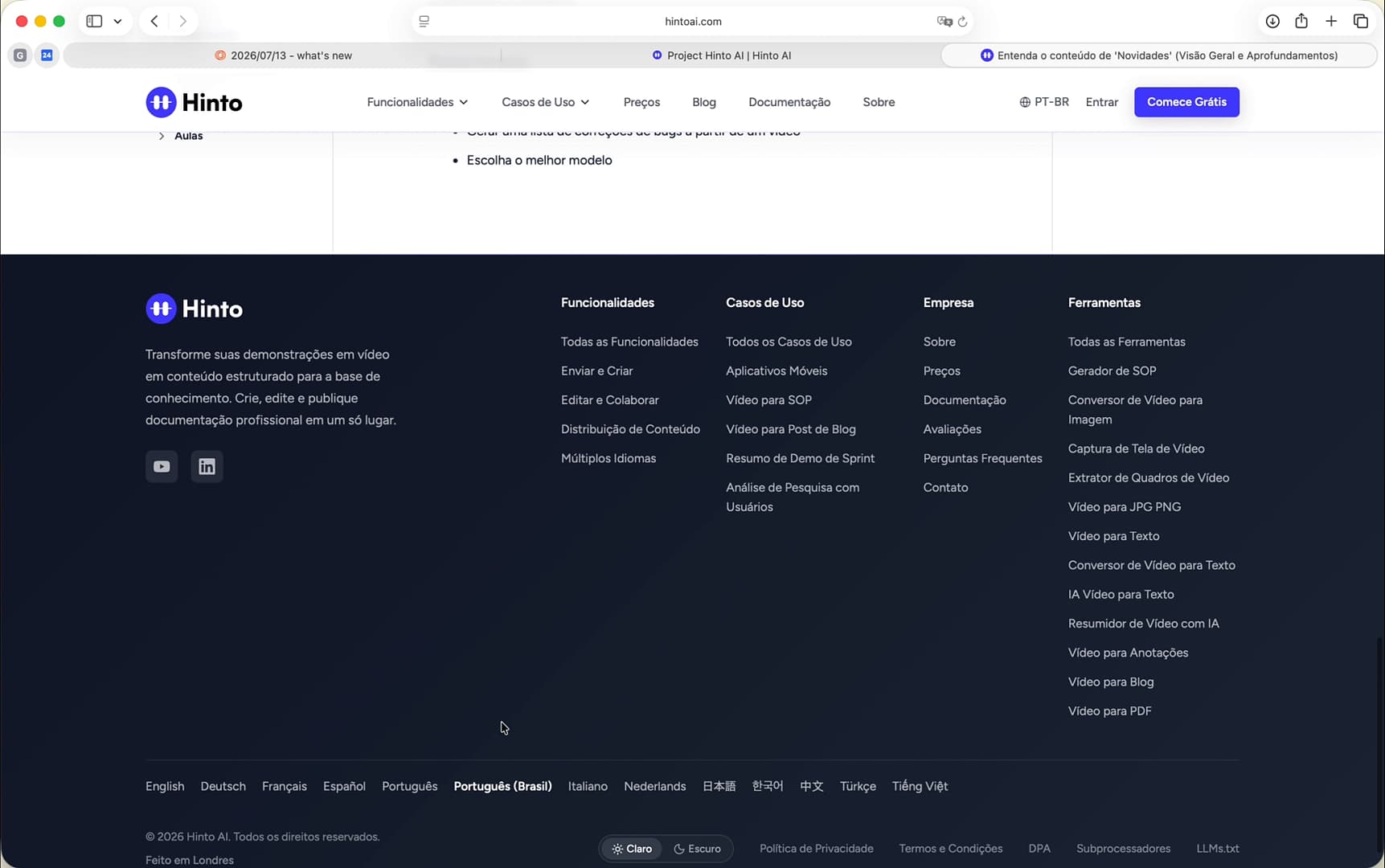
On the public website, you can also find the language selector in the footer at the very bottom of the page.
Summary
This article provides step-by-step instructions on how to change the display language for a personalized experience. Hinto AI offers full localization for both its public-facing website and the internal application, ensuring that users worldwide can interact with the platform in their native language. This enhances usability and makes navigating features, documentation, and account settings more intuitive.