
Best Document360 Alternatives 2026: Reviewed & Compared
Want docs written for you from a recording: Hinto AI (video-to-docs, free plan, $15/mo)
Already on Atlassian or Jira, need internal team docs: Confluence (wiki built into your stack)
Affordable, simple hosted help center: KnowledgeOwl ($100/mo, unlimited readers)
Document360 runs a mature knowledge base platform, with strong versioning, category structures, and a polished public help center. The catch is authoring: your team writes every article by hand, so producing real volume stays slow. Pricing adds friction too, since there's no free tier, only a 14-day trial that asks for a credit card, and every plan needs a sales quote.
This guide reviews six document360 alternatives and Document360 competitors, showing where each one fits. You'll compare Hinto AI, Confluence, Notion, ClickHelp, Guru, and KnowledgeOwl on price, AI writing support, and structure, all six are solid alternatives to Document360, covering every gap from free tiers to AI-generated docs. Whether you want apps like Document360 for a hosted help center or broader software like Document360 for an internal wiki, there's a fit here. Hinto AI leads as the pick for teams that would rather record a process and let Hinto AI generate the documentation than draft every page from scratch.
When Document360 Isn't the Right Choice
Document360 fits mid-to-large support and product teams that want an AI-native, customer-facing knowledge base with enterprise security. Smaller and budget-conscious teams run into limits quickly, and those limits send them looking for alternatives:
- No free tier: you get a 14-day trial only, and it requires a credit card up front.
- Quote-only pricing: no plan is publicly listed, so every option needs a sales call before you can budget.
- Enterprise locked to annual billing: the top tier bills yearly only, with no monthly path.
- Manual authoring: you write and edit every article by hand in the KB editor, which makes volume slow.
Capterra reviewers flag the same money issue. Angelina H., a web developer on SourceForge, put it plainly: "pricing per user is highly expensive." For teams that want public pricing, a real free tier, or docs generated for them, the six Document360 competitors in the next section cover those gaps.
Skip the manual authoring entirely
Record your process once and let Hinto AI turn it into structured docs, on a free plan with public pricing.
Which Document360 Alternative Is Right for You?
Answer the questions below to find your match. Download as PDF to keep it handy.
Document360 Alternatives at a Glance
Use the table below for a quick side-by-side look at the alternatives to Document360 on free tiers, starting prices, and AI writing support. Document360 prices quote-only, so you can't budget without a sales call before picking a Document360 alternative. Detailed reviews follow.
| Tool | Free Tier | Starting Price | Best For | AI Writing Support |
|---|---|---|---|---|
| Document360 | No (14-day trial, card required) | Custom/quote-only | Mid-large support and product teams | Yes, Eddy AI / AI Writing Agent |
| Hinto AI | Yes (20 lifetime generations, 1 project) | $15/mo | Teams that document via video | Yes, generates full docs from video |
| Confluence | Yes (up to 10 users) | Per-seat (rate not flat-listed) | Atlassian/Jira teams, internal wiki | Partial, Rovo AI |
| Notion | Yes (individuals) | ~$11/mo per seat | All-in-one workspace, startups | Yes, Notion AI (credit-metered) |
| ClickHelp | No | $185/mo (2 contributors) | Technical writing teams | Yes, AI Suite |
| Guru | No (free working session) | Custom/quote-only | Internal knowledge + AI agents | Yes, Content Assist |
| KnowledgeOwl | No (30-day trial, no card) | $100/mo (1 KB + 1 author) | Simple hosted help center | No AI-authoring advertised |
| Tool | Free Tier | Starting Price | Best For | AI Writing Support |
|---|---|---|---|---|
| Hinto AI | Yes (20 lifetime generations, 1 project) | $15/mo | Teams that document via video | Yes, generates full docs from video |
| Document360 | No (14-day trial, card required) | Custom/quote-only | Mid-large support and product teams | Yes, Eddy AI / AI Writing Agent |
| Confluence | Yes (up to 10 users) | Per-seat (rate not flat-listed) | Atlassian/Jira teams, internal wiki | Partial, Rovo AI |
| Notion | Yes (individuals) | ~$11/mo per seat | All-in-one workspace, startups | Yes, Notion AI (credit-metered) |
| ClickHelp | No | $185/mo (2 contributors) | Technical writing teams | Yes, AI Suite |
| Guru | No (free working session) | Custom/quote-only | Internal knowledge + AI agents | Yes, Content Assist |
| KnowledgeOwl | No (30-day trial, no card) | $100/mo (1 KB + 1 author) | Simple hosted help center | No AI-authoring advertised |
Prices as of June 2026. Check each tool's pricing page for current rates.
How We Evaluated These Tools
For knowledge base tools, two things separate the options fast: whether the platform helps you produce content or leaves all writing manual, and whether you can see the price before talking to sales. We weighted those first, then looked at structure and fit.
We evaluated tools on:
- AI content generation: can it help produce articles, or is all writing manual?
- Pricing model and starting price: flat, per-seat, or usage, and what a five-person team pays.
- Content structure: versioning, categories, table of contents, and navigation.
- Ease of setup: time to your first published article.
- Target audience fit: public help center, internal wiki, or developer docs.
- Video and media support: can it ingest video and extract content?
Hinto AI vs Document360: Where Each Wins
These two solve different parts of the documentation problem. Document360 hosts and structures a mature knowledge base. Hinto AI generates the content. The table shows where each pulls ahead.
| Category | Document360 wins when... | Hinto AI wins when... |
|---|---|---|
| Input method | You want a full KB editor for hand-authored articles | You want docs generated from a video with no manual drafting |
| Output | You need single articles inside a deep hierarchy | You want one video turned into a full multi-article table of contents |
| AI readiness | You're building human-readable portals (now with an MCP server) | You need llms.txt and llms-full.txt exports for ChatGPT or Claude |
| Multi-language | You run dedicated translation workflows per article | You want 50+ languages from one recording (All-Inclusive plan) |
| Pricing entry | Budget supports a quote-only enterprise deal | You want a free plan plus public $15/mo pricing |
| Enterprise depth | You need mature versioning, reader analytics, SOC2/ISO/GDPR, and Zendesk/Intercom/Freshdesk integrations | You need fast content production without heavy governance |
These tools complement each other more than they compete. Hinto AI can feed Document360 as a content engine, drafting articles from recordings that you then host and govern in Document360. For teams that don't need enterprise KB depth, Hinto AI also records, generates, and hosts on its own.
The Best Document360 Alternatives Reviewed
Each review below covers strengths, pricing, and the ideal user, starting with Hinto AI.
Not sure which fits your team? Download the role matrix (PDF). best tool by team role.
Hinto AI: Generate docs from video, then publish
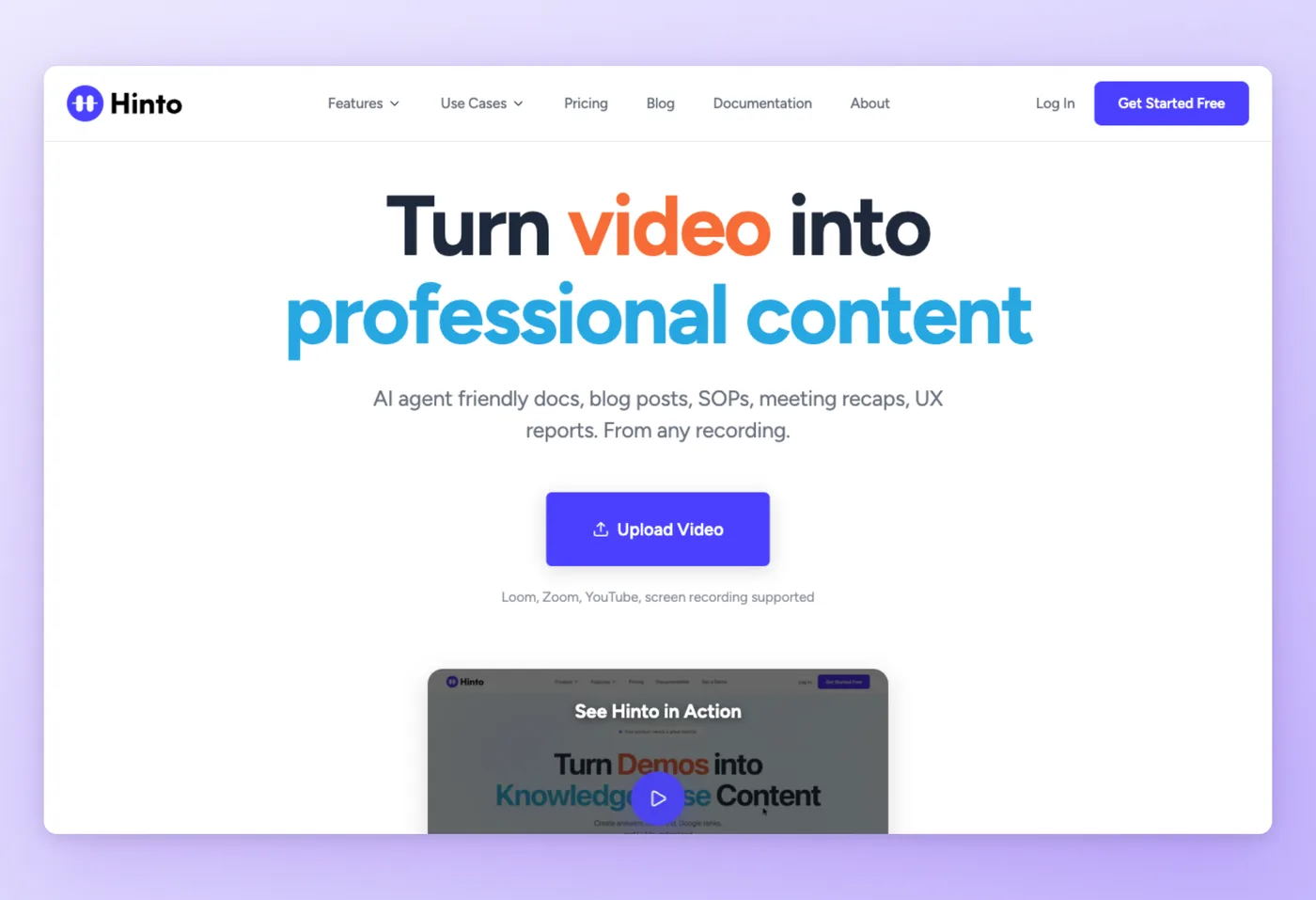
Record a screen walkthrough, drop in a Loom, Zoom, or YouTube link, and Hinto AI turns it into structured, multi-article documentation. The engine detects UI changes and clicks to pull screenshots and written steps automatically, so you skip the manual drafting that Document360 requires.
Key Features
- Video-to-docs generation: one long video becomes a full table of contents with multiple organized articles.
- AI action detection: automatically extracts high-quality screenshots and step text from the recording.
- One-click live hosting: publish to a public URL with a custom domain and SSL included.
- AI-ready export: generates llms.txt and llms-full.txt so ChatGPT or Claude can read your docs.
Strengths
- Removes the manual-authoring bottleneck: record once, get structured articles.
- 50+ languages from a single recording, plus an in-app editor to blur sensitive data and a GIF engine.
Limitations
- Generation runs on a monthly credit system rather than unlimited use.
- The free plan caps at 20 lifetime generations, 1 project, and 20-minute uploads; multi-language sits on the $499/mo plan.
Pricing
- Free tier: Yes, 20 lifetime generations, 1 project, 20-minute upload limit, up to 20 members.
- Paid plans: From $15/month (Small Team); All-Inclusive $499/month adds multi-language. Monthly billing, cancel anytime.
Newer entrant, no aggregate review score yet.
Works Best For
Support, product, and operations teams that already communicate over video and want structured docs without writing them by hand.
Official website: https://hintoai.com/pricing
How it compares to Document360
Hinto AI strips out the manual-authoring step that slows Document360 down: record a process and get structured articles back. It's younger and lighter on formal versioning and governance, so it works best as a content engine feeding Document360, or as a standalone record-generate-host option for teams that don't need enterprise KB depth.
Prices verified June 2026.
Confluence takes a different angle, built for teams already living inside Atlassian.
Turn one recording into a full help center, free to start.
Get started freeConfluence: Wiki-style docs for teams already on Atlassian
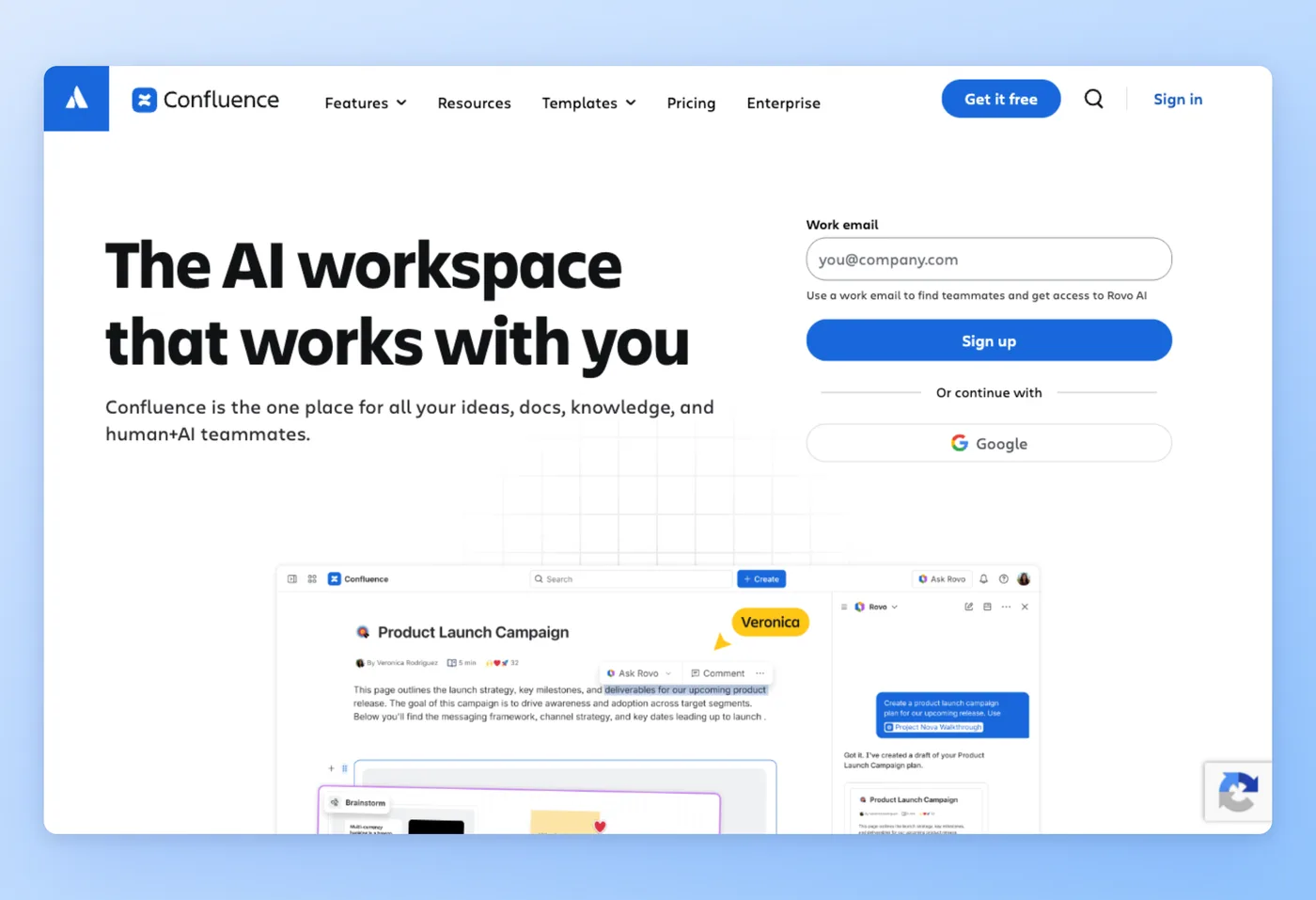
Built by Atlassian, Confluence keeps documents, decisions, and meeting notes in structured spaces that connect straight into Jira. Teams already in the Atlassian stack adopt it as their internal wiki without adding another vendor.
Rated 4.5/5 on Capterra (3,685 reviews) · 5.0/5 on Product Hunt (11 reviews) · 4.7/5 on SourceForge (12 reviews)
Key Features
- Structured spaces: organize docs into spaces and page hierarchies for each team or project.
- Jira integration: link pages to issues and epics with no extra setup.
- Collaboration tools: inline comments, version history, and page-level permissions.
- Rovo AI: summarize and transform existing content (partial AI authoring, not full generation).
Strengths
- Centralized docs and KB that double as a real knowledge hub.
- Strong collaboration with inline comments, version history, and granular permissions.
Limitations
- Poor search relevance: 38% of search feedback is negative, and you often need the exact page title.
- Formatting and complex tables feel awkward, and large pages load slowly.
"It centralizes all project documentation in one structured space[, which] made it incredibly easy for the whole team to stay aligned without digging through emails or scattered files. The page hierarchy and space organization felt intuitive once set up, making it simple to find the right document at the right time." Capterra
Pricing
- Free tier: Yes, up to 10 users with 2GB storage.
- Paid plans: Per-seat pricing above the free tier (exact flat rate not publicly listed); Enterprise bills annually and routes through sales.
Works Best For
Atlassian and Jira teams that want an internal collaboration wiki where documents and meeting notes live alongside their work. Leo D. (5/5) called it "a proper knowledge hub... like Google Docs but wearing a blazer."
Official website: Confluence
Confluence vs. Document360
Confluence beats Document360 on internal collaboration and tight Jira links, and its free tier for up to 10 users undercuts Document360's quote-only pricing. Document360 wins for polished, versioned, customer-facing help centers and far better search. Pick Confluence if your docs are internal and you already run Atlassian; pick Document360 if you're publishing a public help center where readers must find answers fast.
Prices verified June 2026.
Notion widens the scope further, blending docs with projects and databases.
Notion: Flexible workspace for teams that don't need publishing structure
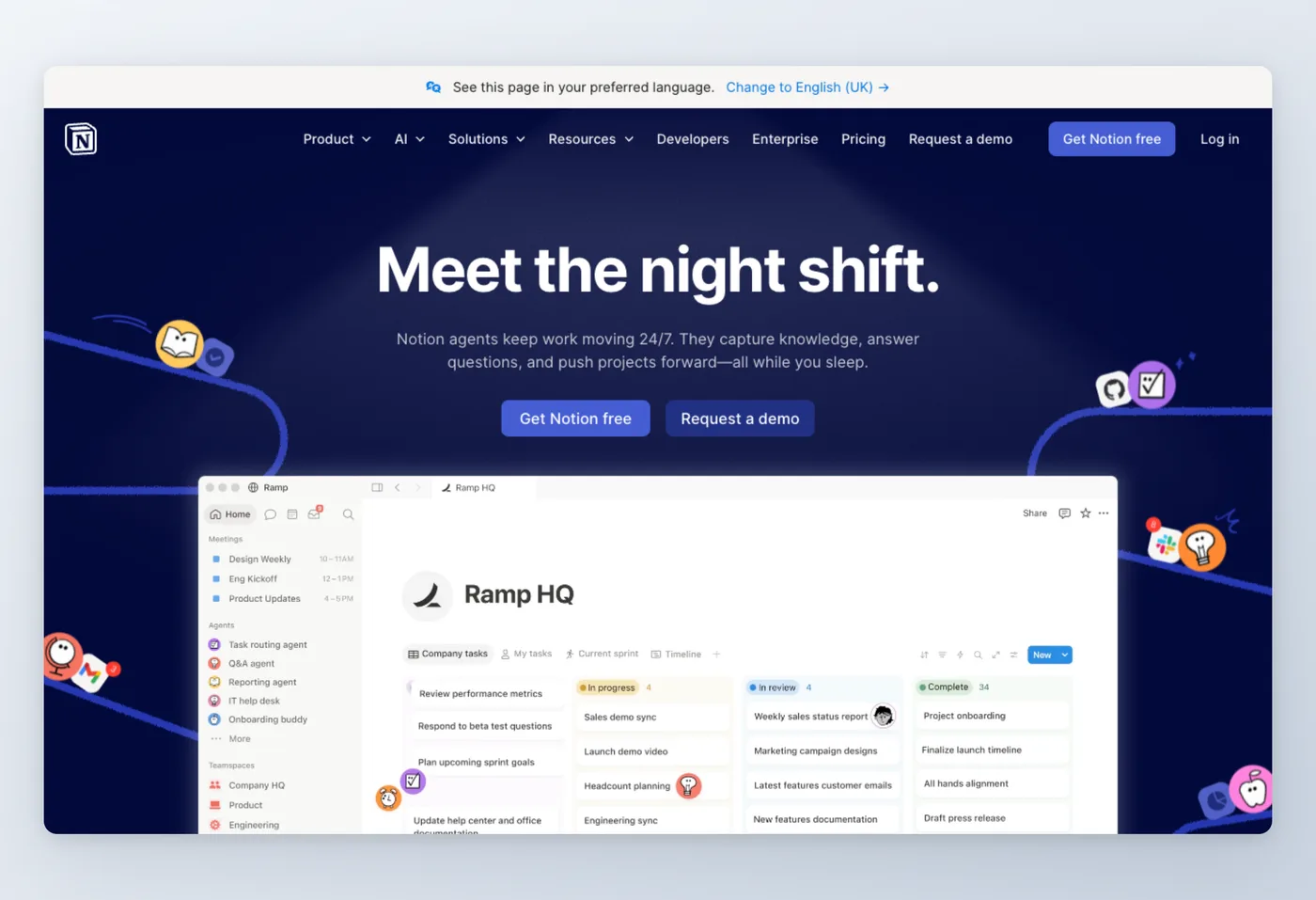
Notion blends docs, projects, and databases into one customizable workspace. Startups and solo operators reach for it as a default wiki and project hub, then layer in templates and linked views as they grow.
Rated 4.7/5 on Capterra (2,745 reviews) · 4.8/5 on Product Hunt (1,363 reviews) · 4.8/5 on SourceForge (24 reviews)
Key Features
- All-in-one workspace: docs, project boards, and databases in a single tool.
- Flexible customization: build templates, linked databases, and custom views per team.
- Clean interface: approachable editor that doubles as a lightweight wiki.
- Notion AI: generate and edit content, metered by credits ($10 per 1,000).
Strengths
- All-in-one workspace combining docs, projects, and databases.
- Strong value with a functional free tier for individuals.
Limitations
- Slow performance is a recurring complaint (22 mentions in reviews).
- Steep learning curve (21 mentions); easy to over-build with templates and databases.
"Notion became my default wiki/PM. Databases + relations + filtered views give me a lightweight CRM/roadmap without fighting a spreadsheet. Templates/AI and slash-commands make capture fast; embeds keep specs, Looms, and code snippets in one place." Product Hunt
Pricing
- Free tier: Yes, for individuals (limited blocks for 2+ users, 5MB uploads, 7-day history).
- Paid plans: Plus ~$11/mo (£8.50) per seat; Business ~$21/mo (£16.50); custom domains add $8–10/mo, AI credits $10 per 1,000.
Works Best For
Startups and solo founders who want one flexible workspace for docs, tasks, and notes rather than a dedicated publishing platform. Alex Anikeev (4/5) noted it "became my default wiki/PM."
Official website: Notion
Notion vs. Document360
Notion gives you a more flexible internal workspace and a lightweight wiki at a public, per-seat price, where Document360 hides its rate behind a quote. Document360 wins on structured versioning, categories, and dedicated customer-facing help-center publishing. One reviewer warned Notion "creates work disguised as productivity." Choose Notion for an adaptable internal hub; choose Document360 when you need a governed public help center. Framed as Document360 vs Notion, the trade is structured help-center governance against flexible workspace freedom.
Prices verified June 2026.
ClickHelp narrows the focus to dedicated technical writing teams.
ClickHelp: Technical documentation with single-sourcing
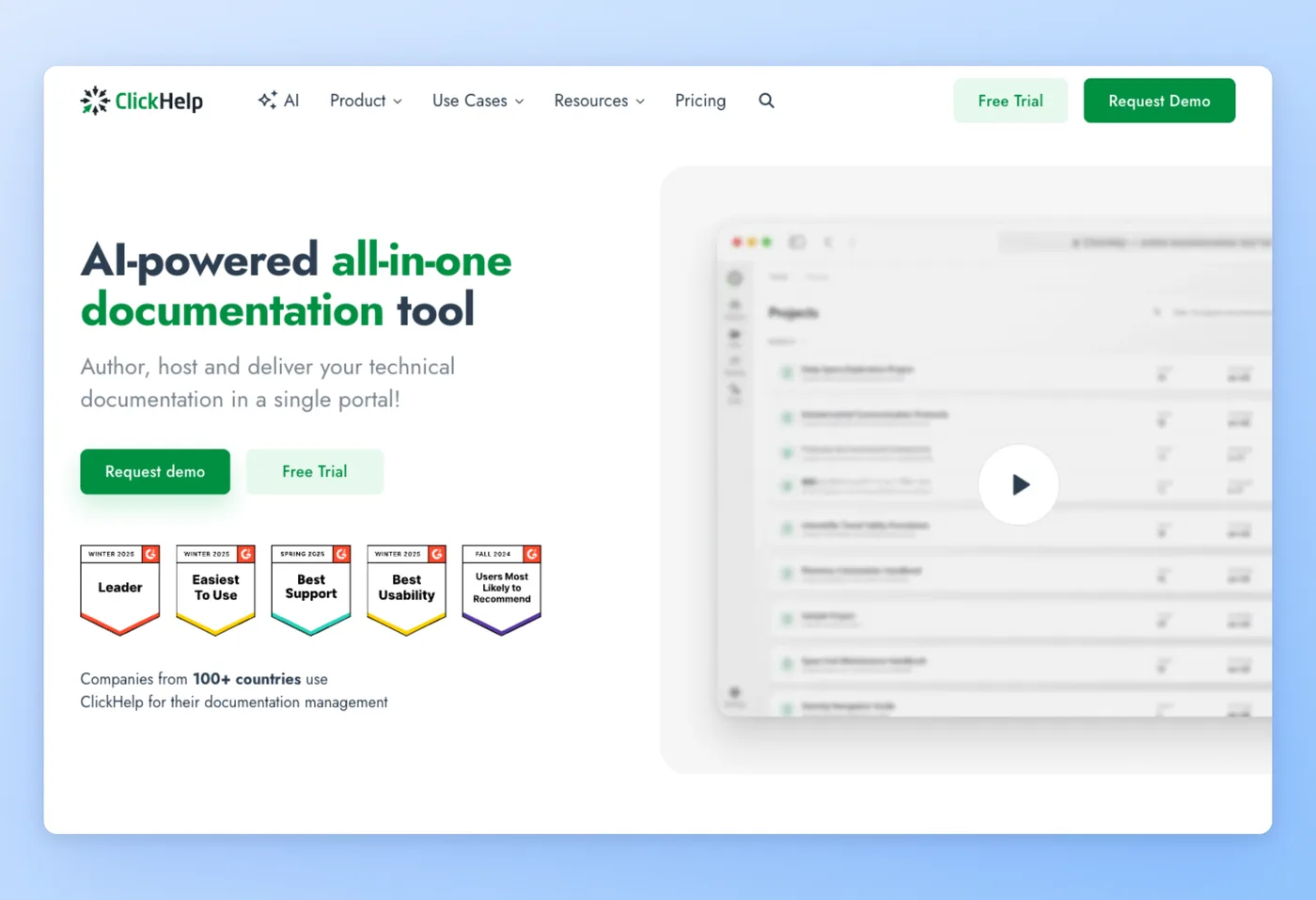
ClickHelp is a hosted documentation platform built for technical writing teams migrating from MadCap Flare, RoboHelp, Word, or Confluence. It centers on single-sourcing: maintain one content library and publish variations across multiple outputs or audiences with conditional content and variables.
Rated 4.7/5 on Capterra (19 reviews) · 4.7/5 on Software Advice (19 reviews)
Key Features
- Single-sourcing: snippets, variables, and conditional content let you write once and publish multiple versions.
- Migration imports: brings in MadCap Flare, RoboHelp, Word, and Confluence content with structure preserved.
- AI Suite: AI authoring assistance for drafting and editing content.
- Unlimited readers: all plans include unlimited reader accounts, only contributor seats are charged.
Strengths
- Support rated 5.0 on Capterra, described as "legendary" by multiple reviewers.
- Single-sourcing and conditional content are powerful for docs teams managing multiple product variants.
Limitations
- Interface and templates feel dated per multiple reviewers.
- Learning curve for HTML customization and advanced features; TOC rearranging is awkward.
"I reviewed 5 platforms, and chose ClickHelp because the features and cost made sense. I doubt we will ever need to move again, based on how powerful their solution is." Capterra
Pricing
- Free tier: No.
- Paid plans: Starter $185/mo (2 contributors, 5GB, 500 topics); Growth $310/mo (5 contributors); Professional $610/mo (10 contributors). Annual billing saves 14%.
Works Best For
Dedicated technical writing teams maintaining software or product documentation who need single-sourcing, conditional content, and a structured migration path from legacy help-authoring tools. Karen Z. (5/5) reviewed five platforms and chose ClickHelp because "the features and cost made sense."
Official website: ClickHelp
ClickHelp vs. Document360
ClickHelp gives technical writers more single-sourcing depth and a cleaner migration path from legacy tools than Document360 offers. Document360 is simpler to start and more approachable for non-technical authors. ClickHelp costs more at team scale and the UI shows its age, but teams coming from MadCap Flare or RoboHelp will find the feature match more direct than anything Document360 provides.
Prices verified June 2026.
Guru takes a different approach, focusing on internal knowledge rather than customer-facing help centers.
Guru: Internal knowledge layer with verification workflows
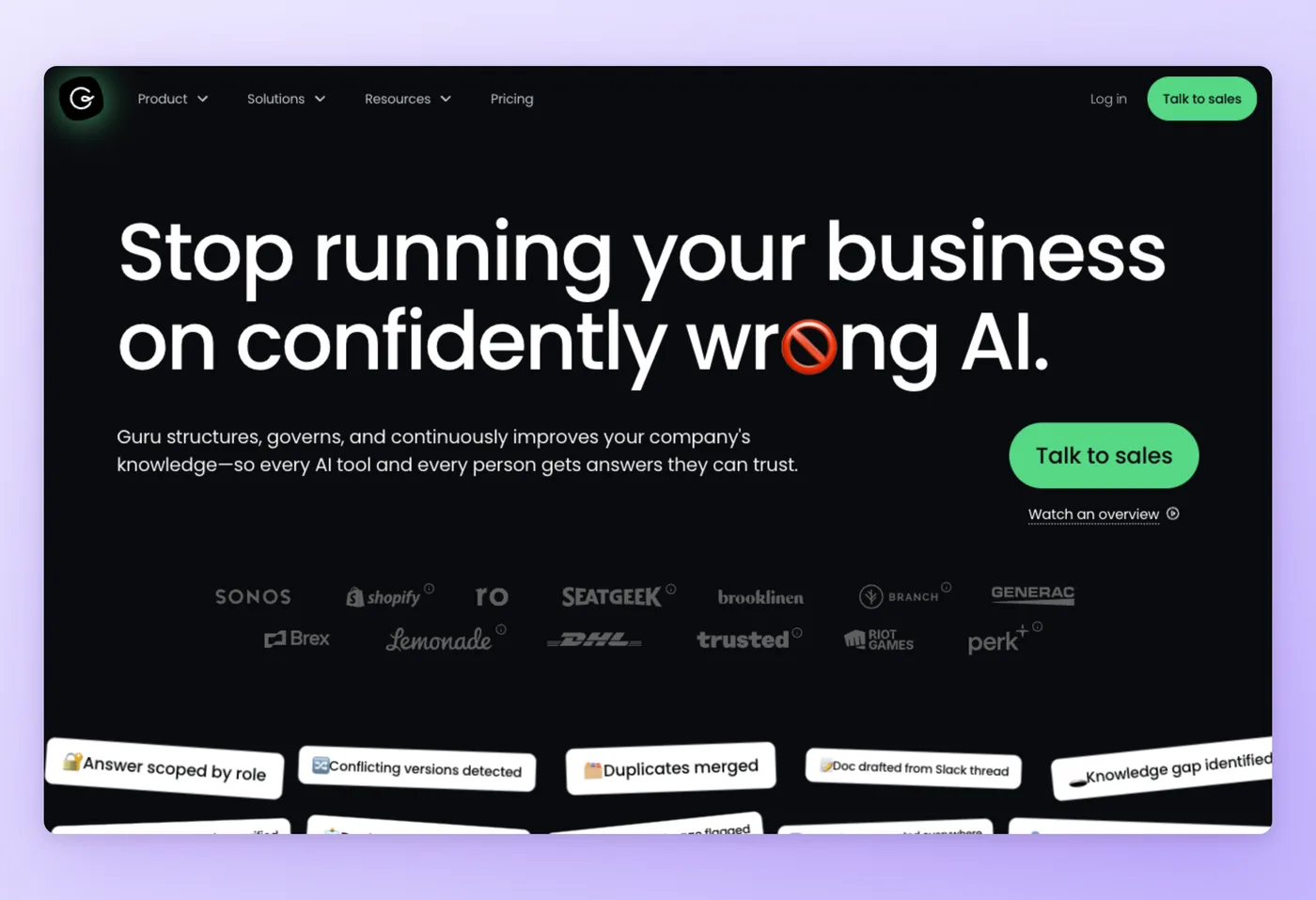
Guru sits inside your existing tools as a verified knowledge layer for employees. It surfaces answers in Slack, Teams, and Chrome without requiring staff to open a separate app, and its SME verification workflow keeps content accurate as processes change.
Rated 4.7/5 on G2 (2,000+ reviews) · 4.8/5 on Capterra (639 reviews) · 4.8/5 on Software Advice (639 reviews)
Key Features
- In-app search: surfaces verified answers inside Slack and Microsoft Teams without switching context.
- SME verification: content owners set review schedules so cards expire and get reviewed before they go stale.
- Knowledge Agents: AI-powered agents that answer employee questions from the verified knowledge base.
- Content Assist: AI writing help for drafting and editing cards.
Strengths
- Fast lookup for support agents: search within the tool they're already using.
- Verification workflows keep the knowledge base accurate without manual audits.
Limitations
- Occasional bugs and technical disruptions noted by 36 reviewers on Capterra.
- Search relevance degrades in large knowledge bases.
"I've had a top notched experience with Guru for almost 3 years now! When I first started, I was overwhelmed with all the information I had to learn, but with Guru, everything was easy, without feeling like I was annoying my team lead and co-workers from time to time." Capterra
Pricing
- Free tier: No free tier; a free working session is available for evaluation.
- Paid plans: Custom/quote-only, platform and expertise model (not per-seat); contact sales for pricing.
Works Best For
Enterprise support and operations teams that need verified internal knowledge surfaced inside Slack or Teams, with AI agents answering employee questions from a governed knowledge base. Jenna G. (5/5) described it as "like having a cheat sheet for work... instead of bothering my team lead every 3 minutes, I search Guru first."
Official website: Guru
Guru vs. Document360
Guru and Document360 aim at opposite audiences. Guru is internal-employee-first; Document360 is customer-facing-first. Guru has no published pricing (same opacity issue as Document360) and is designed for enterprise. Teams wanting a public help center should not use Guru as a direct Document360 swap.
Prices verified June 2026.
KnowledgeOwl offers the most direct like-for-like hosted help center comparison.
KnowledgeOwl: Affordable hosted help center with full customization
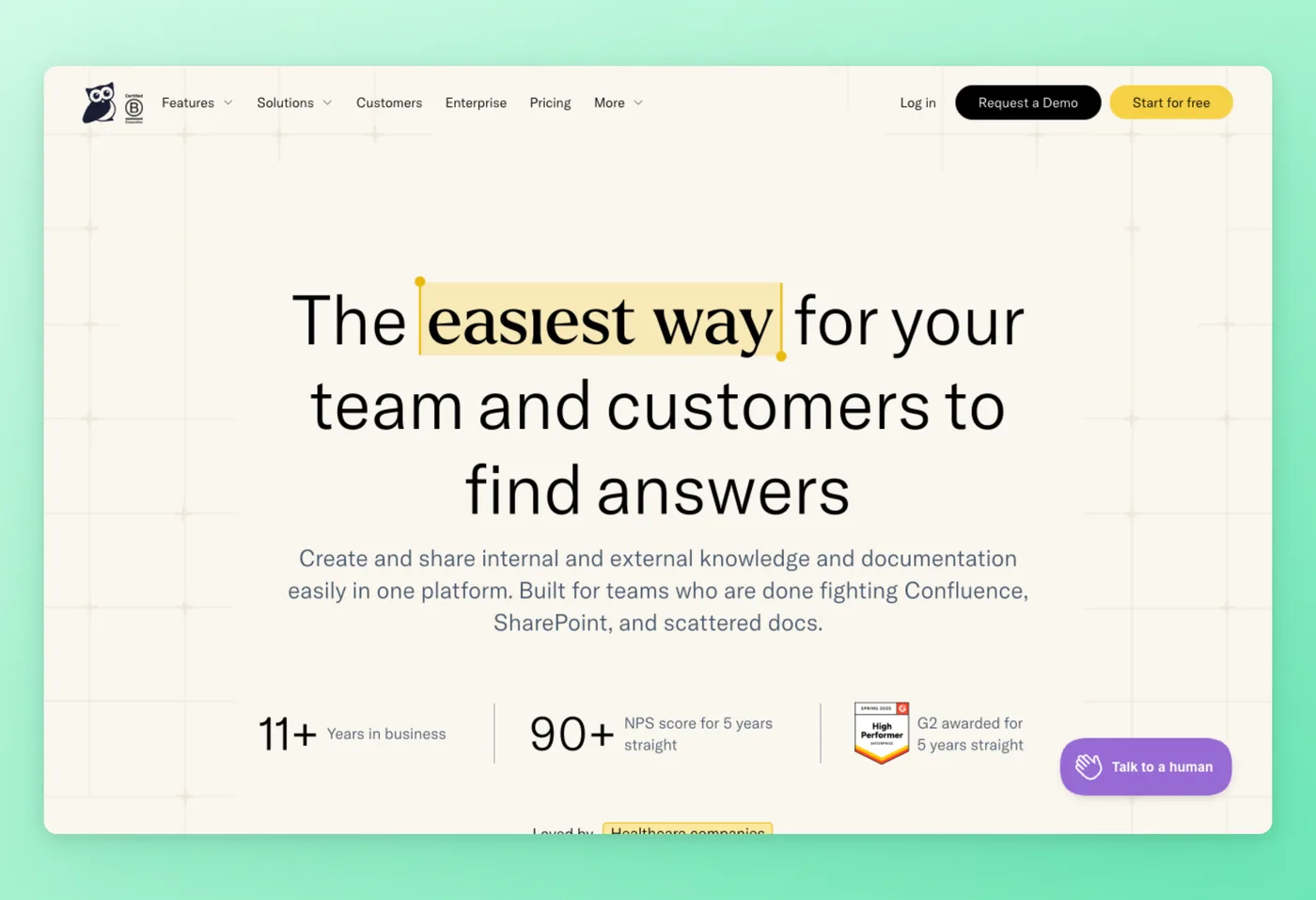
KnowledgeOwl hosts a clean, searchable public help center. You reach for it when you want predictable, transparent pricing and responsive human support without enterprise complexity.
Rated 4.8/5 on Capterra (237 reviews) · 4.8/5 on Software Advice (237 reviews)
Key Features
- WYSIWYG editor: authors publish without any developer involvement.
- Custom branding: full control over logos, themes, and domain.
- Unlimited readers: all plans include unlimited reader accounts.
- Migration from Document360: the platform explicitly lists Document360 as a supported migration source.
Strengths
- Support rated 4.9 on Capterra and NPS above 90 for five consecutive years.
- Predictable, per-author pricing that you can see before talking to anyone.
Limitations
- No AI-authoring features advertised (you write every article manually).
- Some advanced features have a learning curve; simultaneous editing is not supported.
"I have been a professional technical writer for over 40 years and this is easily the best product I have ever used. They really have thought of everything. The product is fast, reliable and includes features I didnt know I needed until I started using them. Insane value for money." Capterra
Pricing
- Free tier: No, but a 30-day trial requires no credit card.
- Paid plans: Basic $100/mo (1 knowledge base, 1 author); additional authors $25/each; additional KBs $50/each; Pro $250/mo; Business $500/mo. Nonprofit discount of 25%.
Works Best For
A good fit if you need a simple, hosted, customer-facing help center with transparent pricing and no sales-call requirement. David S. (5/5, a 40-year technical writing veteran) called it "easily the best product I have ever used... insane value for money."
Official website: KnowledgeOwl
KnowledgeOwl vs. Document360
KnowledgeOwl is the closest like-for-like alternative for teams leaving Document360. Both host polished public help centers. KnowledgeOwl wins on pricing transparency (public per-author rates vs. Document360's quote-only model) and support quality. Document360 wins on AI-authoring features and enterprise depth (versioning, analytics, Zendesk/Intercom integrations). KnowledgeOwl is easier to budget if Document360 pricing outgrew your team.
Prices verified June 2026.
The next two sections look at total cost of ownership and recurring concerns across all six tools.
What Document360 Users Actually Ask
These concerns come up repeatedly across Capterra, SourceForge, and Software Advice review threads.
| Concern | Why it matters | Best direction |
|---|---|---|
| Pricing opacity: no public rate card, every plan requires a sales quote | Teams can't budget without a call; community reviewers describe new pricing as "nearly doubled" vs. legacy plans | Hinto AI ($15/mo public), KnowledgeOwl ($100/mo public), Notion (~$11/seat public) |
| Search relevance: must already know the exact page title to find content | 38% of Confluence search feedback is negative (Capterra); Guru users report irrelevant results in large knowledge bases | Document360 or KnowledgeOwl for customer-facing search quality; Guru for internal with AI agents |
| Complexity and over-building: steep learning curve, templates become maintenance work | Notion reviewers note it "creates work disguised as productivity"; ClickHelp has an HTML learning curve for advanced features | KnowledgeOwl or Hinto AI for simpler setup; Notion only if the flexibility is worth the overhead |
| Bugs and performance: editor lag with complex tables, slow loading on large pages | Guru had 36 bug/disruption mentions on Capterra; Confluence slows on large pages; Document360 has reported editor lag | KnowledgeOwl and ClickHelp both rated for stability; test with your actual content volume |
The pricing-transparency concern runs through Document360, Guru, and Confluence Enterprise. Hinto AI publishes its full rate card at $0, $15, $99, and $499 per month, and KnowledgeOwl lists every author seat at $25/mo increments. Teams that need to budget before a sales call can use either option without requesting a quote.
The Real Cost of Document360 Alternatives
List price and actual cost diverge fast once you factor in add-ons, per-seat stacking, and credit systems, so the true Document360 cost rarely matches the headline figure.
Document360 tops the opacity list: quote-only pricing means you can't calculate a 10-user cost without a sales call. Community reviewers report the new pricing "nearly doubled" vs. legacy plans. SSO and API access are gated to Enterprise, which adds another unknown line item.
Confluence starts free for up to 10 users, but Atlassian Guard (SSO and advanced security) is a paid add-on, and Enterprise billing routes through sales. Notion's per-seat model is transparent at ~$11/seat, but AI credits ($10 per 1,000 uses) and a custom domain ($8–10/mo) add cost fast for active teams.
ClickHelp prices by contributor seat. Growth is $310/mo for 5 contributors; Professional is $610/mo for 10. Reader accounts are unlimited on all plans, which removes a common add-on cost that other platforms charge.
Guru shares Document360's quote-only opacity, and Devin B. on SourceForge noted it's "not the cheapest, per-seat."
KnowledgeOwl is the most predictable: $100/mo base, $25 per additional author. Ten authors costs $325/mo, and that price is on the pricing page before you sign anything.
Hinto AI starts free and scales to $15/mo (Small Team). The generation-credit model means heavy usage on the free or Small Team plan needs monitoring; multi-language generation requires the $499/mo All-Inclusive plan. For teams primarily needing documentation without multi-language output, the cost stays well below any of the enterprise options above.
Prices verified June 2026.
Know your price before you commit
Hinto AI starts free and lists $15/mo publicly, no sales call required to see what documentation costs.
Picking a Document360 Replacement: 6 Questions to Answer First
The top decision dimension is output type: are you publishing for customers or for internal employees? That single question eliminates half the alternatives to Document360 before you compare features.
Decision Framework
- Teams documenting via video: Hinto AI generates structured docs from recordings without any manual authoring. Free plan available; $15/mo Small Team plan for ongoing use. Also feeds content into Document360 or Confluence if you need to govern it there.
- Atlassian and Jira teams building an internal wiki: Confluence already integrates with your stack. Free for up to 10 users, and collaboration features match what most teams need for internal knowledge.
- Startups or individuals wanting one flexible workspace: Notion combines docs, projects, and databases at ~$11/seat/mo with a functional free tier, though the setup has a learning curve.
- Technical writing teams migrating from MadCap Flare or RoboHelp: ClickHelp handles single-sourcing and conditional content that neither Document360 nor the general-purpose wikis support. Starts at $185/mo.
- Enterprise support teams needing verified answers in Slack or Teams: Guru surfaces knowledge inside employees' existing tools. Quote-only pricing, so factor in a sales conversation.
- Teams wanting a simple, predictably priced hosted help center: KnowledgeOwl offers transparent per-author pricing ($100/mo base, $25/additional author) and explicit Document360 migration support.
- Teams requiring on-premises or self-hosted deployment: ClickHelp offers an on-premises option. Most other tools in this list are cloud-only.
- Budget-conscious teams or those wanting a free tier before committing: Hinto AI (free plan, 20 lifetime generations), Confluence (free to 10 users), and Notion (free for individuals) all have working free tiers.
Teams converting recordings into structured documentation can use Hinto AI for that step.
Frequently Asked Questions
Which tools make the strongest Document360 alternatives?
Six Document360 competitors fit different needs: Hinto AI generates docs from video, Confluence runs an internal wiki for Atlassian teams, Notion offers an all-in-one workspace, ClickHelp handles technical single-sourcing, Guru surfaces verified answers in Slack, and KnowledgeOwl hosts a simple, affordable help center.
Is Document360 too expensive?
Document360 prices quote-only, has no free tier, and gates SSO and API access to Enterprise, which makes upfront budgeting hard. Cheaper, transparent options include Hinto AI (free plan plus $15/mo), KnowledgeOwl ($100/mo with unlimited readers), and Notion (~$11/seat). You see those numbers without a sales call.
Does a free or open-source alternative to Document360 exist?
Hinto AI, Confluence, and Notion all offer free tiers, and ClickHelp runs on-premises if you want self-hosting. None of the six tools here is open-source; if you need open-source, look beyond this set. All three rank as the top free alternatives to Document360 worth trying before committing to a paid plan.
Which Document360 alternative is best for non-technical users?
Notion and KnowledgeOwl both keep setup light and need no developer help. KnowledgeOwl's editor lets support staff publish without technical knowledge, and Notion's interface is approachable. If your team would rather record than write, Hinto AI removes the authoring step entirely.
Can I move my content off Document360?
Yes. KnowledgeOwl explicitly supports migration from Document360, and ClickHelp imports from Word and Confluence. Most knowledge base tools also accept content exported as PDF or Markdown, so you're not locked in once you decide to switch.
Does any alternative write the docs for me?
Hinto AI does. Record a screen walkthrough or upload an existing Loom, Zoom, or YouTube video, and it generates structured, multi-article documentation automatically. Document360's Eddy AI assists with drafting, but you still author each article yourself in its editor.
Final Verdict
Document360 stays strong for structured, versioned, enterprise customer-facing knowledge bases. If you need mature governance and AI-assisted authoring inside a polished help center, it earns its place, provided you accept no free tier, quote-only pricing, and writing every article by hand.
For most teams leaving it, the right pick among these Document360 competitors depends on the situation. KnowledgeOwl suits an affordable, simple hosted help center; Confluence fits Atlassian teams running an internal wiki; ClickHelp serves dedicated technical writers who need single-sourcing.
The standout for the manual-authoring gap, and our pick for the best Document360 alternative overall, is Hinto AI. Record a process once and get structured, multi-article documentation without drafting a page, on a free plan plus public $15/mo pricing. It can feed Document360 as a content engine or stand on its own, so try Hinto AI and turn your next recording into docs.

Founder of Hinto - passionate about making knowledge accessible and helping teams create better documentation.
Ready to Build a Better
Knowledge Base, Faster?
Get Started Free & Create Your First Article in Minutes