
Meld Studio vs OBS: 2026 Comparison for Streamers
Three factors settle the meld studio vs obs decision for most people: which operating system you run, how long you are willing to spend on initial setup, and what you need to do with the footage once capture ends.
Meld Studio is the newer, all-in-one option that packages multistreaming, AI overlays, and multi-chat management into a single application available at no cost on Win and Mac. OBS is the zero-cost, open-source standard that has driven professional broadcasts for over a decade, with a vast plugin library and cross-platform availability that extends to Linux.
"I switched because I ran alot of plugins with obs and it kept crashing." r/streamwithmeld
For recordings meant to document a process rather than entertain an audience, Hinto AI is worth a look alongside both.
The comparison below covers platform support, features, pricing, and community feedback.
Turn your Meld or OBS recordings into step-by-step written guides automatically. Free tier, no credit card required.
Try Hinto AI freeWhat is Meld Studio?
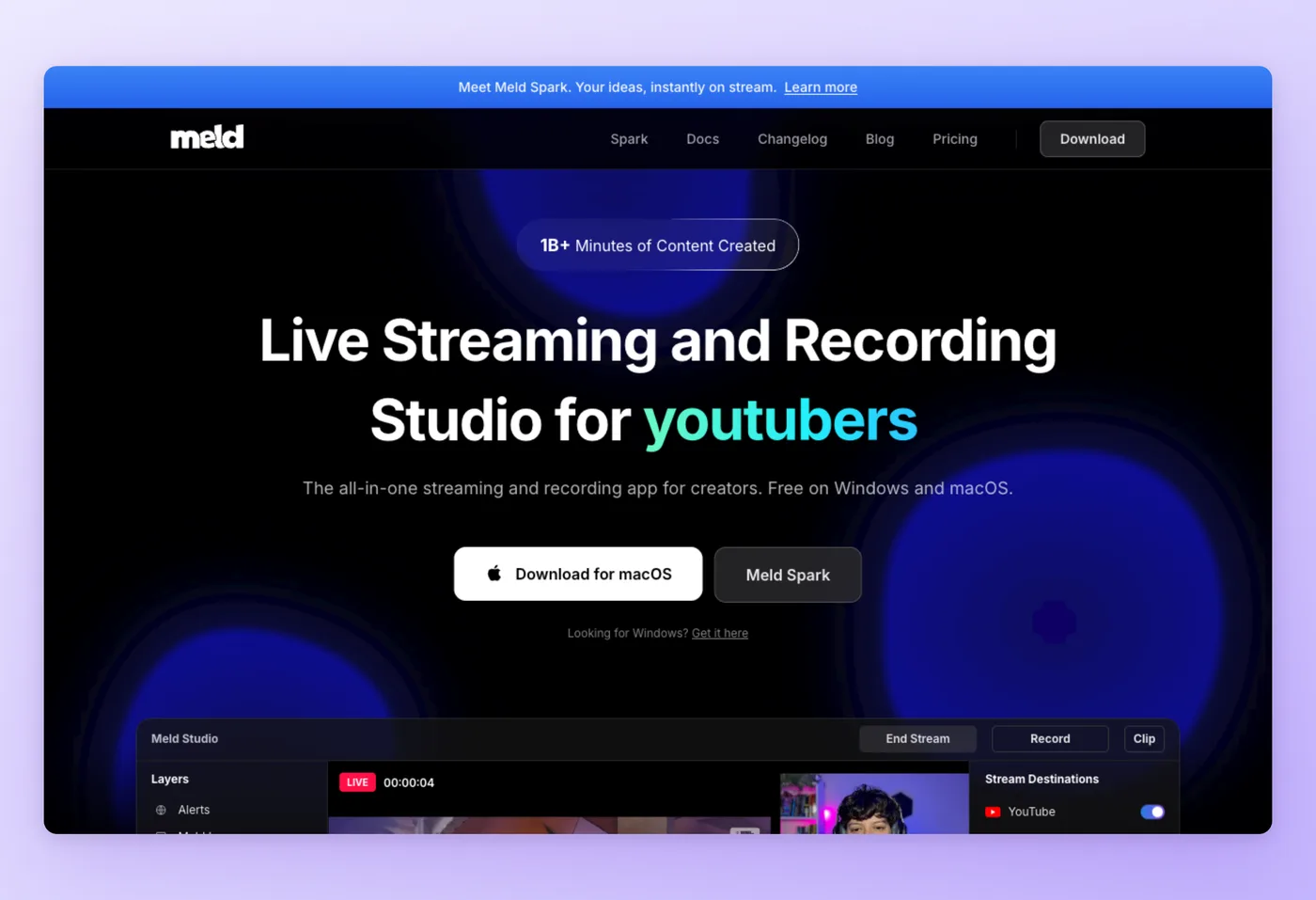
Aimed at live content creators ranging from podcasters and educators to musicians and VTubers, Meld Studio bundles multistreaming, AI-powered overlays, and a unified chat panel into a single free application for Windows and macOS. Its central pitch is removing the plugin-hunting step entirely, so creators can go live in minutes rather than hours.
Key Strengths
- Built-in multistreaming: Push a single feed to Twitch, Kick, YouTube, and TikTok simultaneously via RTMP, with no third-party relay service required.
- Meld Spark AI overlay builder: Generate custom overlays and interactive widgets from natural language descriptions, no coding required.
- Unified multi-chat panel: View and manage chat from all connected platforms in one consolidated feed, with zero additional software.
Limitations
- Linux users cannot run Meld Studio; there is no build for that platform, which rules it out for developers and open-source teams.
- Multistreaming locks canvas resolution to the lowest limit across all connected platforms. Going live on YouTube, Kick, and Twitch at once caps output at 1080p because of Kick's ceiling, which also prevents 4K local recording during those sessions.
Meld Studio's built-in approach makes it a strong fit for creators who want to get on air quickly, but that same approach trades off the deep extensibility that experienced power users rely on.
"Effects that took forever to set up in OBS are copy-and-paste in Meld. Recording and streaming simultaneously works flawlessly. No more worrying about separate configurations or dropped frames." r/streamwithmeld
Which Screen Studio Alternative Is Right for You?
Answer the questions below to find your match. Download as PDF to keep it handy.
What is OBS?
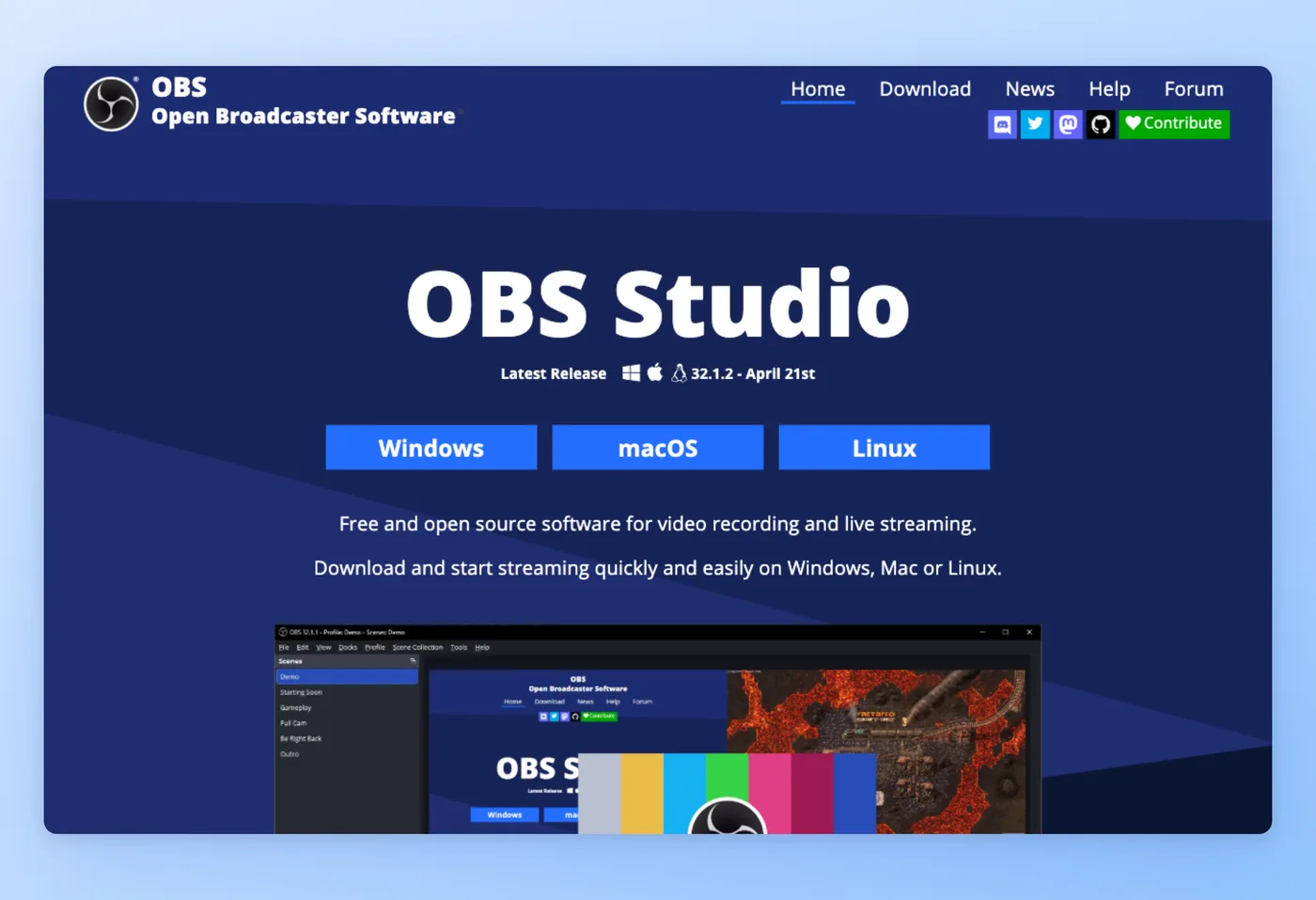
OBS Studio carries no cost, imposes no branding on footage, and runs on every major desktop platform, making it the long-standing standard for professional video recording and live streaming. Content creators, broadcasters, and developers use it for its scene-based production system, extensive filter library, hardware encoder support, and a plugin ecosystem built up over a decade by the community.
Rated 4.6/5 on G2 (134 reviews) · 4.7/5 on GetApp (1,074 reviews) · 4.7/5 on Software Advice (1,074 reviews)
Key Strengths
- Fully free, no paid tiers: Every OBS feature ships at zero cost, with no branding imposed on footage, no cap on recording length, and no subscription of any kind. Development is funded through voluntary community donations on Patreon and Open Collective.
- Cross-platform reach: OBS runs on Windows 10/11, macOS 12.0+, Linux, and FreeBSD, with distribution via Microsoft Store, Steam, Flathub, and Ubuntu PPA.
- Plugin ecosystem and scripting: A Plugin Manager (added in v32.0) gives access to thousands of community extensions. Scripting via Lua and Python lets advanced users automate and extend OBS beyond any built-in limit.
Limitations
- No guided onboarding and a complex interface. OBS assumes you already know what a scene, source, and filter are, which creates a steep initial learning curve for beginners.
- Entry-level users get no editing tools after the recording ends; there is no built-in editor for post-capture work. Recordings export as video files that require a separate application.
OBS's depth makes it the right choice for users who need control, but that depth requires an investment in time to get a clean setup running.
"I switched from Streamlabs to OBS, but continued using streamlabs alerts and was able to build out OBS with only the streamlabs features I chose. Then also gaining the freedom to go above and beyond streamlabs capabilities. Eventually I got completely off streamlabs services. I would recommend OBS, I have tested VMIX in the past for events, and tested Meld yesterday." r/Twitch
Meld Studio vs OBS vs Hinto AI: At a Glance
Use the table below for a quick side-by-side look at all three tools across the dimensions that matter most. Detailed comparisons follow.
| Meld Studio | OBS | Hinto AI | |
|---|---|---|---|
| Price | Free | Free | Free tier; paid from $15/mo |
| Platform | Win / Mac | Win / Mac / Linux | Web (browser-based) |
| Best For | Streamers who want everything included out of the box | Power users who want full control | Teams turning recordings into documentation |
| Live Streaming | Yes, native multistreaming | Yes, via plugins or manual RTMP setup | No |
| Screen Recording | Yes, 4K/60fps, multi-track audio | Yes, flexible codecs, full control | Yes, built-in recorder or video upload |
| Post-Capture Editing | Basic clip/trim | No built-in editor | AI-generated written guide with screenshots |
| Plugin Ecosystem | Limited (built-in approach) | Thousands of community plugins | Native integrations (Notion, Confluence, Intercom) |
| Linux Support | No | Yes | Yes (web-based) |
| Learning Curve | Low | High | Low |
| Output | Video file / live stream | Video file / live stream | Written documentation, SOPs, help center articles |
Prices as of June 2026. Check each tool's pricing page for current rates.
Neither Meld Studio nor OBS writes the documentation for you. Hinto AI does. Get started free, no credit card needed.
Get started freeFeature Comparison: Meld Studio vs OBS vs Hinto AI
For live streamers and screen recorders, the comparison hinges on platform reach, setup speed, streaming capabilities, and what you can do with footage after capture. One gap no existing comparison covers is Linux support and the post-capture documentation problem. This section addresses both.
Platform and OS Support
Meld Studio: Windows and macOS only. There is no Linux version, and none has been announced.
OBS: Windows 10/11, macOS 12.0+, Linux, and FreeBSD. Available through the Microsoft Store, Steam, Flathub, and Ubuntu PPA. Linux support is a non-negotiable factor for developers, open-source teams, and server-based setups.
Winner: OBS. For any Linux user, OBS is the only option.
Ease of Setup and Learning Curve
Meld Studio: Beginner-friendly by design. Built-in effects, overlays, and multistreaming are all included out of the box, with no plugins to source or configure. Meld's scene migration tool brings an existing OBS layout across in a single step, cutting the switching cost considerably. As one r/streamwithmeld user put it: "Effects that took forever to set up in OBS are copy-and-paste in Meld."
OBS: Steep initial curve with no guided onboarding. Scene, source, filter, and encoder configuration all require manual setup. Community resources are deep, but a counterpoint from r/streamwithmeld notes: "OBS will be easier there is just 1000 times more helpful information on the internet to help a newbie for obs."
Winner: Meld Studio for beginners. OBS is better for experienced users who already know what they need.
Performance and Resource Usage
Meld Studio: Community reports consistently point to lower CPU and GPU usage, particularly on M-series Macs. One long-term switcher on r/streamwithmeld reported: "My favorite things about live streaming using Meld Studio is that the quality is so much better and uses less resources on my PC."
OBS: Can be resource-intensive when running multiple plugins simultaneously. Several users cited crashes as the reason they switched away: "I switched because I ran alot of plugins with obs and it kept crashing." (r/streamwithmeld)
Winner: Meld Studio based on community consensus. No published benchmark numbers exist for either tool.
Native Features vs. Plugin Dependency
Meld Studio: Built-in multistreaming, multi-chat, AI overlays (Meld Spark), advanced audio mixer with VST3 support, Twitch VOD splitter, instant replay, and Stream Manager. No plugin installation required for any of these features.
OBS: Thousands of community plugins accessible via the built-in Plugin Manager (v32.0). Scripting via Lua and Python. Vertical streaming requires a plugin. Multistreaming requires a third-party service such as Restream or manual RTMP configuration.
Winner: Meld Studio for out-of-box functionality. OBS wins for total extensibility.
Streaming Capabilities
Meld Studio: Native multistreaming sends one stream to Twitch, Kick, YouTube, and TikTok, plus any custom RTMP endpoint, from a single session. Stream Manager syncs titles, categories, and channel tags across every platform from one panel. Meld Multi offloads the upload to the cloud so local bandwidth is preserved. One important caveat from r/streamwithmeld: "If you stream to YouTube, Kick, and Twitch, you are locked into 1080p at 8000 bitrate because of Kick's requirements."
OBS: Streams to any RTMP-compatible platform, with native integrations for Twitch, YouTube, and Facebook. WebRTC support was added in v32.1. Reaching more than one platform at once requires a third-party relay or separate RTMP configuration per destination.
Winner: Meld Studio. Meld bundles multistreaming natively; OBS needs an external relay or separate RTMP setup to match it.
Recording Capabilities
Meld Studio: 4K 60fps local recording with multi-track audio. The canvas size determines recording resolution, so multistreaming simultaneously caps the recording at the canvas resolution.
OBS: Flexible codecs, full bitrate control, multi-track audio in Advanced mode, hardware encoder support for NVIDIA, AMD, and Intel, replay buffer, and hybrid MOV support added in v32.0.
Winner: OBS for codec flexibility and control. Meld Studio is simpler but more constrained.
Audio Production
Meld Studio: VST3 plugin support, advanced audio mixer with audio monitoring (CUE), multi-track audio, and a Twitch VOD splitter toggle to separate music from VOD recordings. One user on r/streamwithmeld noted: "I can stop my music from being in my Twitch VODS now with the Twitch VOD Splitter feature and all it took was turning on one toggle."
OBS: VST plugin support, multi-track audio (Advanced mode), noise suppression, noise gating, gain filter, push-to-mute/talk, and a fully overhauled audio mixer added in v32.1.
Winner: Tie. Both support VST and multi-track audio. Meld has built-in audio monitoring; OBS has more granular filter routing.
Pricing: Meld Studio vs OBS
Both tools have free core applications, but their cost structures diverge: Meld adds a paid AI tier on top of the free base, while OBS has never offered a paid plan of any kind.
Meld Studio Pricing
- Free plan: Yes. The core Meld Studio application costs nothing on Windows and macOS. The Spark Free tier includes limited AI overlay requests and full access to the Spark overlay element library.
- Paid plans: Spark Pro at $20/month (extended AI requests, smarter models, priority processing); the top-tier Spark Max costs $60 a month and raises the AI request cap tenfold while adding early access and direct support.
- Billing model: Per subscription tier on the Spark AI add-on. Annual pricing is not publicly listed.
One community concern worth flagging: Meld Studio is VC-funded with its core product free and no clear broad revenue model beyond Spark. A user on r/Twitch raised the risk directly: "So they are running on Venture Capital and have no pricing for their software yet. We all know this VC stories, where it's all about focusing on the product and building a huge user base, suddenly ending up in high monthly subscription rates." That concern has not materialized yet, but it is a legitimate long-term consideration.
OBS Pricing
OBS costs nothing at any scale. Every feature ships without watermarks, without caps on recording or streaming length, and without user limits. Development is sustained through voluntary community donations on Patreon and Open Collective.
- Free plan: Yes. All features included with no restrictions.
- Paid plans: None.
- Billing model: N/A.
OBS remains free at every scale. The Meld base application is also free, but creators who want AI overlay features will pay $20 to $60 per month on top of that. For the majority of streamers who skip AI overlays, both tools operate at zero cost.
Prices verified as of June 2026. Check each tool's pricing page for current rates.
Who Should Use Each Tool?
The right pick between the two tools hinges on your OS, your streaming goals, and what you plan to do with the footage once the session ends.
Choose Meld Studio if:
- You want to go live on several platforms from a single session and have that handled natively, without routing through a third-party relay service.
- You are on Windows or macOS and want a clean, guided interface that has you on air in minutes rather than an afternoon.
- You want AI-powered overlays, stream alerts, and a unified chat panel without researching and installing plugins.
Choose OBS if:
- You need Linux support. OBS is the only viable option; Meld Studio is unavailable on that platform.
- You want maximum codec flexibility, full plugin extensibility, and scripting via Lua or Python.
- You are an experienced streamer or broadcaster comfortable investing setup time in exchange for full control and the deepest community resource pool available.
"I used obs for years, then moved to Polypop when it was the new kid on the block followed by a mix of polypop virtual cam and Prism live studios and they all had there specialty. Meld has its places as well and the fact that it is just getting better while staying intuitive is what will set it apart from the rest. You still need to think out of the box sometimes to create thing easily done in other softwares, but it is the price to pay for simplicity of use." r/streamwithmeld
Choose Hinto AI if:
- Your screen recording exists to document a process rather than entertain an audience. Hinto converts that recording into a guide, SOP, or help center article automatically.
- You already have footage from Meld Studio or OBS and need to generate written documentation from it. Upload the video file and Hinto generates the structured guide with screenshots.
- You want a single tool that records the screen and produces the documentation in one step, skipping the separate write-up entirely.
Why Hinto AI Stands Apart
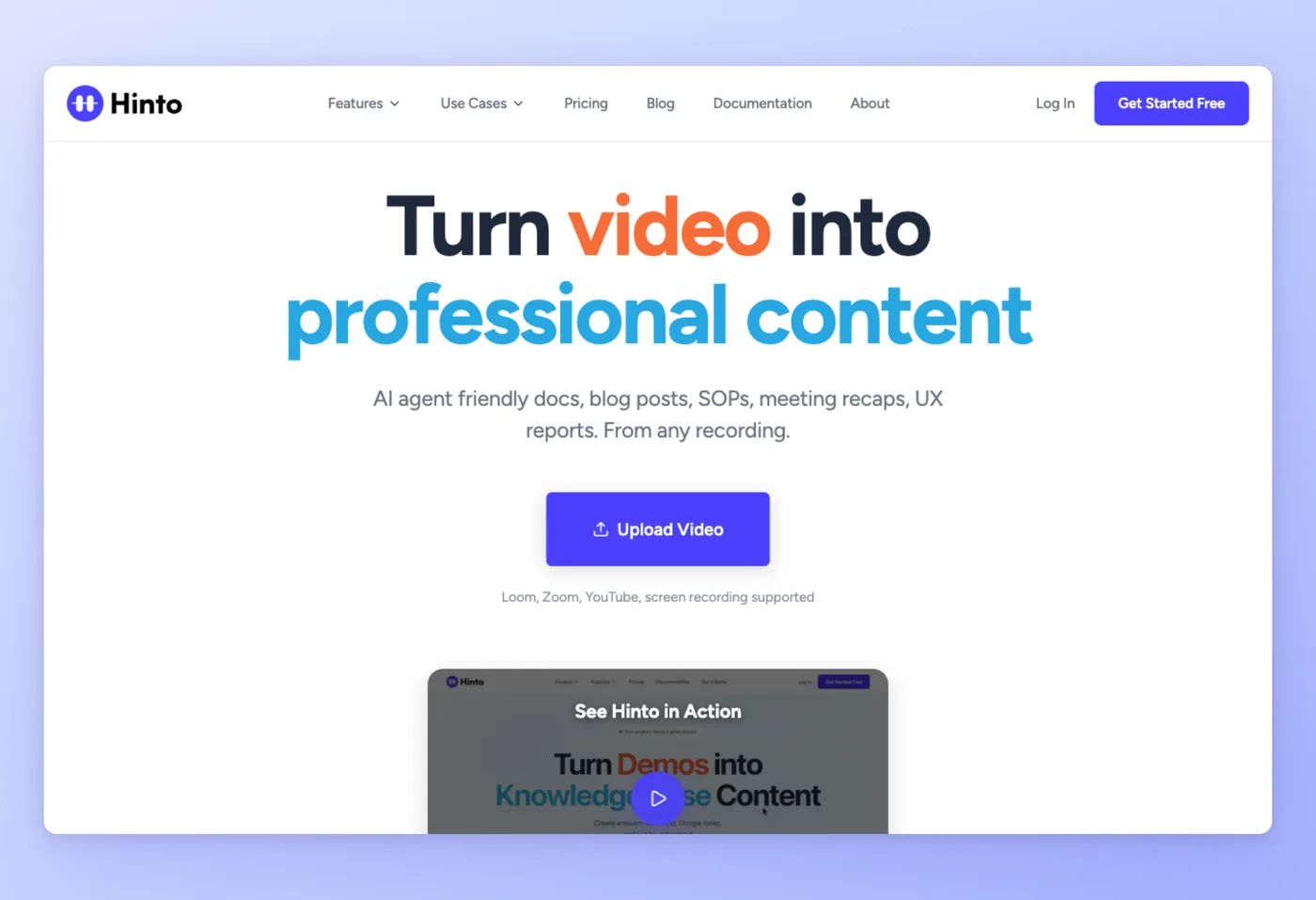
Designed for teams that communicate through video and need that video to become written documentation, Hinto AI transforms screen recordings into structured guides, SOPs, and help center articles. Where Meld Studio and OBS end their job at the video file, Hinto's work begins there.
Why Teams Choose Hinto AI Over Meld Studio and OBS
- Post-capture documentation, automated: Meld Studio and OBS are capture tools that produce video files but write no documentation. Hinto's AI Action Detection identifies UI clicks and state changes in the recording, then extracts high-quality screenshots and written steps automatically.
- Works with footage you already have: Upload any MP4, MOV, or WebM recording, including files from Meld Studio or OBS, and Hinto generates the structured article. No re-recording required.
- Knowledge Base Generation: A single long recording becomes a full table of contents with multiple organized articles, something neither Meld nor OBS can produce.
The video recorded through Hinto's Chrome Extension or web app is downloadable. The structured documentation Hinto generates alongside the video is what sets it apart from capture-only tools.
Pricing
- Free tier: 20 total generations, 1 project, 20-minute video upload limit.
- Paid plans: From $15/month (Small Team), scaling to $99/month (Growth) and $499/month (All-Inclusive with multi-language documentation).
Best For
Teams that need recorded walkthroughs to become structured help centers, SOPs, internal training guides, or release notes without manual writing.
Upload your Meld or OBS recording and get a structured guide with screenshots. Free to start, no credit card required.
Start for freeWhat Users Say: Meld Studio vs OBS Reviews
Real-world feedback for this comparison comes from Reddit communities (r/streamwithmeld, r/Twitch) and formal review platforms. Meld Studio has no presence on G2, Capterra, Trustpilot, or Product Hunt as of June 2026; OBS has substantial review platform data alongside Reddit feedback.
Meld Studio: Common Concerns
- VC-funding risk: The most frequently raised long-term concern is Meld's business model. One r/Twitch post summarized it plainly: "So they are running on Venture Capital and have no pricing for their software yet. We all know this VC stories, where it's all about focusing on the product and building a huge user base, suddenly ending up in high monthly subscription rates." No pricing changes have happened yet, but the concern recurs regularly.
- Multistream resolution cap: Streaming to multiple platforms locks output to the strictest platform limit. As one r/streamwithmeld user noted: "If you stream to YouTube, Kick, and Twitch, you are locked into 1080p at 8000 bitrate because of Kick's requirements." This also blocks 4K local recording when multistreaming.
- Missing features versus OBS: Certain features that OBS users expect are absent. A r/Twitch user cited: "It lacks things you normally take for granted, like stinger transition, limited audio filters." Additionally, OBS plugins and custom scripts do not transfer cleanly through the OBS importer.
Praise for Meld Studio is also consistent: lower resource usage on recent Mac hardware with Apple's ARM chips, included features that replace complex OBS plugin configurations, and frequent biweekly updates from the team.
OBS: Common Concerns
- Steep learning curve: The most common criticism across G2 (4.6/5, 134 reviews), GetApp (4.7/5, 1,074 reviews), and Software Advice (4.7/5, 1,074 reviews) is the complexity of initial setup. No guided onboarding means beginners must rely on community tutorials.
- Plugin-related crashes: Heavy plugin usage can destabilize OBS. Multiple Reddit users cited this as their reason for switching: "Obs kept crashing for me. Its pretty problematic when your 2 hours into a stream." (r/streamwithmeld)
- No post-production editor: OBS produces video files only. Any editing requires a separate application.
OBS scores strongly on reliability and value when used without excessive plugin loads. The Trustpilot score (2.3/5, 17 reviews) is an outlier: the profile is unclaimed and the review count is too small to represent overall user sentiment, which the formal review platforms contradict with consistently high scores.
Verdict: Meld Studio vs OBS
The answer to "which is better" comes down to one hard constraint and one preference: platform and control depth. Anyone on Linux has no choice, OBS is the only option, since Meld Studio is not available there. On Windows and macOS, Meld Studio is the stronger pick for streamers who want multistreaming, AI overlays, and a unified chat panel without touching a single plugin. OBS wins for power users who need codec-level control, a deep plugin library, and scripting via Lua or Python. Meld trades depth for faster setup; OBS trades setup speed for total control.
"Not everything transfers automatically. The importer handles the core stuff such as your scenes and sources really well. But custom scripts and third-party OBS plugins either will not come over, or they might behave differently once they're in Meld." r/streamwithmeld
Neither Meld Studio nor OBS addresses the post-capture documentation problem. Upload the footage to Hinto AI to turn any recording into a structured written guide with screenshots, with no separate write-up needed.
Try Hinto AI free and turn your first recording into documentation today.
Frequently Asked Questions
Which is better for streaming: Meld Studio or OBS?
For plug-and-play streaming on Windows or macOS, Meld Studio has an edge: its native multistreaming, AI overlays, and unified chat panel put you on air faster. For Linux users, creators who rely on deep plugin configurations, or anyone who needs full codec control, OBS is the stronger tool. Neither wins unconditionally.
Does Meld Studio support Linux?
No. Meld Studio has no Linux release; it is only available on Windows and macOS. OBS runs on Windows, macOS, Linux, and FreeBSD, making it the only zero-cost option for Linux-based streamers and developers.
Is OBS completely free?
Yes. OBS carries no cost, applies no watermarks, and places no time cap on recordings, there is no paid tier. Meld Studio's core app is also free, but AI overlay features (Meld Spark) are a paid add-on starting at $20/month for Spark Pro.
Can I bring my OBS scenes into Meld Studio?
Yes, via Meld's scene migration tool. Scenes and sources move across reliably, letting you bring OBS configurations over without reinstalling plugins. Custom scripts and third-party OBS plugins, however, either will not carry over or may behave differently once inside Meld. As the official r/streamwithmeld thread notes: "custom scripts and third-party OBS plugins either will not come over, or they might behave differently once they're in Meld."
Which tool uses fewer system resources: Meld Studio or OBS?
Community reports on r/streamwithmeld consistently favor Meld Studio, particularly on machines running Apple's ARM chips. No published benchmark numbers exist for either tool. OBS can become resource-heavy when running many plugins simultaneously, which multiple users cited as their reason for switching.
Can I use Meld Studio or OBS recordings to create documentation?
Neither tool produces written documentation. Hinto AI accepts video uploads in MP4, MOV, or WebM format, including footage recorded with Meld Studio or OBS, and automatically generates structured guides with screenshots. It is designed specifically for teams that need recordings to become written documentation.
Which Tool Is Right for You? (Flowchart)
The chart below walks through the main decision points for choosing between Meld Studio, OBS, and Hinto AI: your operating system, your streaming goals, and whether your recording needs to become documentation. Follow the branches that match your situation to reach a tool recommendation.
[FLOWCHART_PLACEHOLDER]

Product updates, feature announcements, and best practices from the Hinto product team.
Ready to Build a Better
Knowledge Base, Faster?
Get Started Free & Create Your First Article in Minutes