
Hinto updates: record in-app, embed media, and smoother uploads
We shipped a set of updates that make it faster to turn walkthroughs into published docs. If you want the quick version, we also put together a short video overview so you can see everything in action.
Record your screen without leaving Hinto
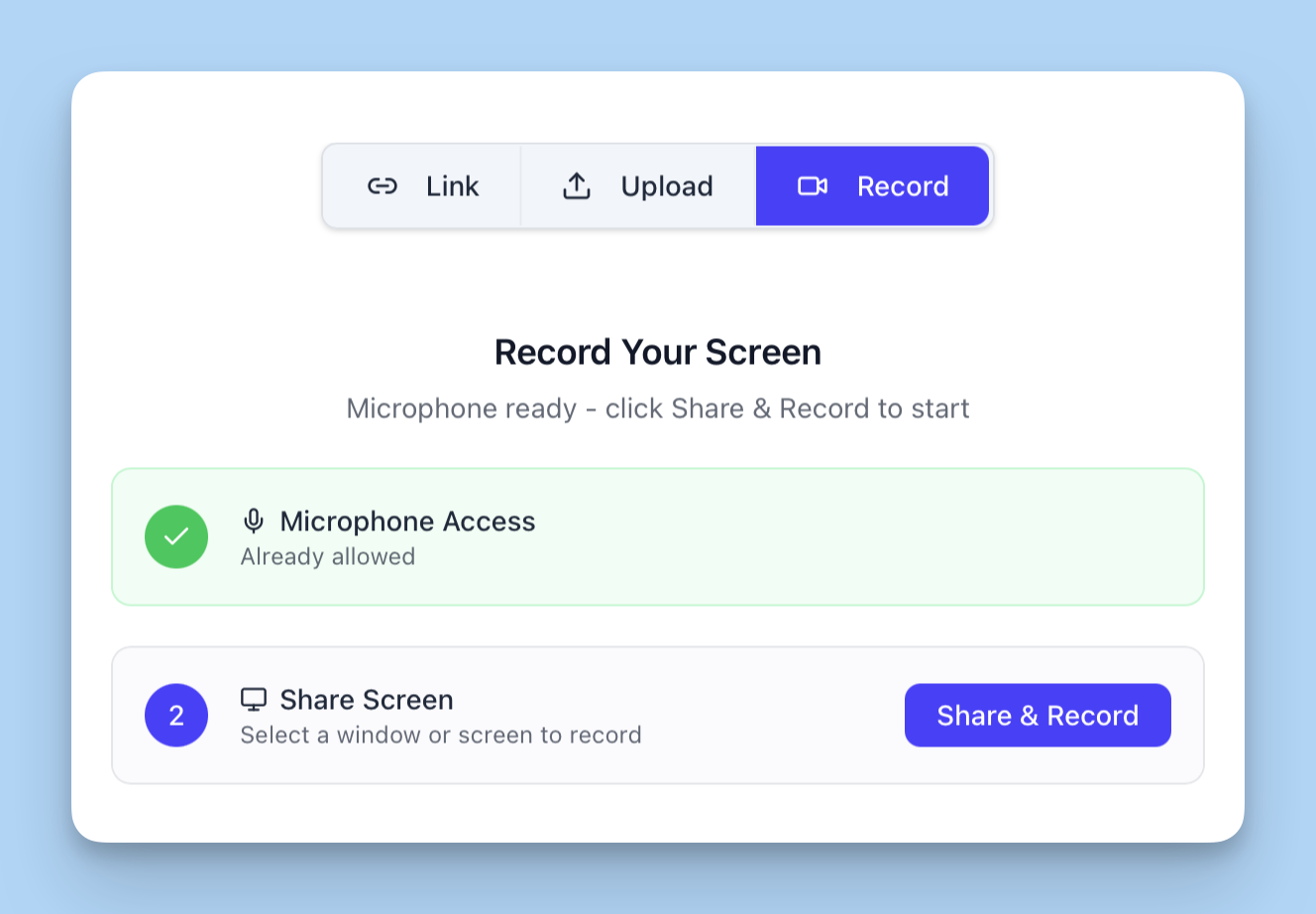
You can now record your screen directly inside Hinto, as an alternative to uploading a video. It’s the simplest way to capture a quick walkthrough if you do not have a preferred recording tool.
How it works: when generating articles, choose the Record tab, then tap Share and Record. Recordings are currently capped at 15 minutes.
Learn more in this article
Embed rich media into articles
You can now embed rich media anywhere in a Hinto article by copy-pasting a link and saving. This is ideal for lesson articles and “What’s New” posts, so videos can be played in context, exactly where they’re referenced.
Learn more in this article

Know exactly when uploads finish
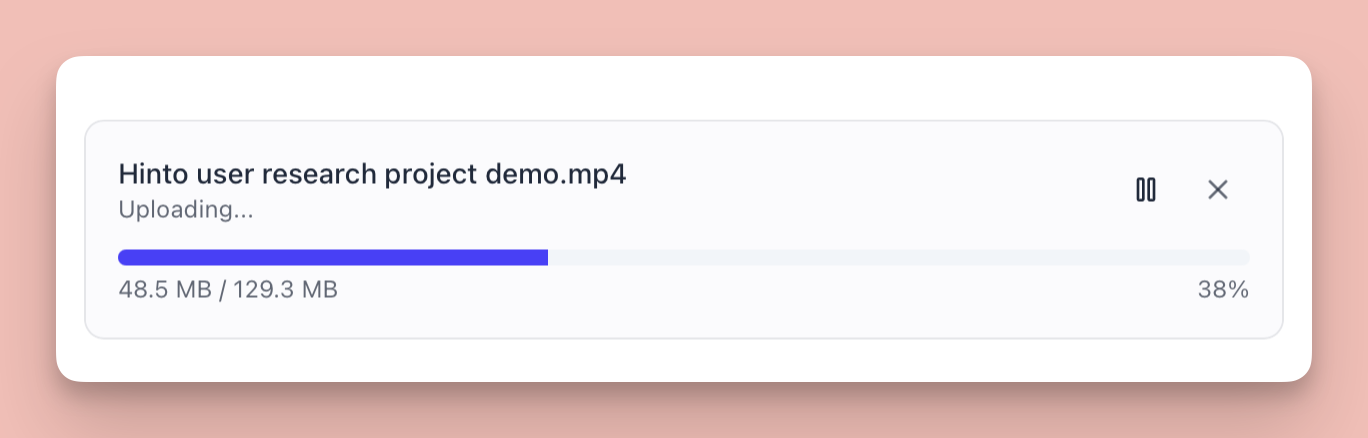
Now you can see exactly how your video is uploading and when it’s going to finish. If your connection drops, just restart the upload and it’ll continue.
Learn more in this article
Quality of life updates
We shipped 50+ smaller changes this week to make the holiday content generation period run as smoothly as possible. Here are the 10 that should make the biggest difference day to day:
- More reliable generation status across tabs and teammates
- Faster, simpler 3-step onboarding
- Fewer confusing editor prompts (fixed false “unsaved changes” warnings)
- Clearer quota limit messaging with actionable guidance
- Smoother new-user setup (better profile handling during onboarding)
- Better error handling and recovery across key flows
- Project language support so structure generation respects the language you’re working in
- Blog and docs links that don’t break (redirects and 404 fixes for older URLs)
- SEO improvements like structured data, cleaner metadata, and better date handling
- Security and stability hardening across the app (safer errors, fewer edge-case failures)
Make sure to subscribe to our YouTube channel and follow us on LinkedIn and Reddit for the latest news and insights around our work-in-progress
Thanks,
Hinto AI team
Last updated:

Hinto Team
Product updates, feature announcements, and best practices from the Hinto product team.
On this page
Ready to Start?
Ready to Build a Better
Knowledge Base, Faster?
Get Started Free & Create Your First Article in Minutes